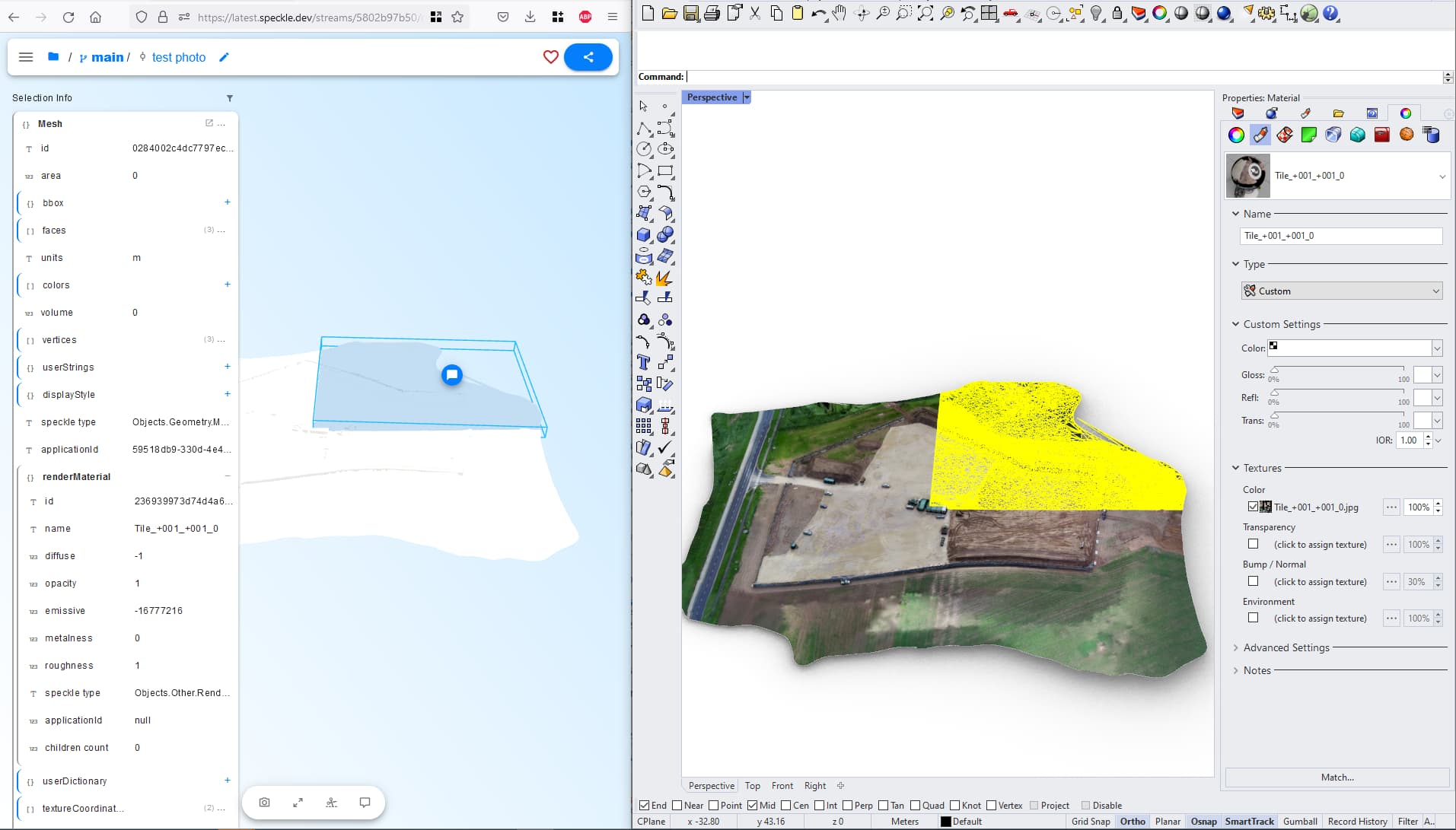
A colleague is trying to get a terrain mesh with a texture from Rhino into the Speckle web viewer to have a nice 3D site model to show the client. Later on, they idea is to use this terrain mesh in other parts of a workflow and set it to the correct scale and add geolocation as well. But the material with texture isn’t showing in the web viewer. When I receive it back into Rhino it looks great!
Hey Jeroen! We’ve got too PRs ready that you can follow to stay up to date on this:
and associated core
that lay the foundations for texture support. I’m planning to actually get @gergo to review the server one today (after i update it) so we can unblock the work in core. Lastly, we’ll get to work on implementation in connectors (Rhino’s most likely first) and viewer afterwards.
We are taking a long, hard look at some of our basic assumptions in the conversions we are making; once we are through, the votes for texture support across many workflows will be way up there!
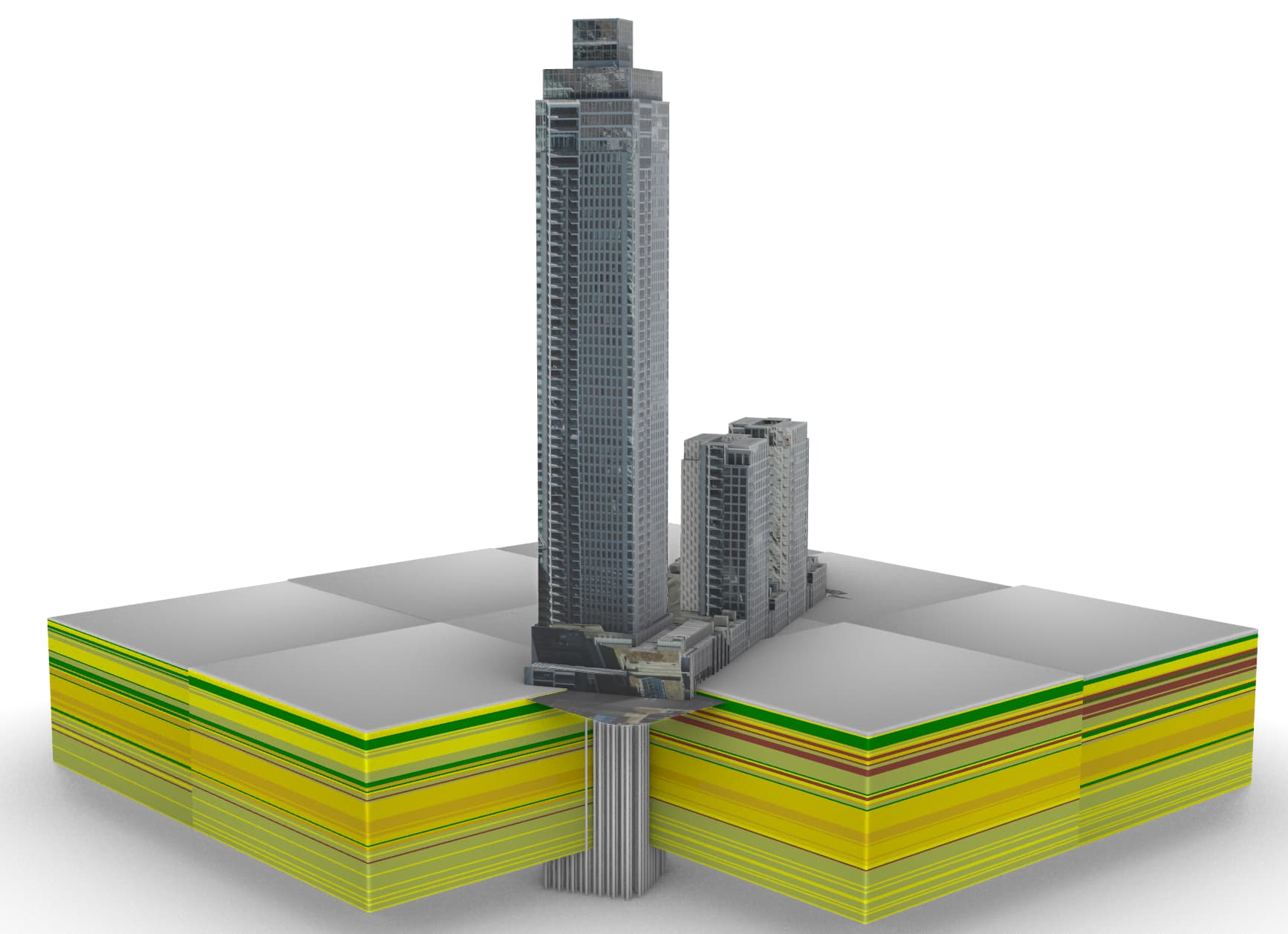
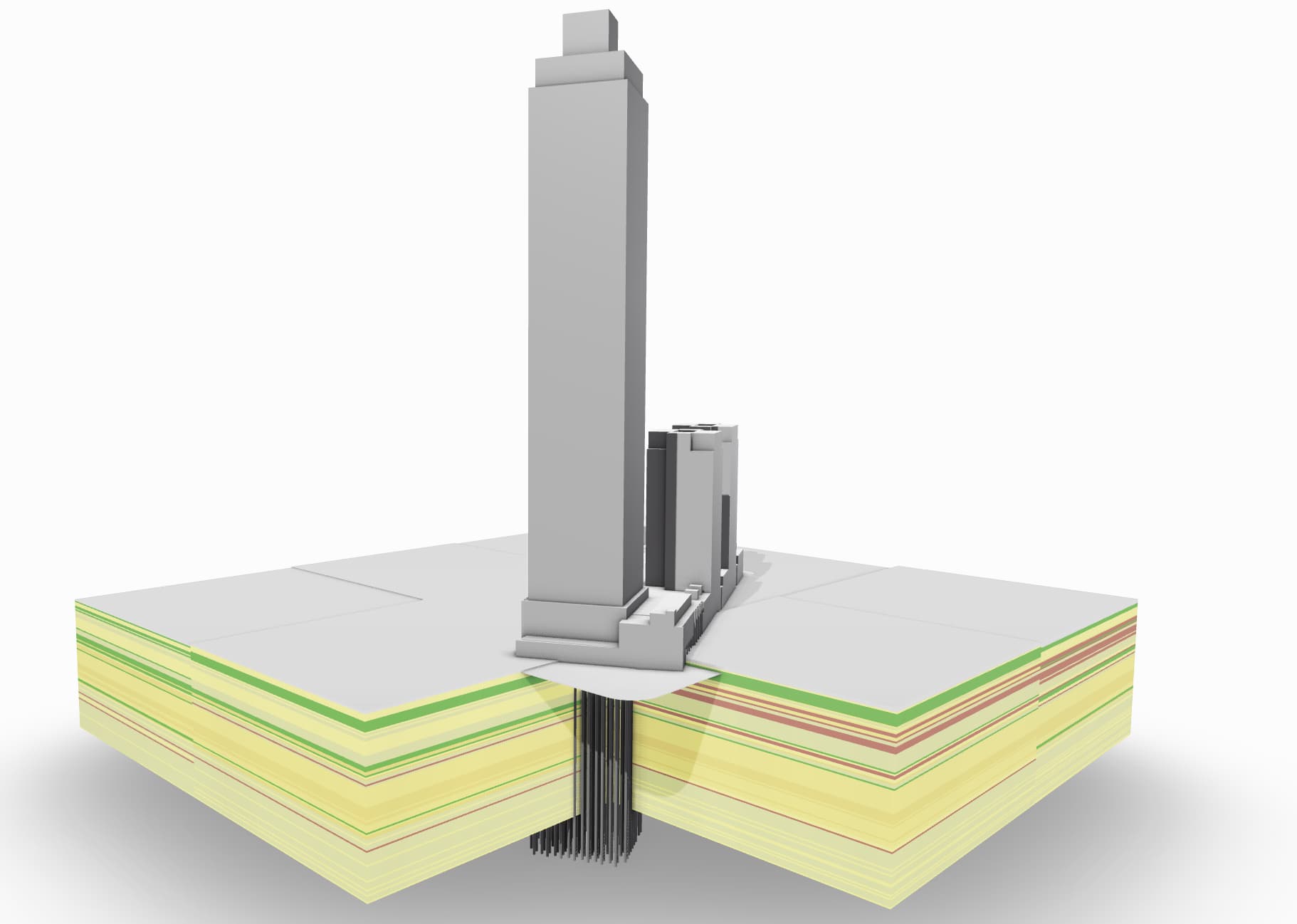
Curious if any support has been made on this. I assume that I can build out PBR material support on top of the speckle viewer since its built in three.js? I’m surprised there is not more requests on this features. Speckle could be used as a presentation tool similar to Best Free 3D Model Viewer & Editor | Modelo.
I’ve browsed the forum and haven’t found a clear answer. To be honest I feel like I’ve just skipped over a check box somewhere. Do textures come with the Rhino model or is that not quite implemented yet?
The viewer. I’m still figuring out things like color, transparency. Since I had to whip up my existing models in a hurry I can’t remember what drove the appearance of the material/layer in the viewer. I think it was the materials color, transparency, roughness, etc… Some materials appear their correct color. In some of my models the layers aren’t managed well (which further complicates things).
I see that some people are adding textures from within the viewer. If that wasn’t too time consuming it would be a good option. Getting your textures along with their mapping from Rhino would be better of course.
I use D5 Render (and Twinmotion a bit). I’ve found that textures don’t travel well unless you manually map objects (not a flaw just no way a program can otherwise know how to place the texture). Once the mapping is set is usually fairly reliable (after a few tweaks).
Being able to adjust the colors of objects from within Speckle would be a nice feature in the meantime. In one of my models there’s a wood floor. It comes into the viewer just as white/grey - I’m sure I can figure it out but it means reloading the model.