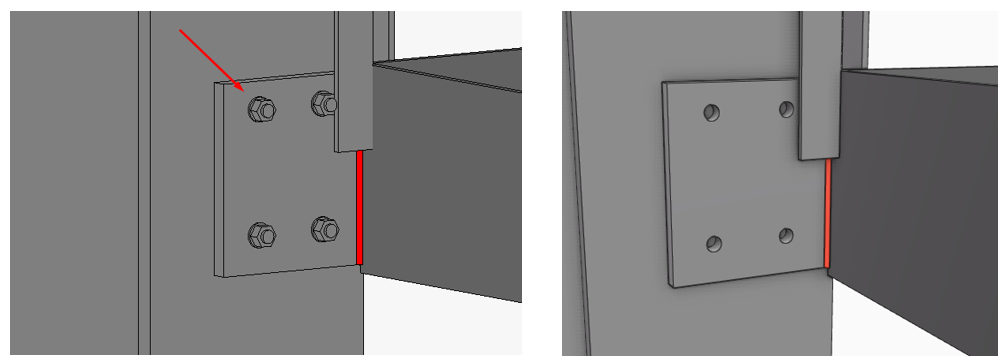
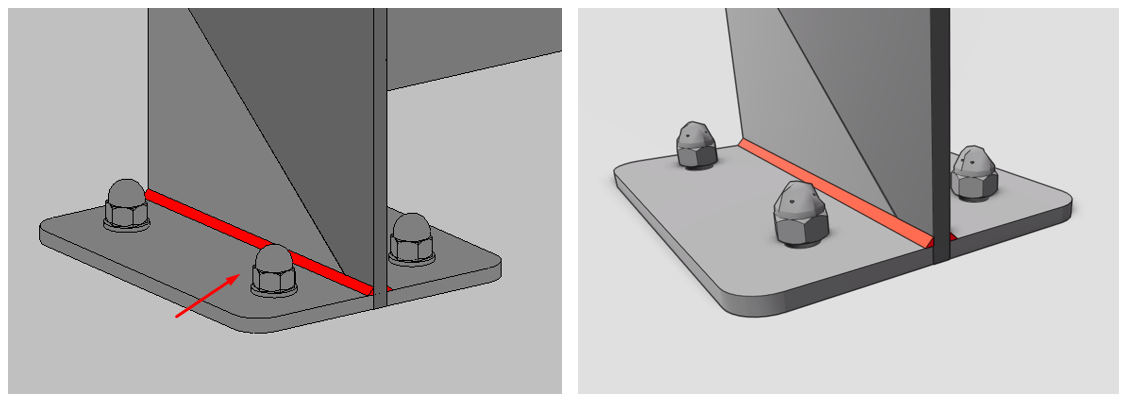
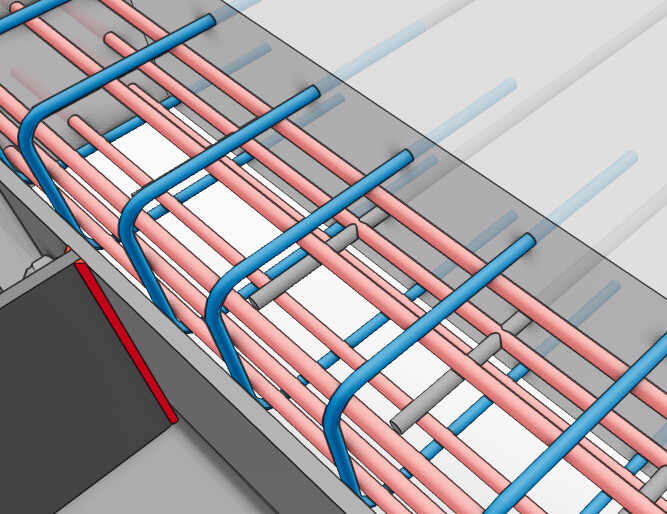
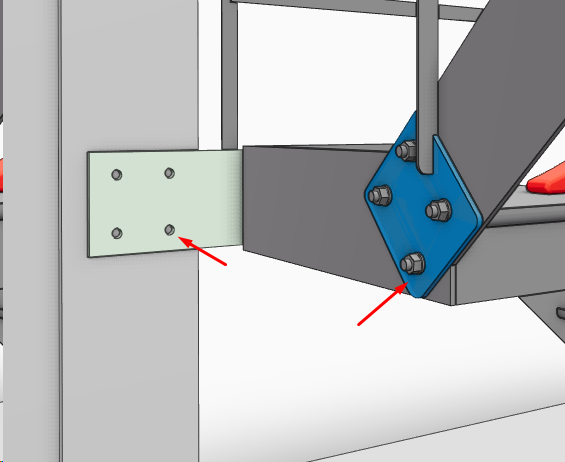
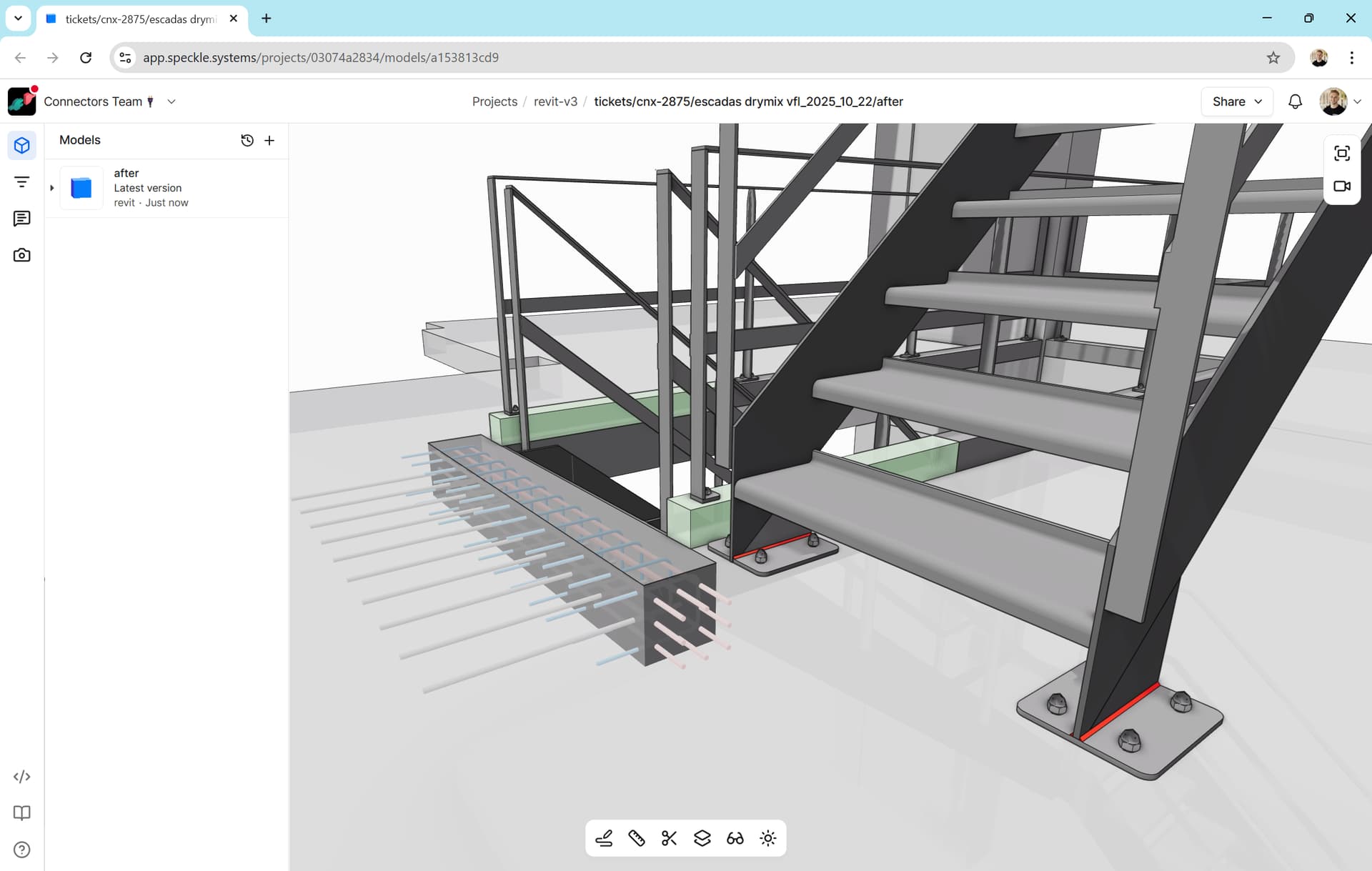
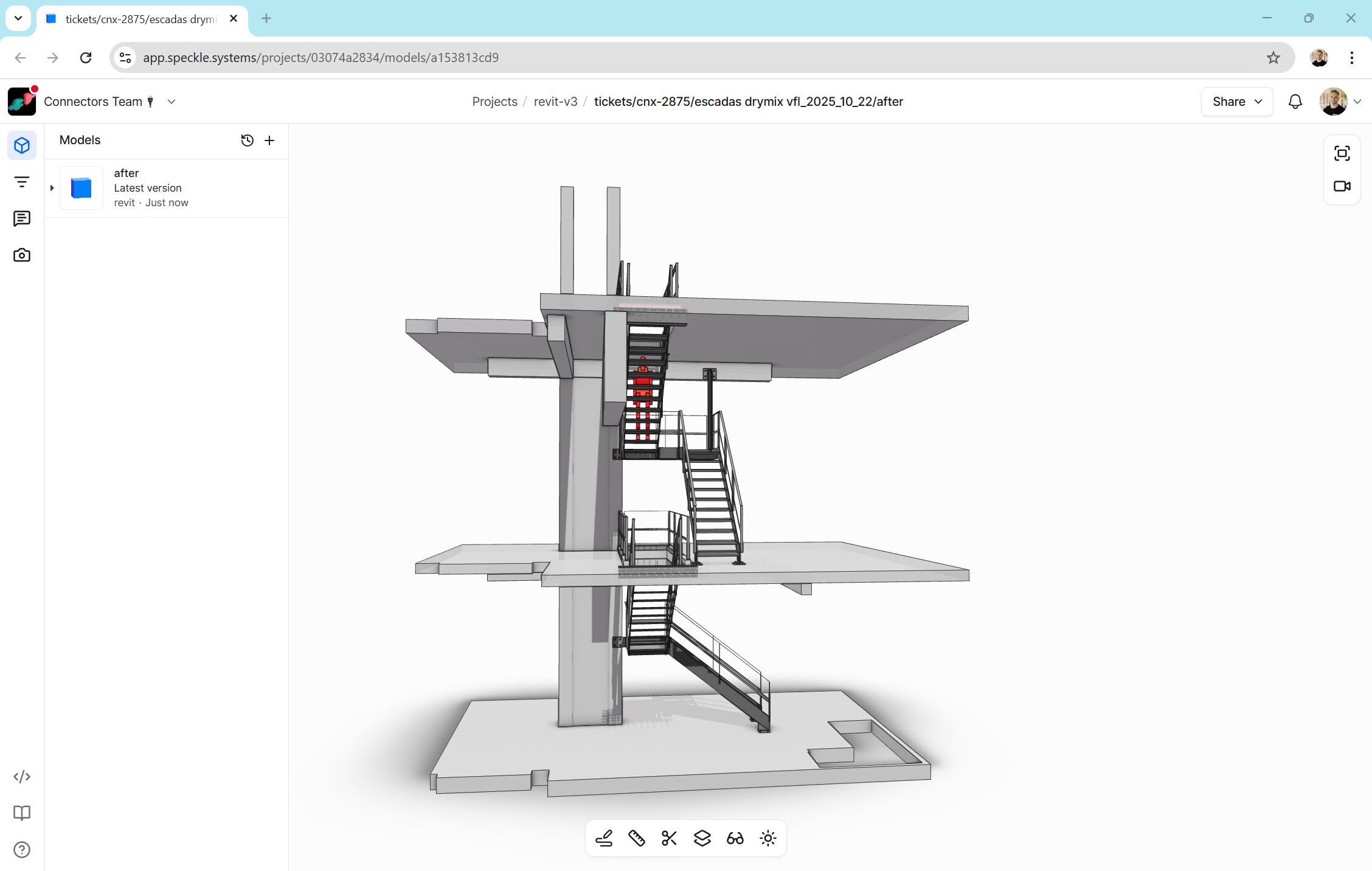
How are you publishing the model? Via selection or categories or views? I can, on my end publish a model with structural connections included. Publishing via views with the detail level set to fine. See below result:
Thank you for your reply.
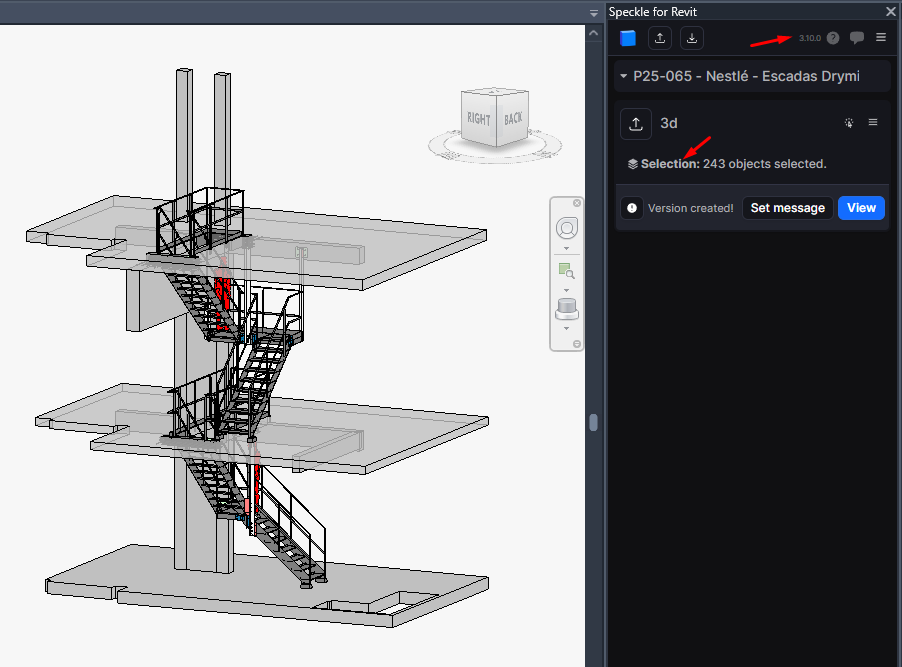
I usually only publish using the “Selection” option, but I tried using “Views” as well and even more elements are missing. The plates are not showing up either. The “Detail” level was set to “Fine” in both cases.
I can share the Revit model privately if needed.
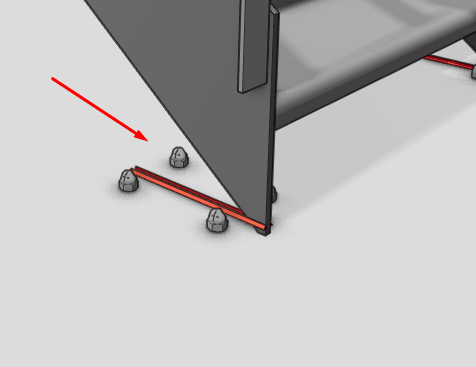
Now that I’ve inserted some bolts into the project, I noticed that only the anchors are not being uploaded — the bolts are fine, as you’ve also seen in your project.
Thanks for sharing the (nice modelled connections btw!). I am running v3.10.1 and can confirm that all connection details (welds, cleat plates, bolts and anchors) are pulling through on publishing via selection. The issue seems to be isolated to the views and categories publishing mode. We are having a look - thanks for reporting!
In the meantime, upgrade to the latest connector version and give the selection mode publish a test.
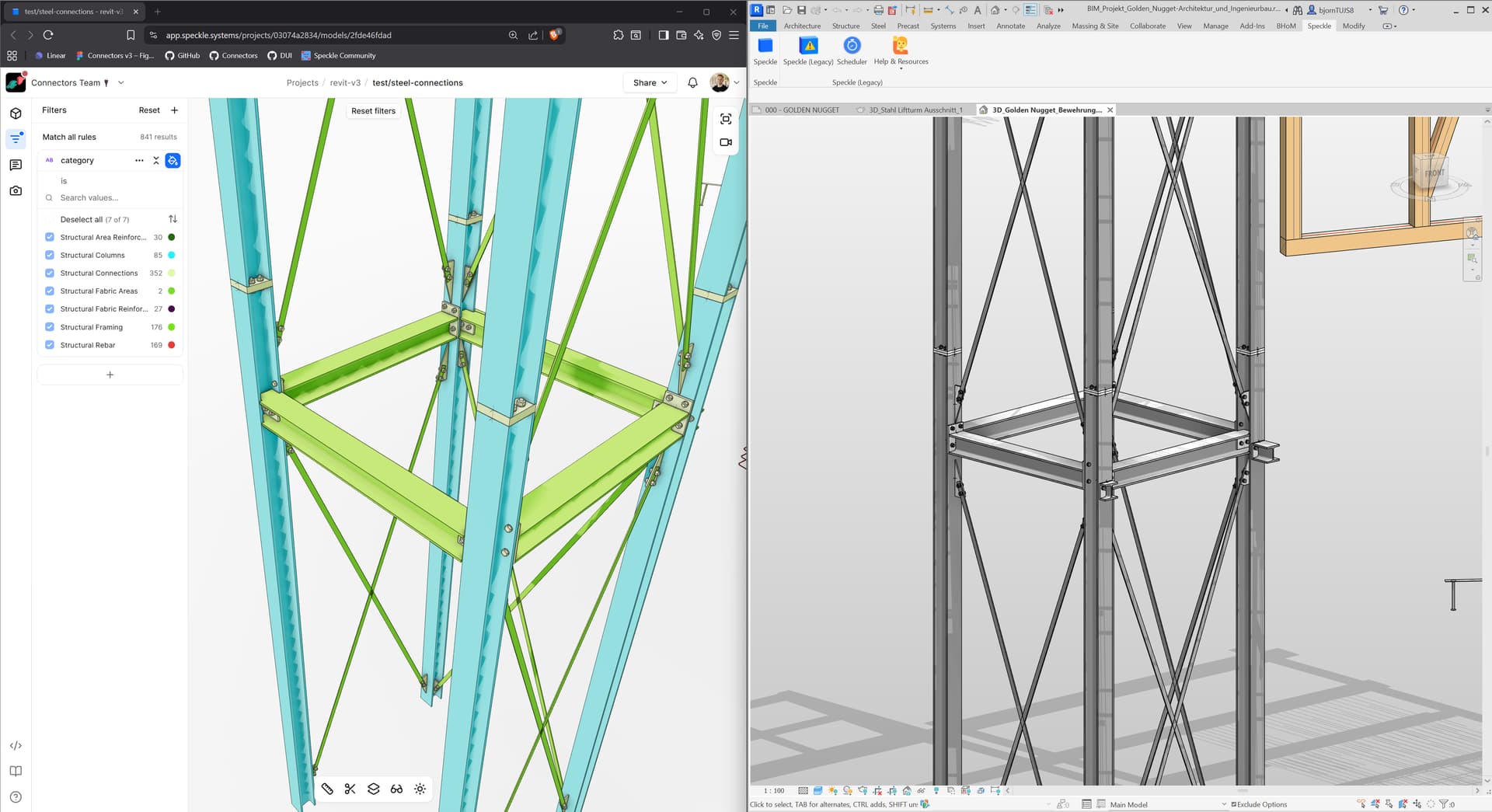
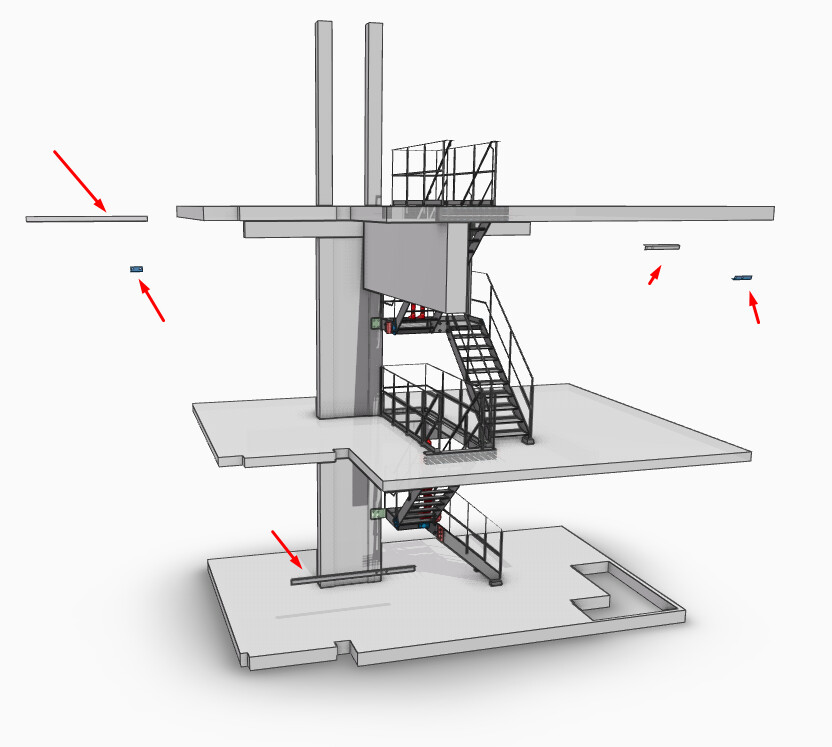
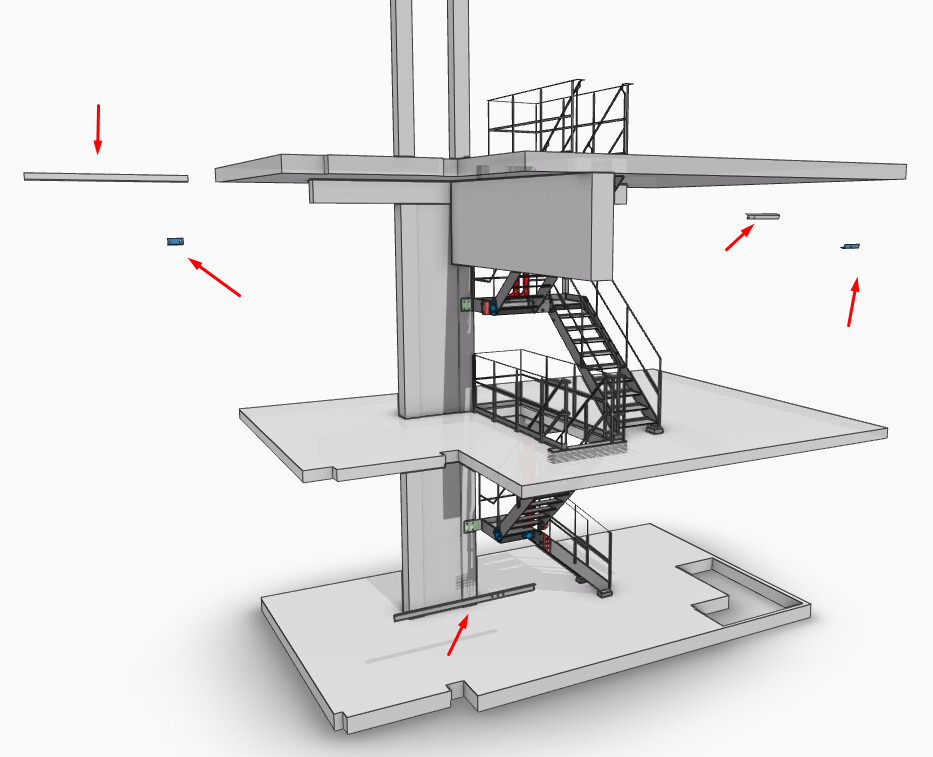
With v3.10.0 I still don’t see any anchors, and I’m also experiencing another issue. Some elements are not in their original positions — they are scattered around, as you can see in the image.
This is to follow up on the previously reported issues.
Despite updating to the latest version of the Revit Connector, the problems unfortunately remain unresolved.
The elements are outside of their original position and the anchors are missing.
The “floating” has been picked up and fixed in the latest release, v3.13.5. I have tested publish with your model and all is working well. Again, please publish via Selection for the full structural connection details for your cleat plates. We are working with a little rvt api limitation when it comes to grabbing the full geometry on publish via Views and Categories. In the interim, selection publish should be working smoothly for you! Give this a go and let me know, please!