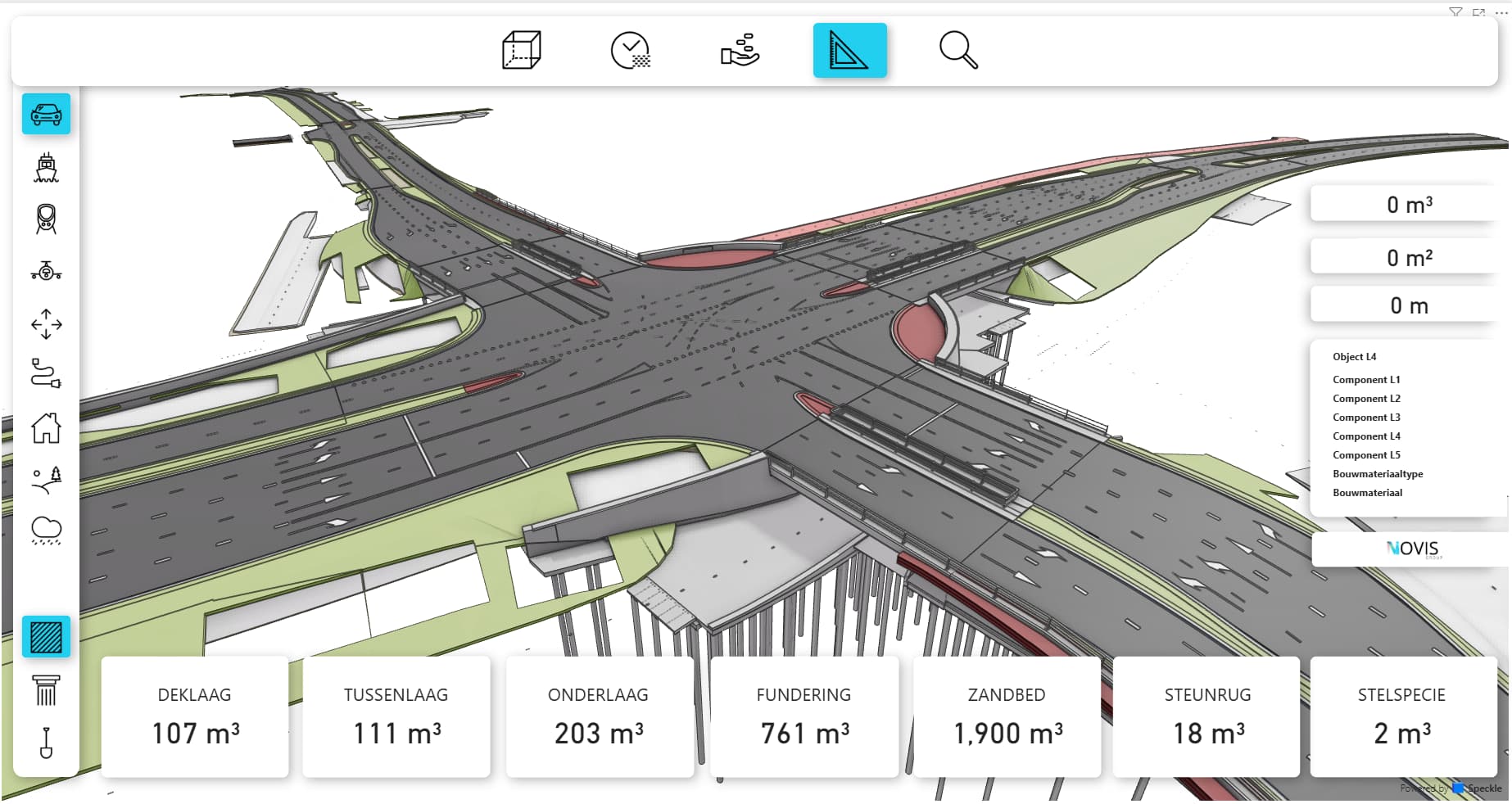
We are using a powerbi dashboard for our clients with good succes! The thing that we are now facing is after updating to the newest powerbi connectors that the visual style (the default) changed to show edges. Previously one could change this, but now there is no option anymore to change this.
I dont like the visual syle with the edges on, does anyone know if there is a way to force the powerbi visual to not show edges just like it was before? (this is needed inside the powerbi file itself, but more important for the published report we share with our clients)
Oh nice, and how can I give my rgb color codes to the right layer? can I do that already based on the dataset I have, or do I have to make a extra property which gives me these codes so Powerbi/Speckle view can read them?
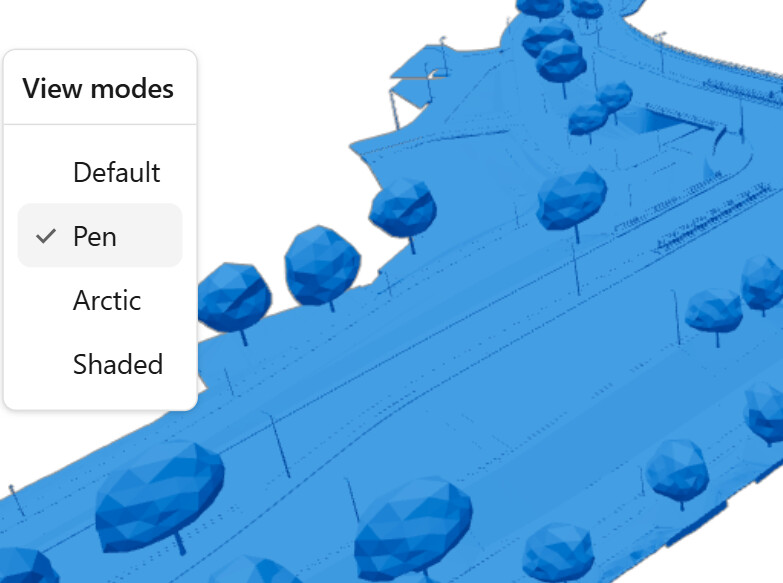
 (no sarcasm!) will see if I can work something out, thanks for thinking on solutions!