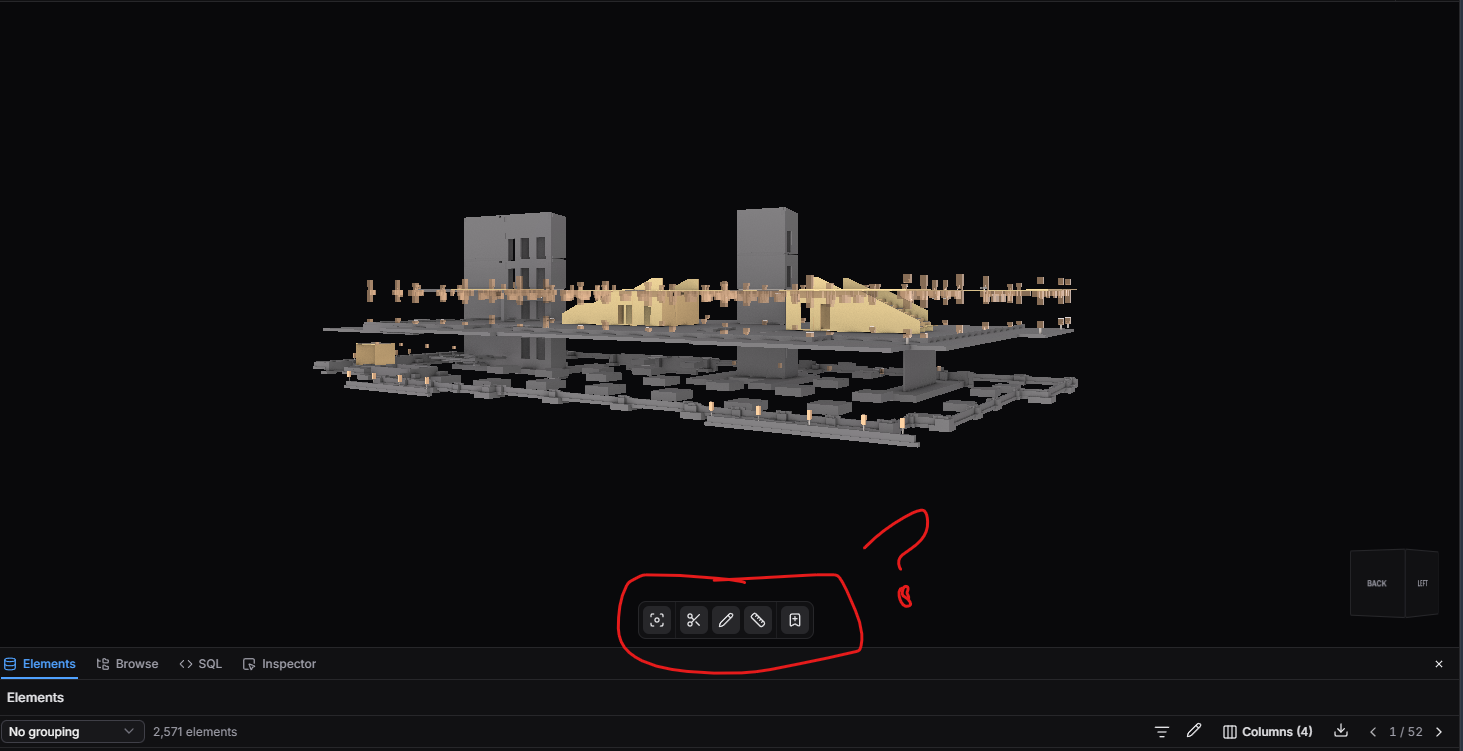
In the most current Speckle Online viewer, I don’t see a place to change the View Mode. It used to be in the lower tray, but I don’t see it there anymore. I am only able to view with transparency and with no edges. I need my edges!
not a setting you’re missing, those controls genuinely aren’t in the new viewer yet. The Pen, Arctic and Shaded view modes (and edge display) didn’t make it into this release.
Viewer 3.0 was a significant rewrite focused on performance and large-model capability, and it shipped without full parity on every legacy control.
We’re working out what comes back and in what order, based on what people actually need. Which of these matters most to you — view modes, edge display, lighting controls, or Explode — and is it blocking you completely or just a step down?
I’m not surprised to hear that this is a full rewrite, it’s packed with a lot of new and interesting features.
BUT, the View Modes (and edge display) are essential to our workflow, so it really hurts not having them. We also use Explode quite often when we are inspecting a timber/timber connection and want to blow it up to see how all the parts/hardware interact.
I don’t want to say that it’s blocking us completely, but it does feel like a (temporary) regression.
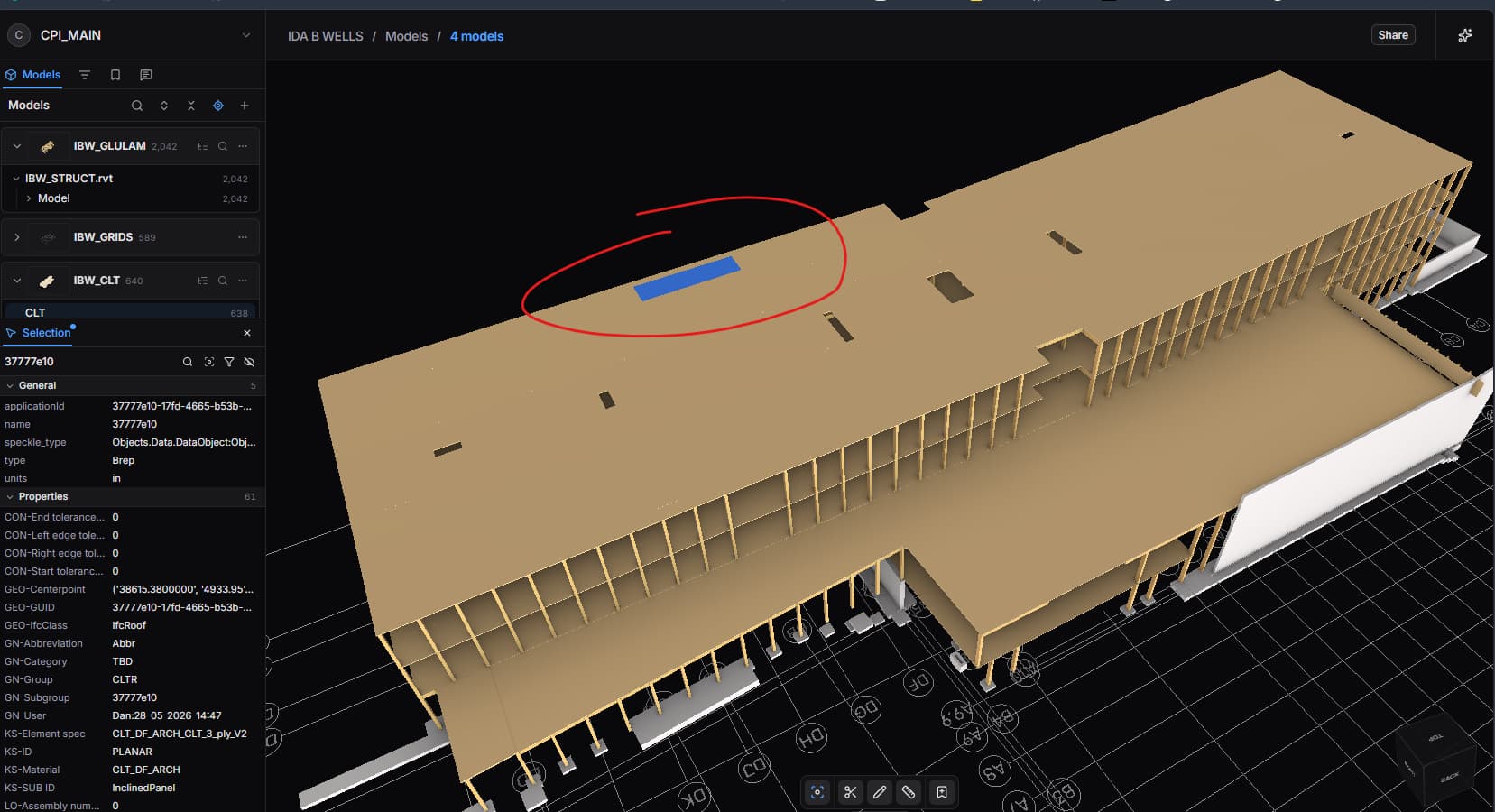
This is panelized roof, but without edges it just looks like a monolith!