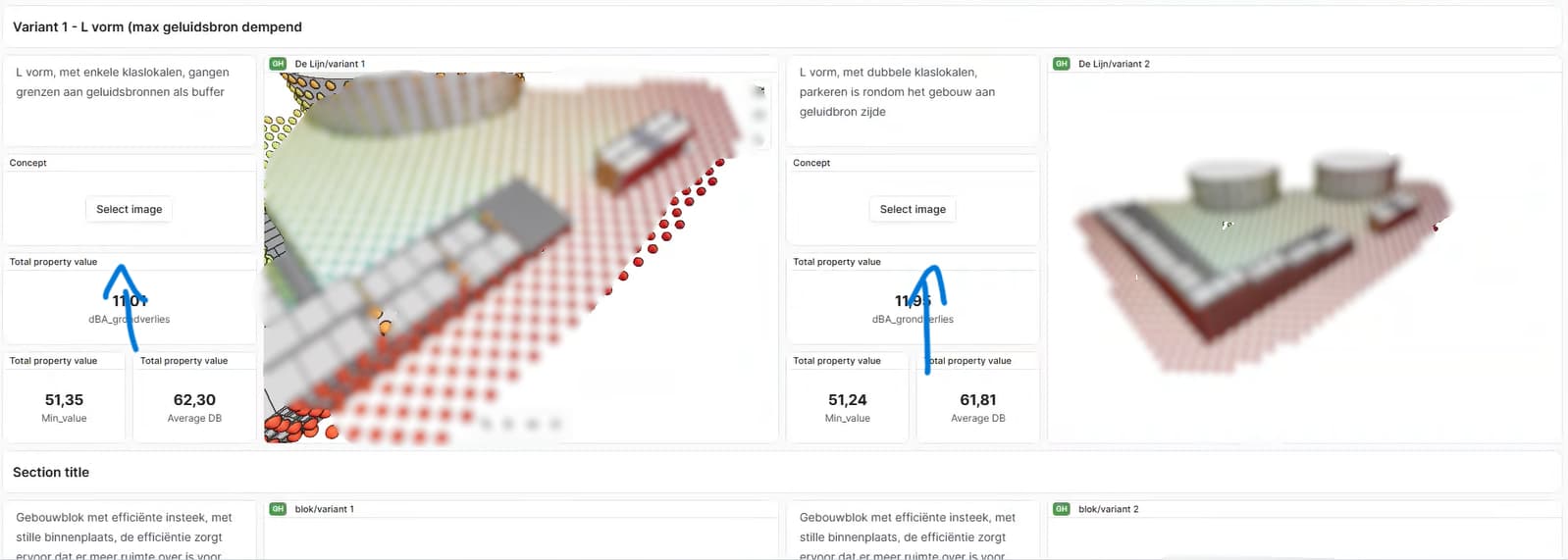
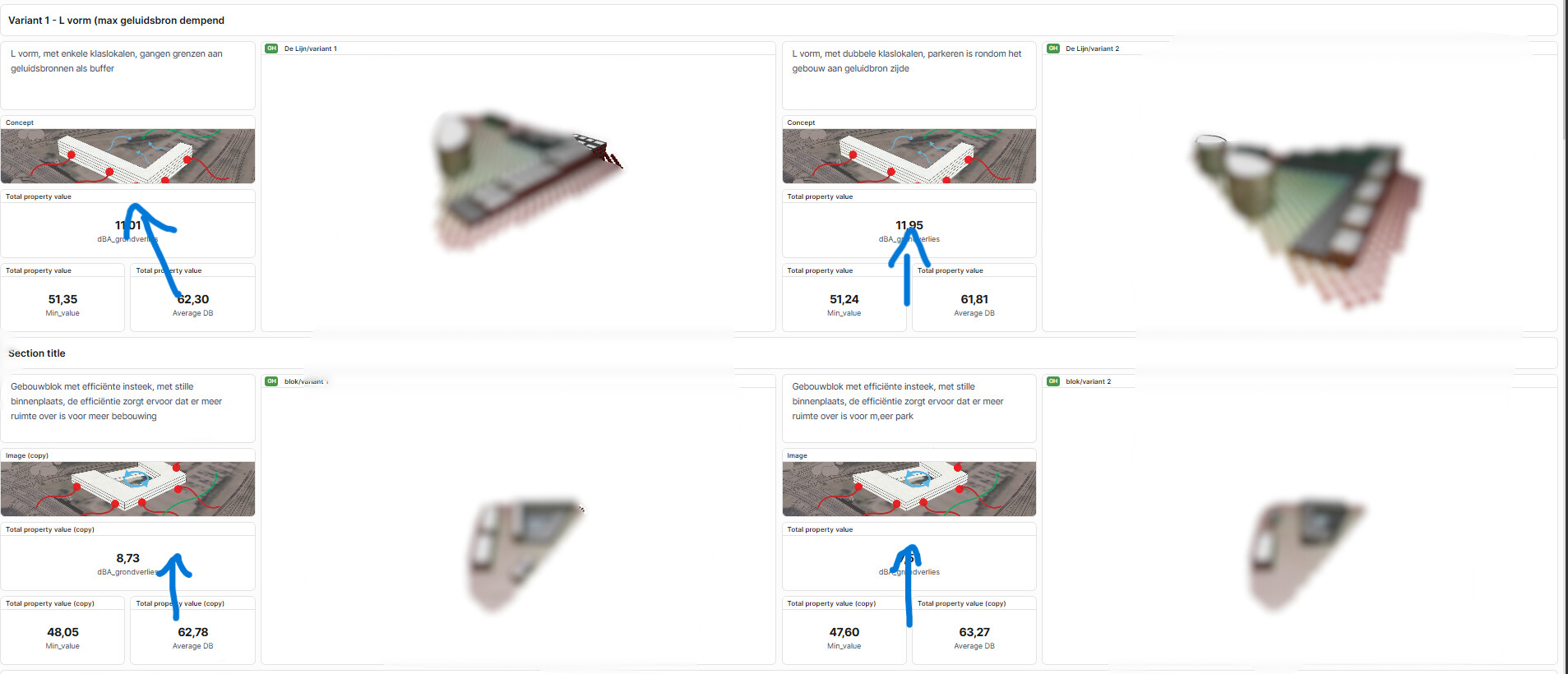
I’ve added concept images to my dashboard using the Image widgets. They display correctly when I open my dashboard, but when it is accessed through the shared link, the images are missing and the widgets show “Select image” instead.
The 3D models, text, and numerical values display correctly in both views.
The two screenshots show the dashboard with the images visible and the shared view where they are missing.
Are uploaded images supposed to be saved with the dashboard and visible to anyone with access to the shared link? Or do I need to store them somewhere else or configure additional permissions?
I also wanted to mention that since the latest update (since yesterday), the naming of the model viewers seems to have changed. changing the model name in the models themself doesn’t influence the viewers’ naming apparently?.
In addition, creating new federated models appears to no longer be working. Existing federated models still function correctly, but any new ones don’t seem to pick up the linked models.
It would be great if we could get this resolved, as we’re hoping to showcase it by the end of this week.
PS. Also the share button is disabled, when is this going to be back online? (dashboard is based on duplication, that board is in the project, but this project was in there, and is not anymore? is there any way to assign that bord to the project again?) because previously it was shared with others