We are currently supporting a French/Belgium a research project, where we want to show a library of projects and propose speckle as a solution. It would be interesting if this is feasible at all.
For case #1 the research project it will be something non B+G. We are not yet sure about hosting. Students from French universities will add models there and probably some architects. It is like a sustainability atlas. It already exists (with threejs 3dm viewer) but will move to speckle.
For case #2 our internal lca database it will be on our server, as we don’t have the managed service yet.
Hello guys,
Coming back to this topic, did someone in the community manage to switch between projects/models in one Dashboard without modifying the source? Would be curious.
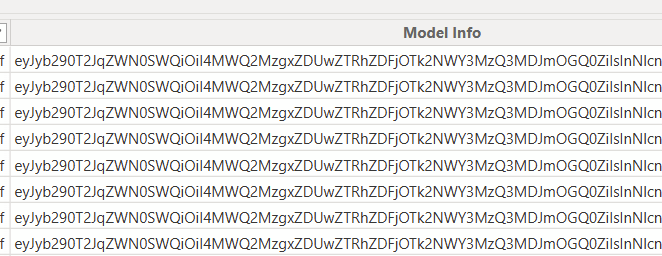
I looked into this in the past. During my investigations, my finding was that in order to visualize a model in the 3d visual, the model data had to be loaded and that’s only possible through Power Query. So when you are in the report building environment, you can populate a dropdown with different model/projects but the underlying model data still has to be loaded.
If you are OK with loading models beforehand, then it’s possible.
AFAIU, the latter is a Power BI limitation. If you have other findings, please let me know.
We managed to set a parameter for the URL in Speckle.GetByUrl(), but setting this parameter needs to work based on the user’s project selection (made in the final, published dashboard). This selection ist currently done by multiple dropdown visuals, which filter a bigger project list/table down to a single project (which provides the model URL).
My current understanding is, that this user interaction, wouldn’t be able to change the parameter and thus the completed power query / entire source for the model data. Is that correct?
Also that dynamic sources (which this would be) might be a propblem for the PowerBI service in general?
It’s also no option for us to load all modells up front and switching them later (too many models).
@AlexHofbeck I think we have to differentiate here between
changing the source (switching the model destination for the 3D visual’s data base (because the model URL is part of the source’s definition)) → not possible (?)
updating the data of the same, constant source (direct query, Speckle data gateway, scheduled refresh) → possible
@gokermu Changing the source? For my part, we never needed to do that … updating the data has been enough.
But couldn’t the 3D visual work more like the Viewer API for web apps? Just changing the URL parameter / objectID and it would load the model? Independent from any data source in PowerBI? I understand, in that case it wouldn’t be able to interact with the other data (objectIDs, coloring, …), but just for the use-cases when we only want to show a model? That’s what I first thought how it works, but I don’t know if that’s technically possible in PowerBI.. or how authentication would work in that case.
Since we are self-hosting our Speckle server, I was just thinking if it would be possible to create a Postgres view which mimics the PowerBI data table, which the connector is creating… and simply direct query all necessary data for the 3D visual from there?