Hi ,
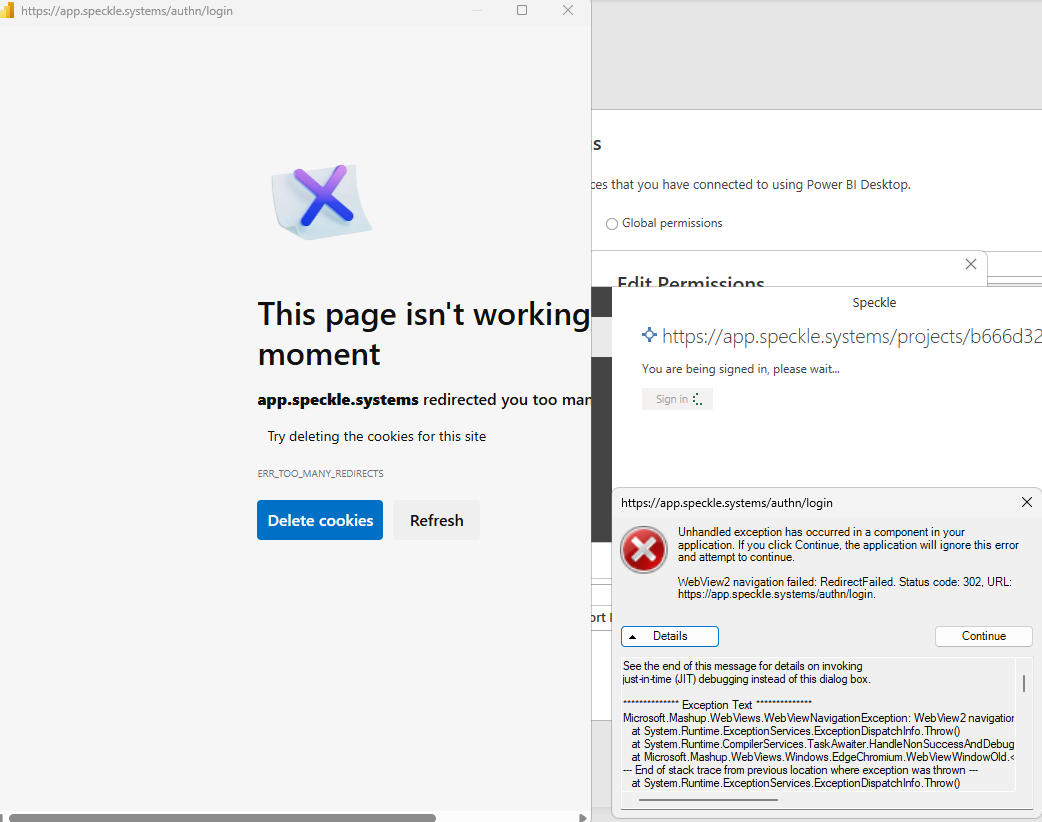
I am struggling to edit / authorise credentials in Power bi. When trying to sign in I am getting redirected to a site which does not seem to load and returns an error which closes down the login window. Anyone has come across this and has solution?
Hey @Maciej_Sochacki,
It looks like an issue with mismatch between browsers when trying to authenticate. Can you try the following:
Got to Options -> Security and uncheck the option for “Use my default browser”

give it a try and let me know, thanks
Hi Nikos ,
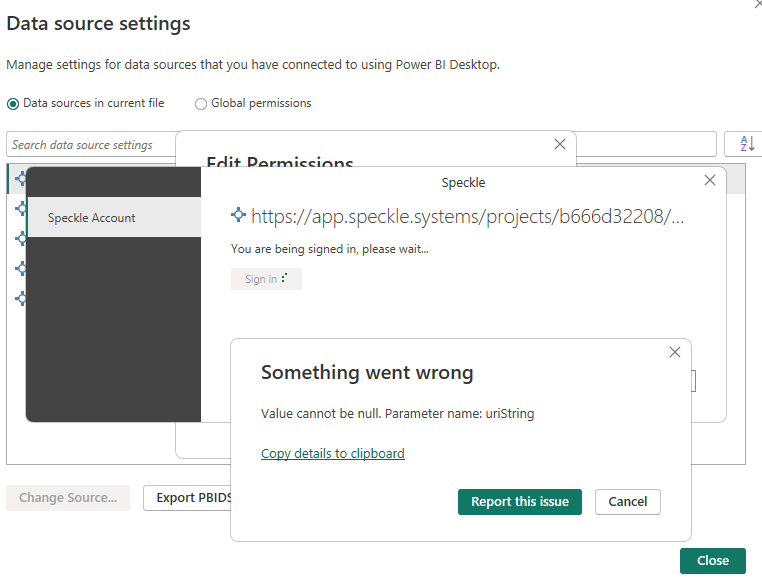
I had checked and this option was unticked in the report settings. I have checked it just to see what will happen with this option on. See error:
Ok, please keep this option unchecked.
This is the first time I’m seeing this issue, to be honest. Before we try anything else, could you check if something has changed on your PC security-wise, like a new firewall, VPN, or other IT-related settings? From the error, it looks like BI is being blocked due to too many requests.
If nothing changed, you can try the following:
-
Close PBI
-
if you installed PBI from microsoft app store, go to the folder:
%LocalAppData%\Microsoft\Power BI Desktop
otherwise go to the folder:%UserProfile%\Microsoft\Power BI Desktop Store App -
Delete the folder
EBWebView -
Open PBI -> Data Source -> Global permissions -> app.speckle.systems -> Edit -> Log-in
Let us know how it goes.
Thanks!
Thank you Nikos ! Deleting the EBWebView folder has worked.
Maciej
2 Likes
A post was split to a new topic: PowerBI Credentials missing
This topic was automatically closed after 180 days. New replies are no longer allowed.