Hi There!
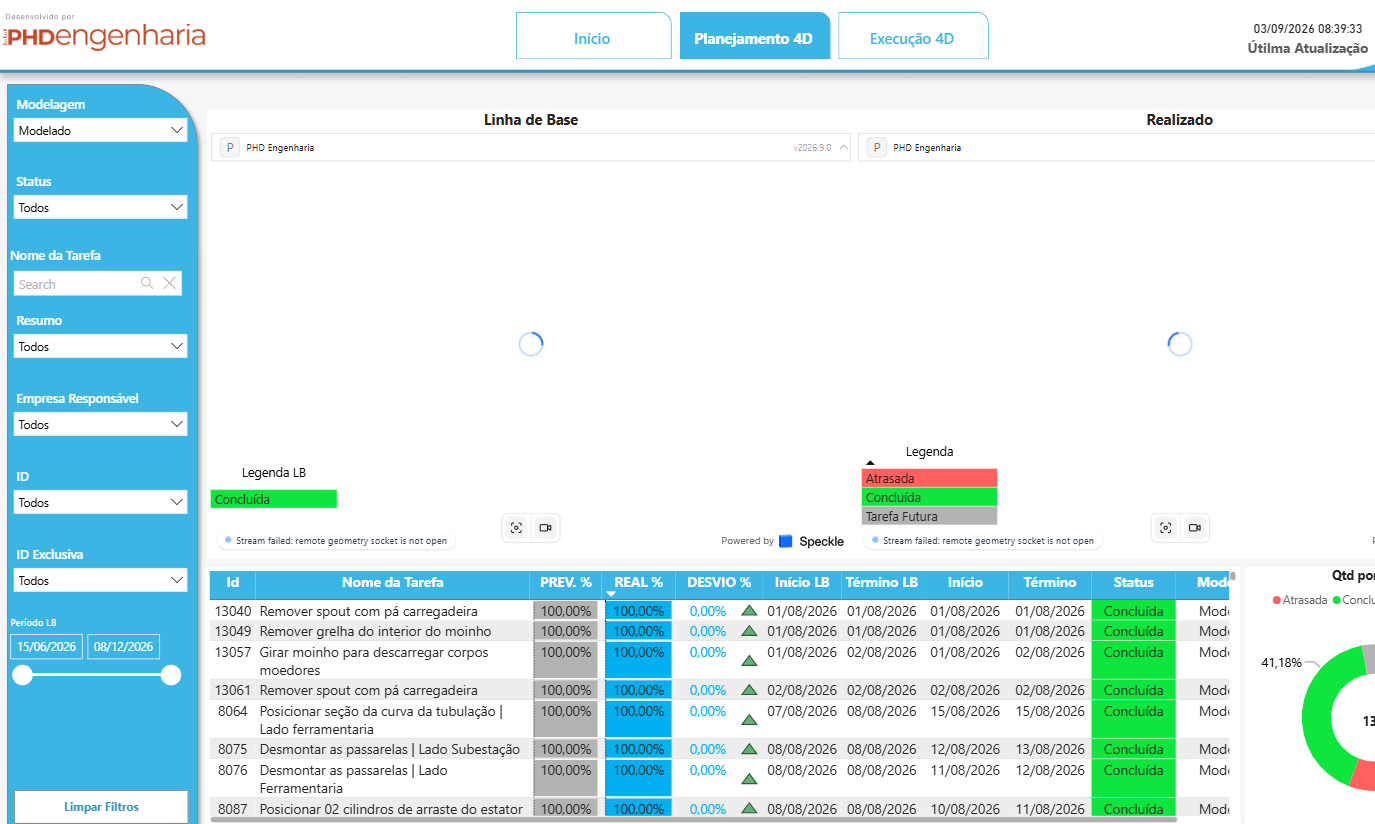
I just started testing the new power bi visual (2026.9.0) and on power bi 3D model visual it´s loading ok, but on the browser it´s not working. Could it have something to do with cache in the browser?
Hi There!
I just started testing the new power bi visual (2026.9.0) and on power bi 3D model visual it´s loading ok, but on the browser it´s not working. Could it have something to do with cache in the browser?
The models that were sent by upload or connector?
Was the connector also 2026.9?
I´m using the integration from ACC/Forma getting an NWD file. The connector in power bi is 2026.9
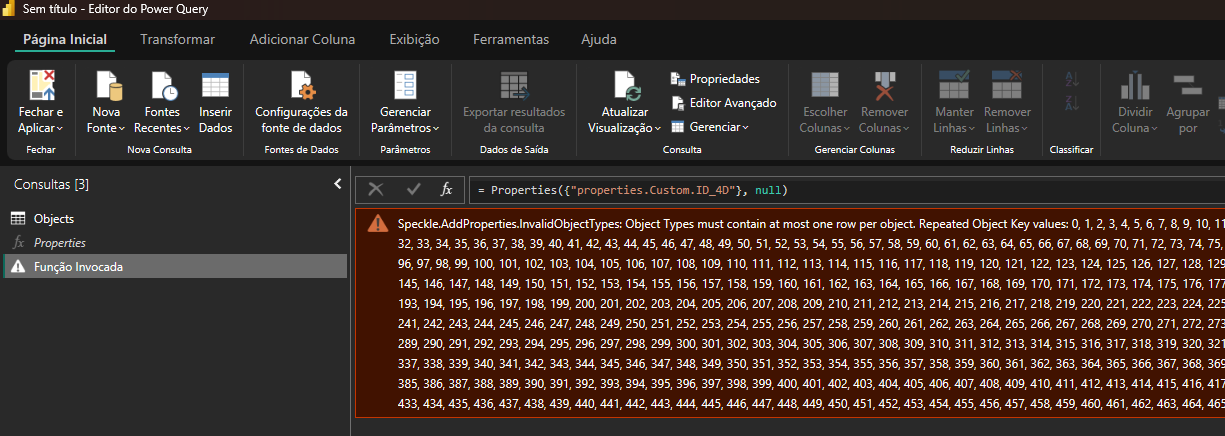
@jonathon @gokermu I´m also getting this issue when invoking the properties extraction function. Tried it with the ACC integration model URL and also published model elements from Revit and Navisworks´s latest connectors.
@gokermu don´t know if anything has changed in the web end of the power bi connector, but now it is loading ok. But I´ll leave it to you to close this post since it may be something not completely handled.
Thanks for the update - there may have been an unusual object in a cache somewhere that got flushed - keep us posted if it returns
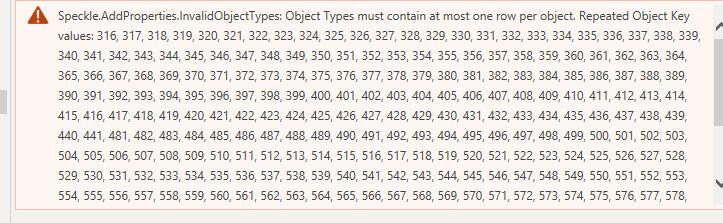
Hi @jonathon , there you go: another error (different model as well)
Thanks for flagging. The PowerBI team are back from PTO tomorrow. Although they have been pushing fixes while on leave.
It seems kind of random. Some models have this and some don´t. We update the connector to version 2026.9.1 and still some are giving us this error message and others don´t.
Hey @jaribeirovargas ,
Can you share the model problematic model url? I’d like to reproduce the issue on my end, then address it. Feel free to send a DM if you don’t want to publish the model publicly.
Ok, just sent you a DM.
@jaribeirovargas 2026.9.2 release includes a fix for this. Please update your Power BI connector. https://app.speckle.systems/connectors
Awesome! Will test it and get back to you ASAP.
So far @gokermu this solved the problem! Thank you a lot! I´ll let you know if anything comes up!
Great to hear. Keep your feedback coming!
2 posts were split to a new topic: PowerBI properties expansion is causing PowerBI to crash
solved by creating new models and replacing the old ones.
Hi, I have an Issue on Power Bi first using you Speckle connector, the visual is loading but never show the model with only Model Info+Application ID` mapped ;. even on a Power Bi file with only speckle connector and visual
ifc-ifcopenshell-connector 2026.10.0 ;If the model is published on power Bi service it work instantly, my issue is only on power BI Desktop. Impossible to activate/desactivate graphics hardware acceleration with latest version of power BI. Perhaps sometime about that to check