No Visual in pbi when publish

Thank you for seeking help! Our friendly community is here to assist you. :folded_hands:

Hi I came back to speckle for an exercise, I have this pop up in powerbi when I finish to publish though I set up as public in my speckle. Which settings should look into? thank you.
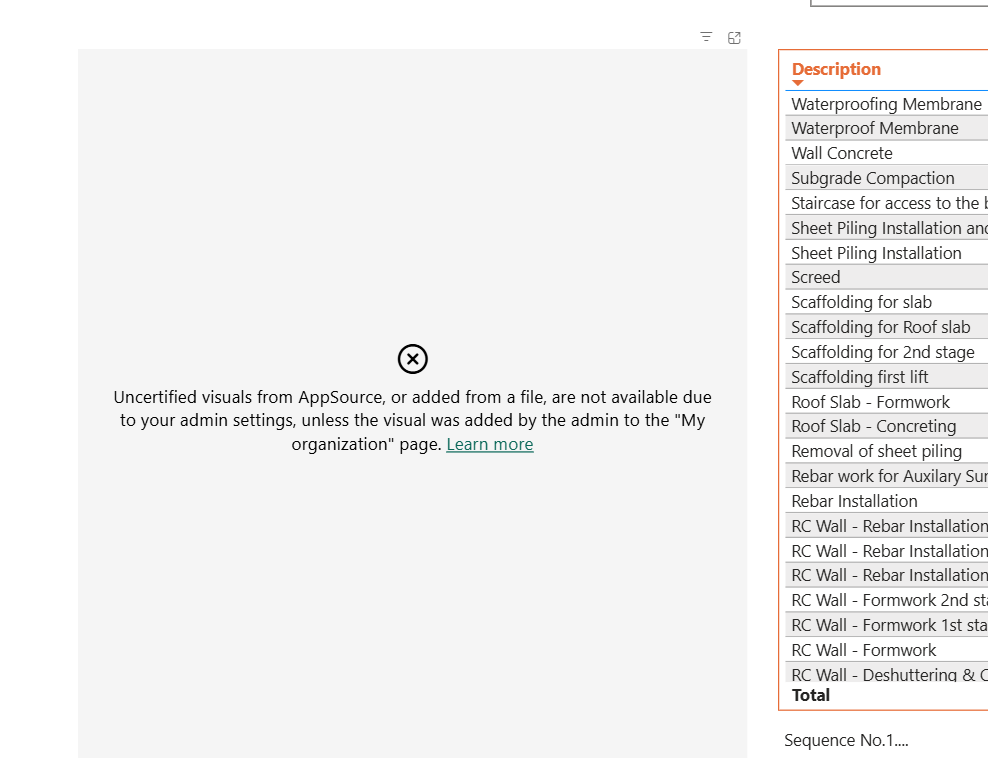
Thank you,
Eric

If you are the admin:

  1. Go to the Power BI Admin Portal.
  2. Navigate to Tenant settings.
  3. Under Export and sharing settings, locate “Visual settings” or “Custom visuals”.
  4. Enable the option to Allow uncertified visuals.
  5. Optionally, add the visual to “My organization visuals” for managed distribution.

If you are not the admin:

  • Share this issue with your Power BI administrator.
  • Request that they either:
    • Approve the specific visual you’re trying to use, or
    • Enable the general setting to allow uncertified visuals for your workspace.
1 Like

Thank you this helps.

This topic was automatically closed after 180 days. New replies are no longer allowed.