Generally the new file upload options are absolutely great.
Basically - the DWG option - would already be the substitute for Bricscad’s missing Connector …
But in practice, for me, there does not upload more than plain Geometry.
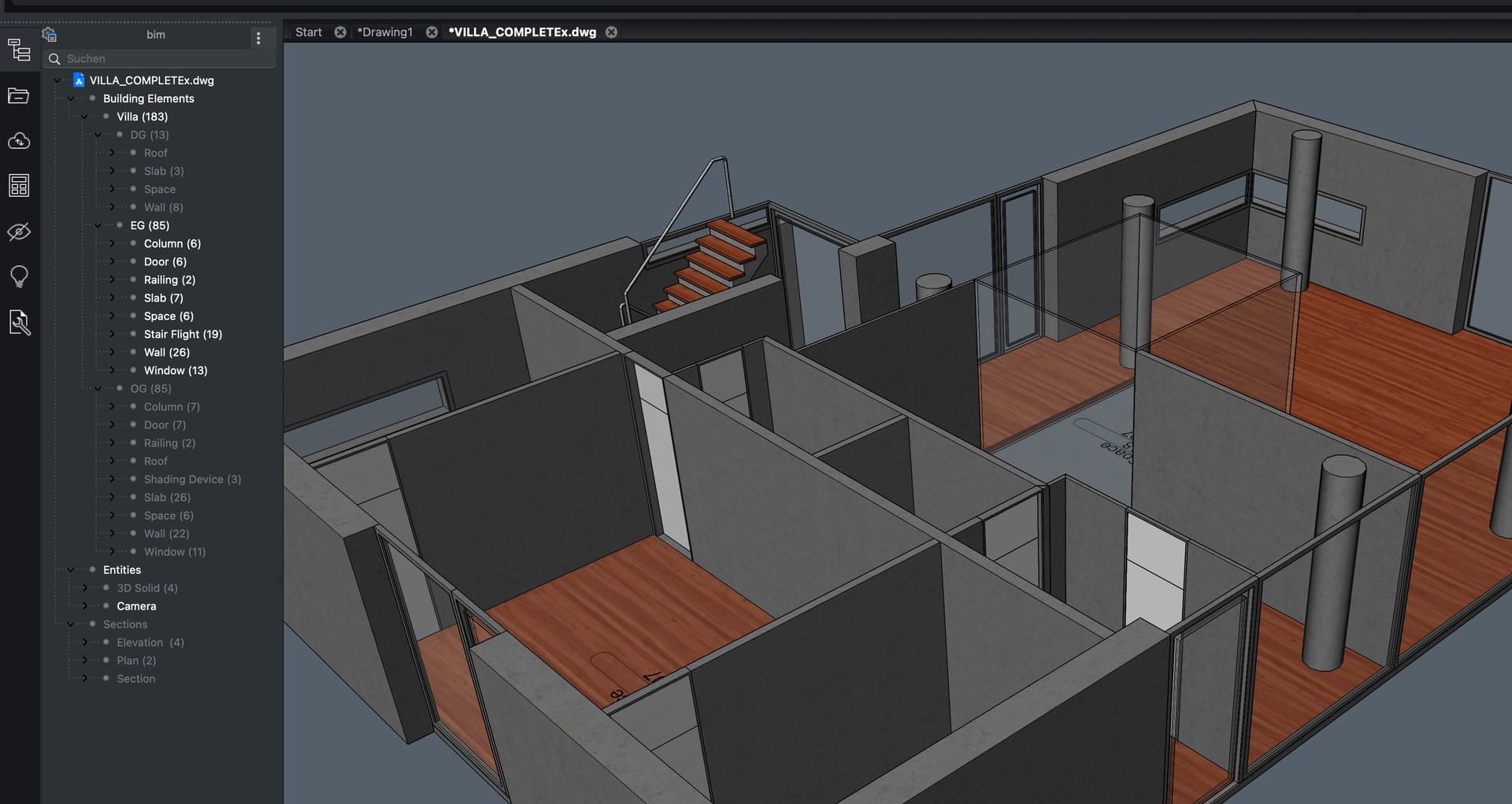
No Layer Hierarchy, no Layer Colors or Materials or much Data … just a Folder/Group listing all Objects. Makes it quite a bit hard to control Model understanding, Visibilities, Selections, …
Is it just me, using still Blender 3.2 Connector on Mac … (Hmmh, I do not see much more data online either)
I read the new Upload features are derived from Rhino’s API (Kudos !), but is there a chance of improvements ? Or is this already all what Rhino gets into Rhino with its Importers ?
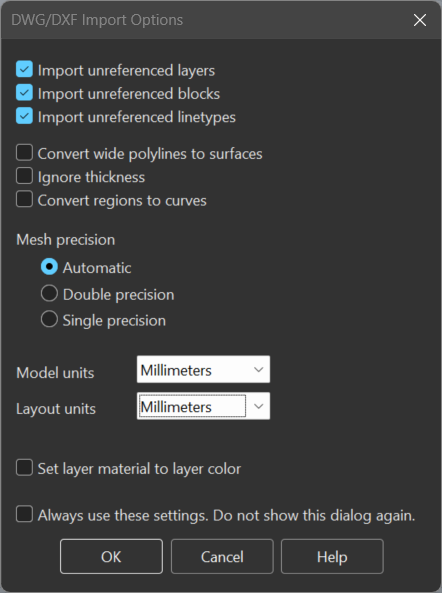
The only setting that might be relevant to your question is the Set layer material to layer color (Assigns a material to each layer that matches the layer color.) setting.
Beyond that we probably don’t have too much flexibility at this time.
Using our AutoCAD connector may provide better/different results, but I’m not sure how nicely that plays with BricsCAD authored files.
If you have AutoCAD, and your Bricscad file objects have xdata or extension dictionaries, these should be preserved both when you open a Bricscad dwg in AutoCAD and also when you publish to Speckle from AutoCAD.
Otherwise, unfortunately for now the only recourse to get more useful metadata from dwgs is to ask McNeel to add extension dictionary & xdata conversion into user strings & user dictionaries in their dwg importer
OK, in case a Layer has no Material assigned, I think it would be good (for a 3D Viewer) if it would use the Layer Color instead.
(I already have overwritten the DWG Speckle upload by an IFC Upload, which shows some colors.)
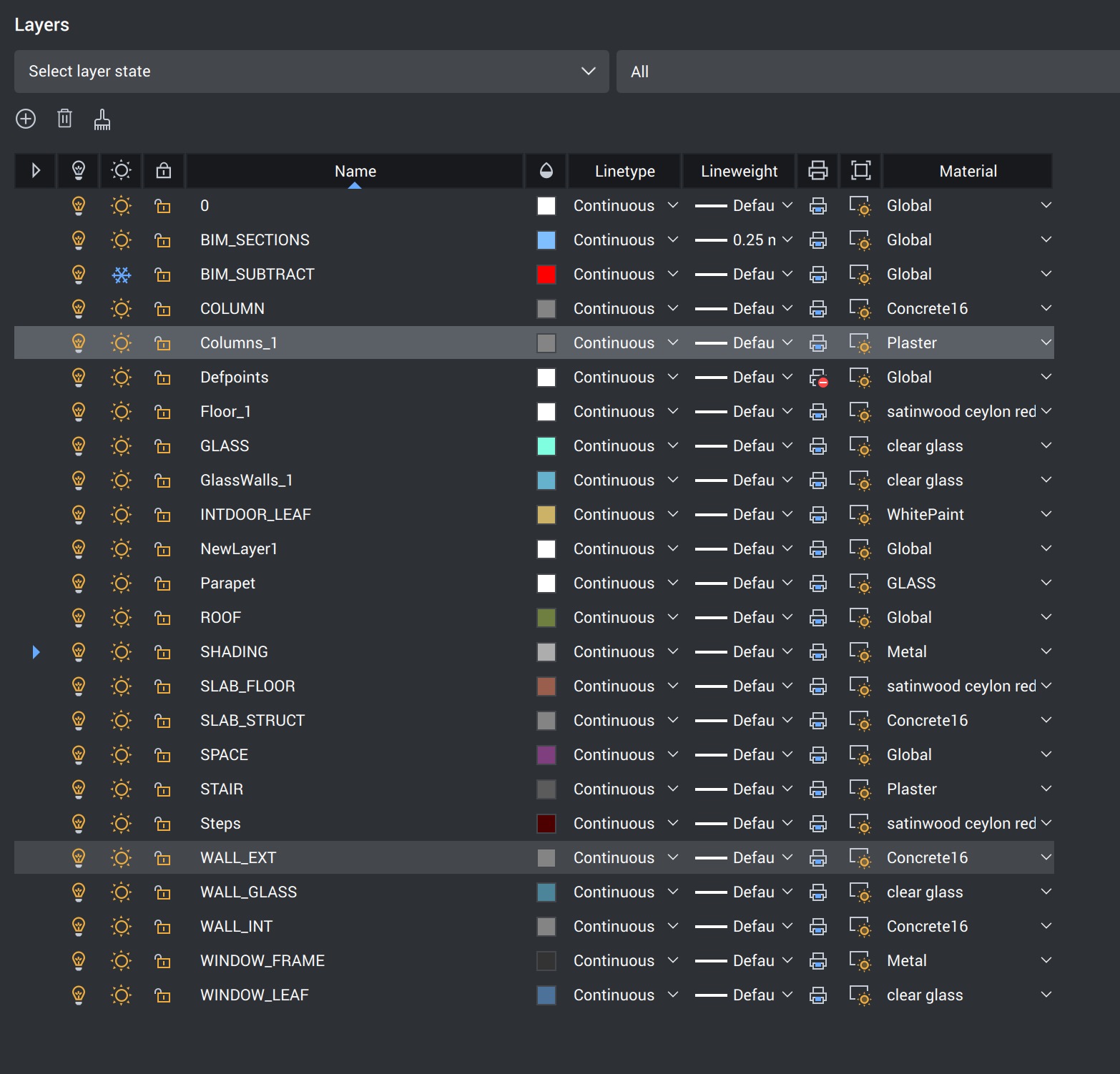
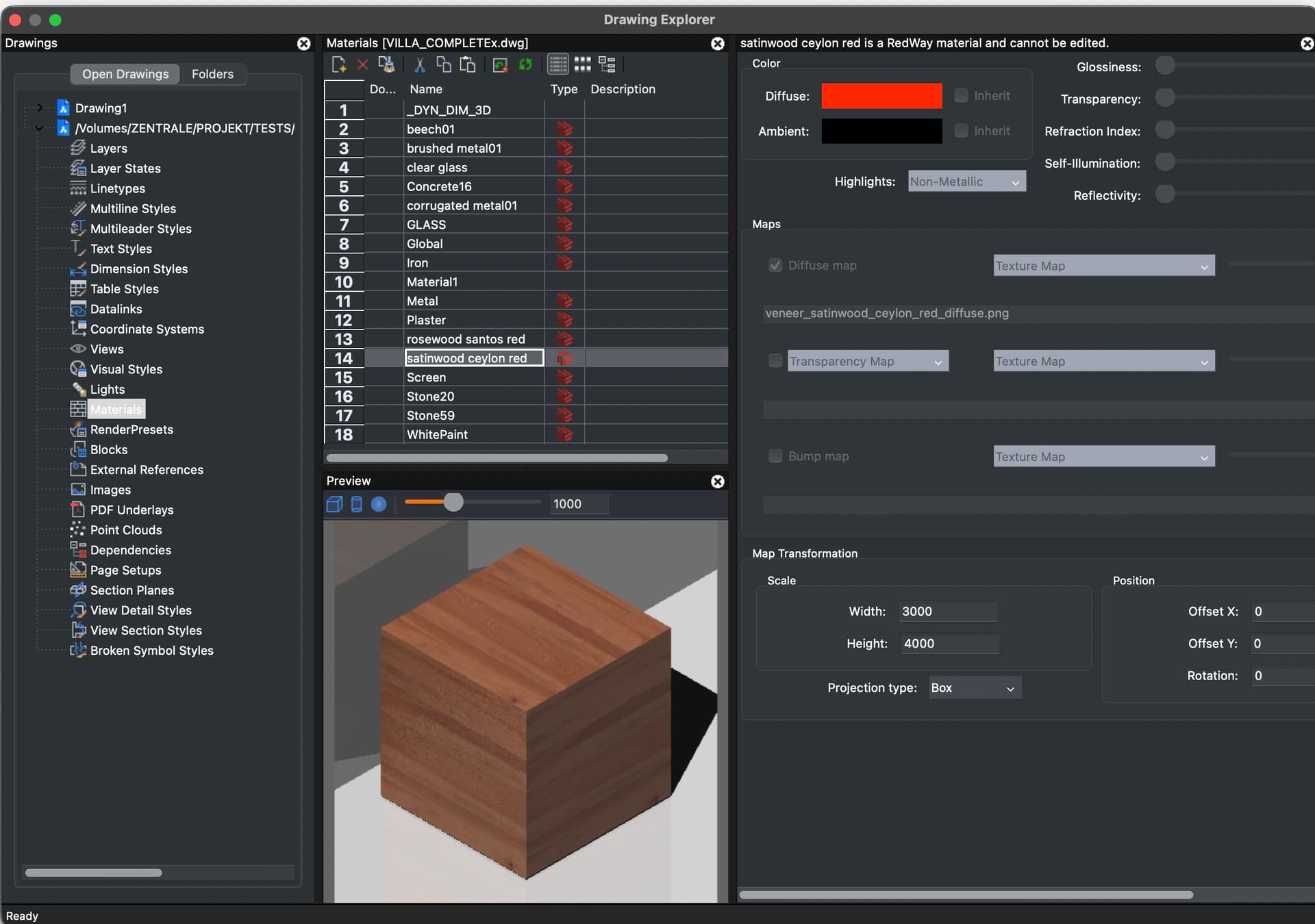
I looked at my Test DWG again and I see some of the Layers had Material applied. But AFAIR, like all other CAD File direct Uploads I tested, non of them showed any colored parts at all. Everything just white or bright grey (?)
Thanks Claire.
I am no Autocad Expert and do not have access to Autocad but Bricscad. Also no clue about ACAD data or Material System.
I think I would mainly like Objects sorted in Layer Hierarchy. AFAIR they were all flat in a single project folder (?)
The only thing I know about data in DWG is that Bricscad saves its whole BIM data somewhere inside DWG. I assume it is somehow hidden to not confuse Autocad when opening such DWGs and therefore likely also hidden for Rhino’s importer.
BTW,
AFAIR CAD uploads stay monochrome also when Colors were assigned by Object.
I still do not know if Speckle meanwhile supports Materials and at which level. As so far Blender is my only Speckle supported App and has not the highest priority and is a bit behind others popular Apps like Revit or Rhino. I just saw that other Connector discussions also mention Materials and Textures every now and then.
I also use Bricscad (AFAIK officially denied Speckle support already) or Vectorworks (still no Connector on their Roadmap)
Does Speckle support Materials in Viewer or in Exchange and what features ?
I think I would mainly like Objects sorted in Layer Hierarchy. AFAIR they were all flat in a single project folder (?)
If you could pass a sample bricscad dwg to me, we can do a bit of testing to determine how much of this we can control on our end.
AFAIR CAD uploads stay monochrome also when Colors were assigned by Object.
This definitely shouldn’t be the case, I would just double check that you’re viewing the model in Shaded mode (uses colors) instead of the default Rendered mode (uses render materials)
Hmmh,
not sure what I did last time when testing … I re-created the DWG Upload.
Now DWG Hierarchy, Grouping by Layers looks totally ok, great.
Also I can see Object/Layer Colors for DWG now - in Shaded Mode (not Rendered)
I am pretty happy with this so far.
But I think I need a clean DWG File for further testing. That old file contains too much early legacy objects, which don’t behave well even in Bricscad …