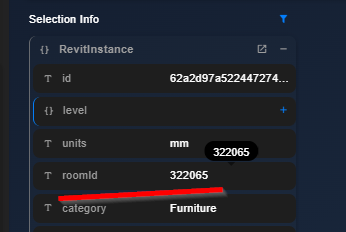
Would it be possible to include the FamilyInstance.Room property during the conversion from Revit to Speckle?
We are building PowerBi dashboards for a clients where the relationship between furniture, for example, and to which room they belong would make them happy
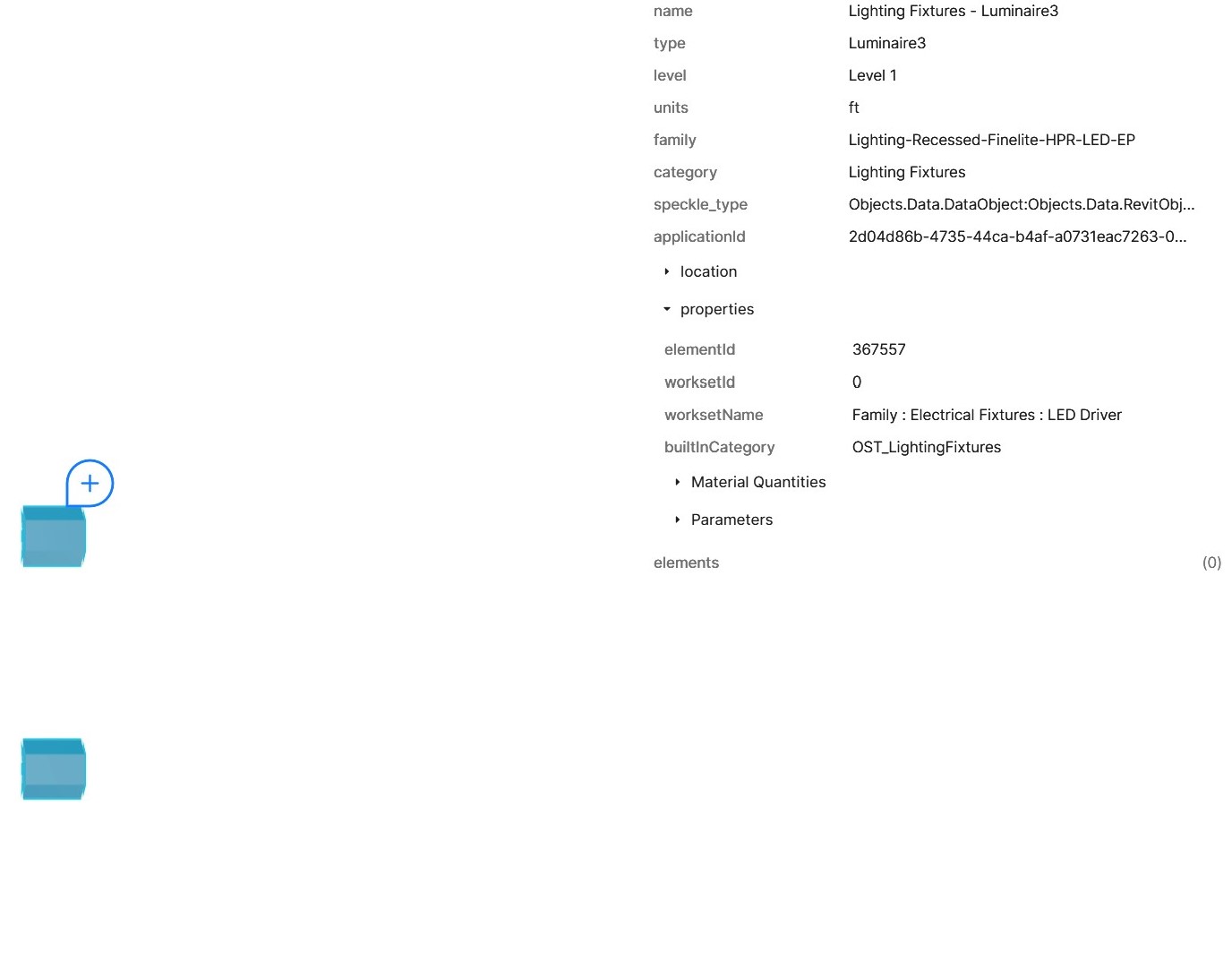
Hi, I see that new connectors don’t have “roomIds” attached to the instances, anymore. Why were they removed? Or are they moved somewhere?
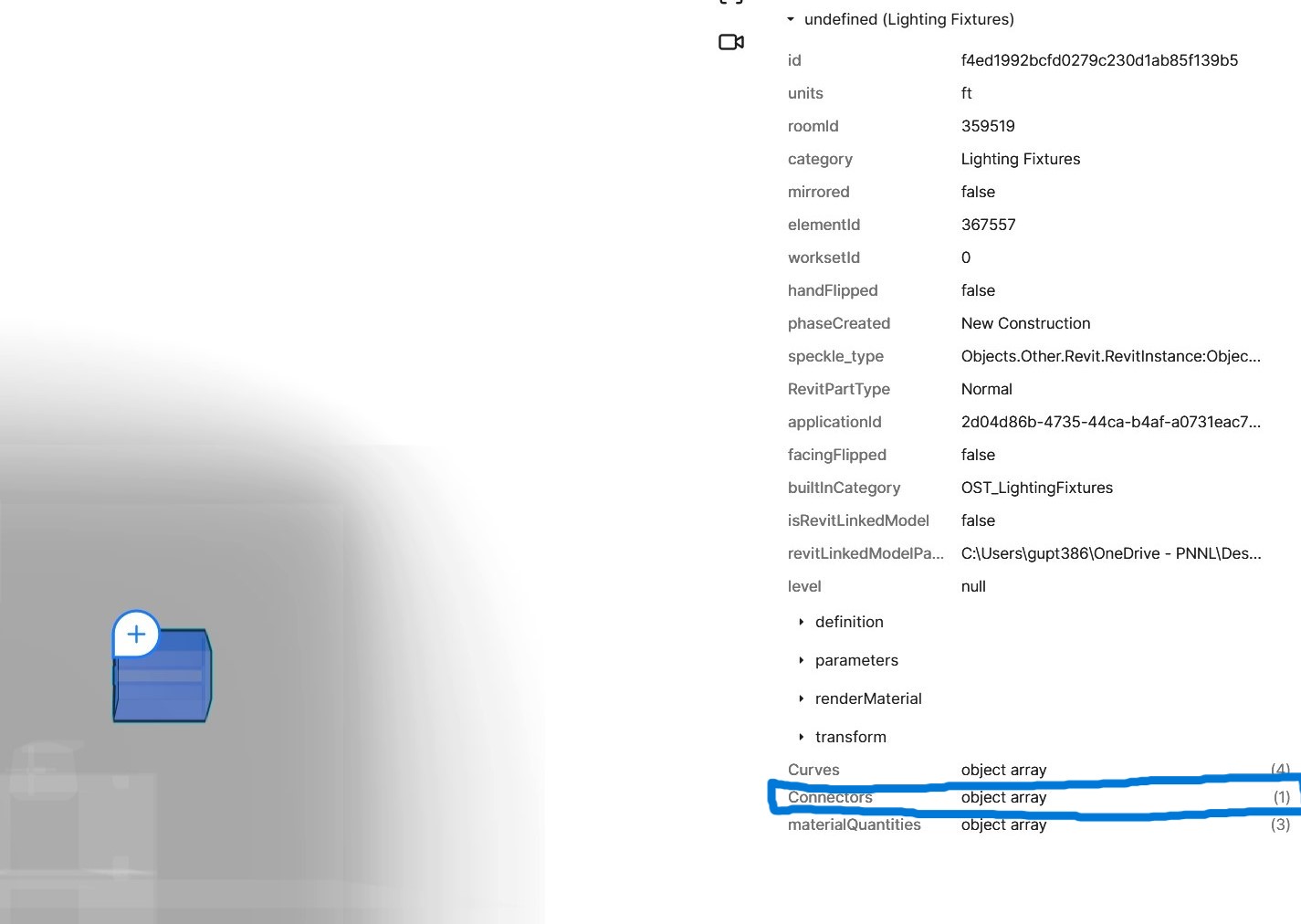
On the same note, the logical connecter list is also missing from the new Revit connector. Example lighting fixtures have electrical connectors added to circuit them. In V2 Revit connector the list of these Revit logical connectors were showing up and had application IDs.
Thanks for flagging this! We’ve made some changes to how properties are structured in our latest connectors, and roomIds got caught up in that refactor. We’re definitely looking at how to bring them back in a more organized way.
In V2 Revit connector the list of these Revit logical connectors were showing up and had application IDs.
What do you mean by “logical connector” is missing. Are they not published? If you can share a screenshot explaining the issue, it would help us understand the problem.
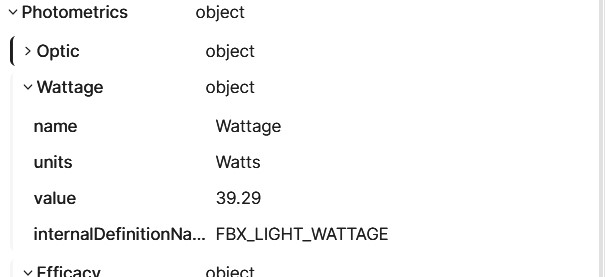
Please see two images attached. The one named V2 connector will have a Revit “connector list” highlighted in blue. This is the logical connector added in Revit to a lighting fixture (in this case).
The second image is an export from new connector for the same lighting fixture, but the connector list is missing.
I see what you mean. Assuming, that’s an electrical fixture, how do you want to use Connectors info? And are you loading this data into another system (like PowerBI), or working with it directly in Speckle? Understanding your full workflow will help us determine how to address this.
In general, we’re using the data to create building models (in another form). The Connectors create the electrical relationships in an overall electrical system. These can be used for a variety of checks and applications.
So, we could use things that show up in the Revit Snoop but not in Speckle.