I have a suggestion to improve clarity and ease of use for Intelligence Dashboards.
The problem:
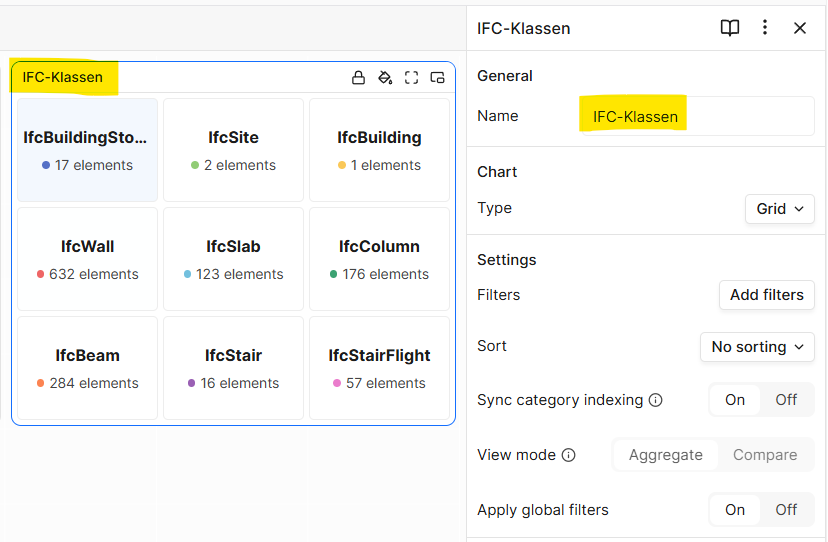
When adding widgets to your dashboard, you get the opportunity to give them a custom name, which helps massively with keeping dashboards structured and easy to navigate. Neat!
However, this can become an issue when building dashboards for a new project. I often need similar dashboards for quality checks, and when I take a peek at an existing dashboard to see which widgets I used to build it, I can’t identify that once I have given that particular widget a custom name - the original widget name doesn’t stick.
My suggestion
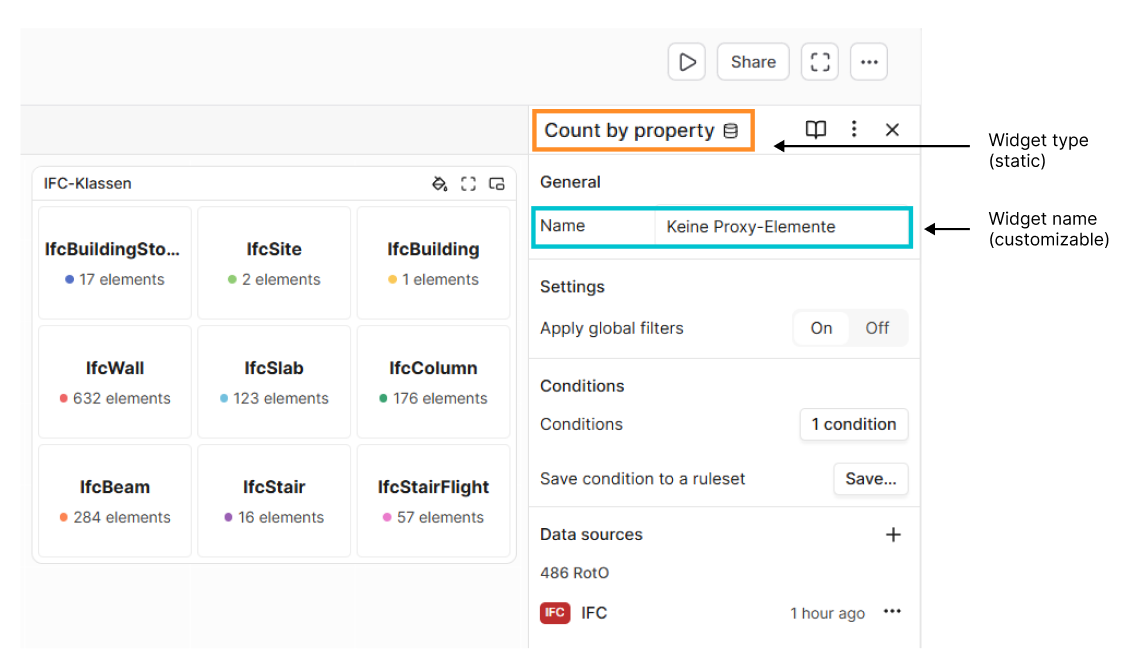
One way to improve on this would be to display the widget type separately from the customizable widget name. The widget type would be a static title that doesn’t change and could - for instance - be displayed in the widget title bar:
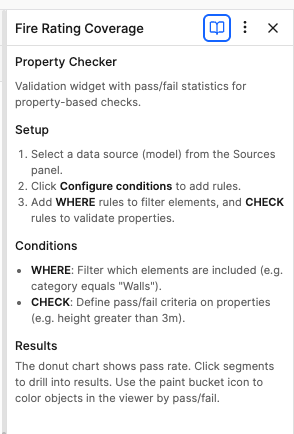
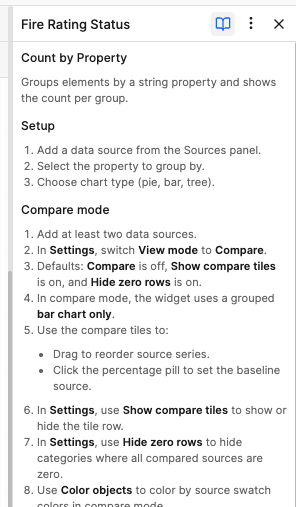
whoops! I did in fact not know that it displays the title right there in the docs. That’s good to know.
As for duplicating dashboards - as far as I know, this works only within the project, not for when I need to set up an existing dashboard for a new project… right?
@jonathon well that’s great news! I thought that you could only swap the data source for another model in the same project because if you try and change the data source, the selection will be locked to models from the current project, whereas if you delete the active model, you get to pick from all projects. Thanks for claryfing.
Also, thanks for the shoutout in the current newsletter