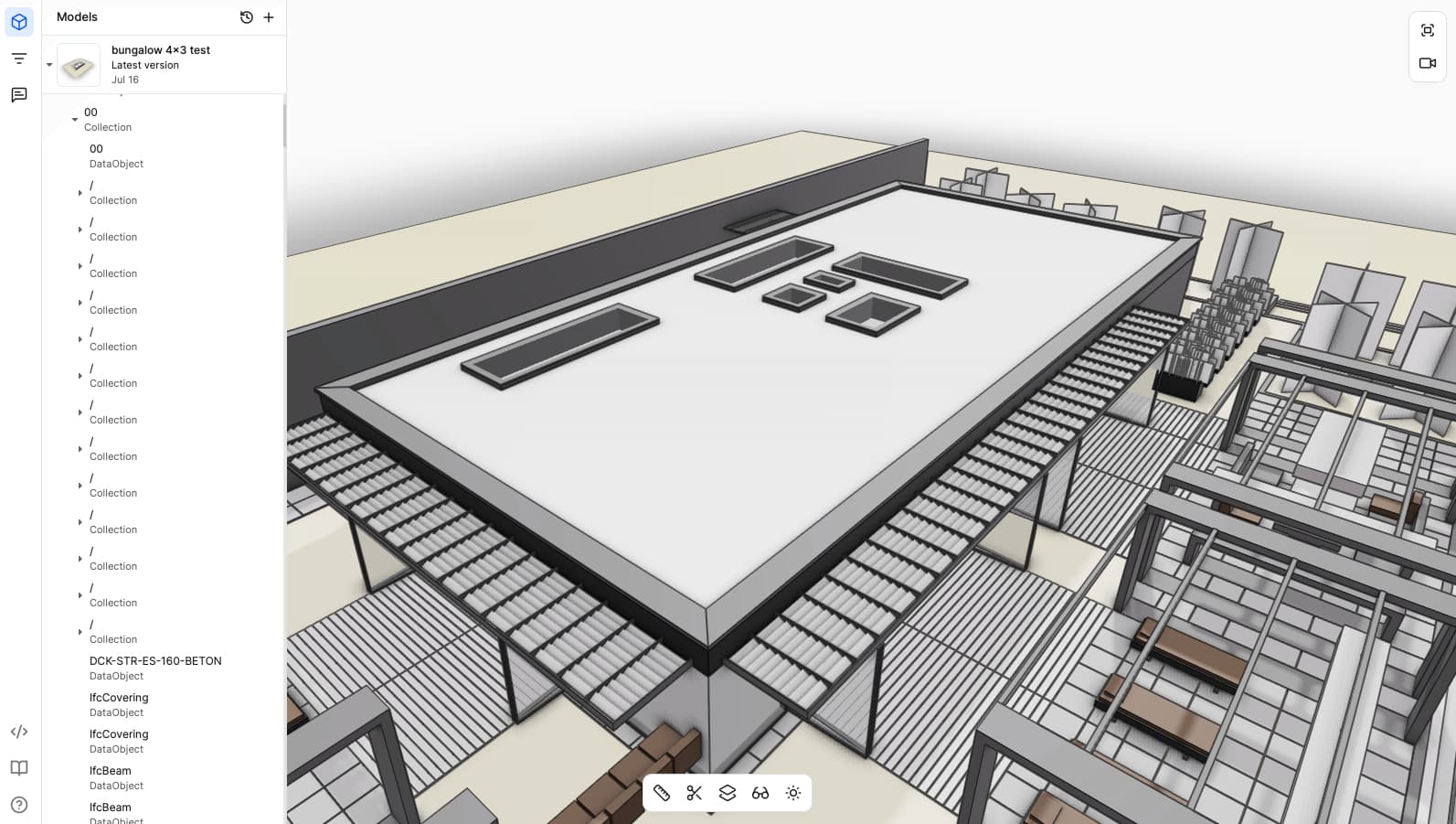
It took another day until the new Version materialized in my account but I really like it.
The new Viewer is so much better and faster to use.
I noticed just a small issue with Visibilities …
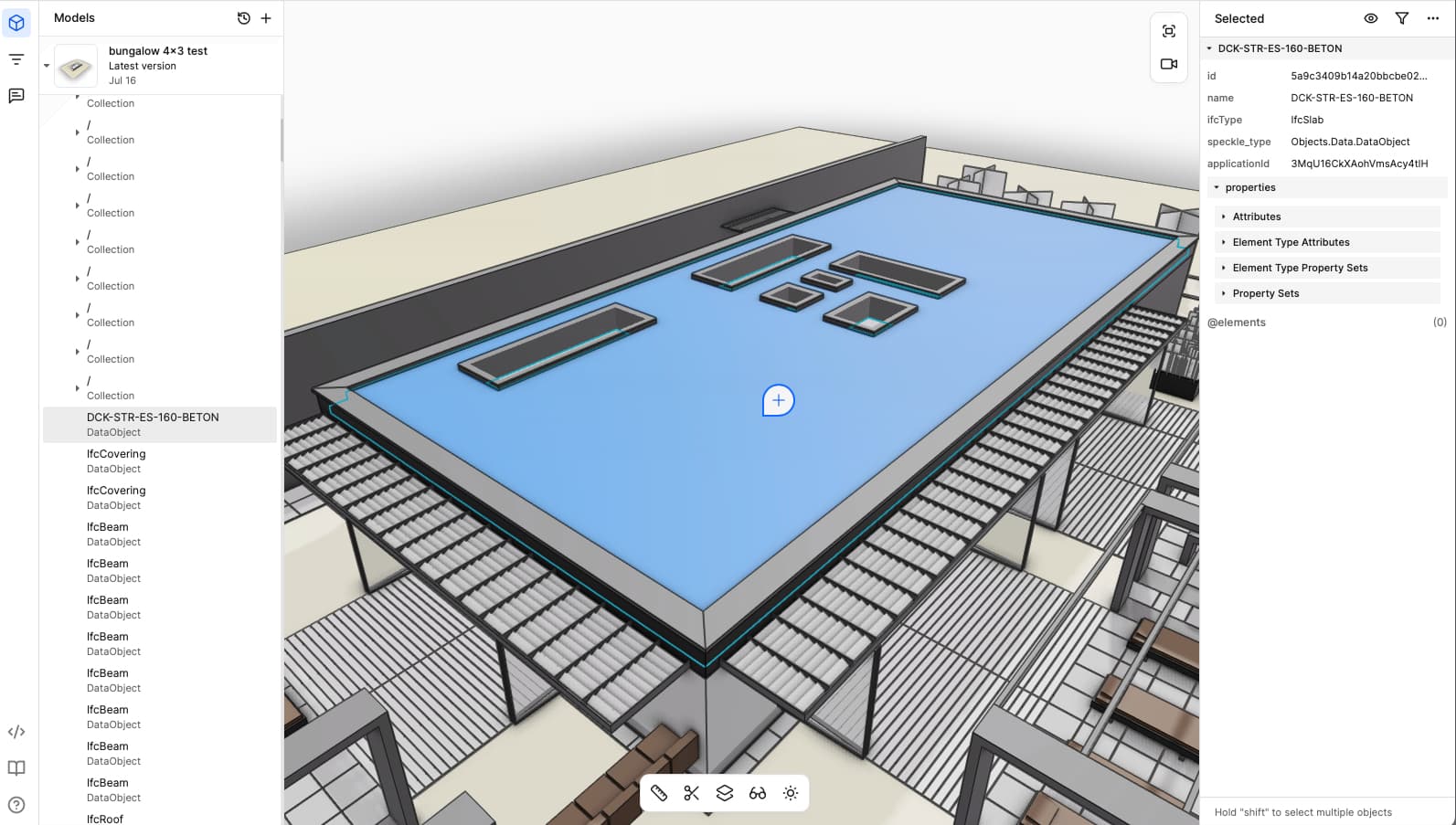
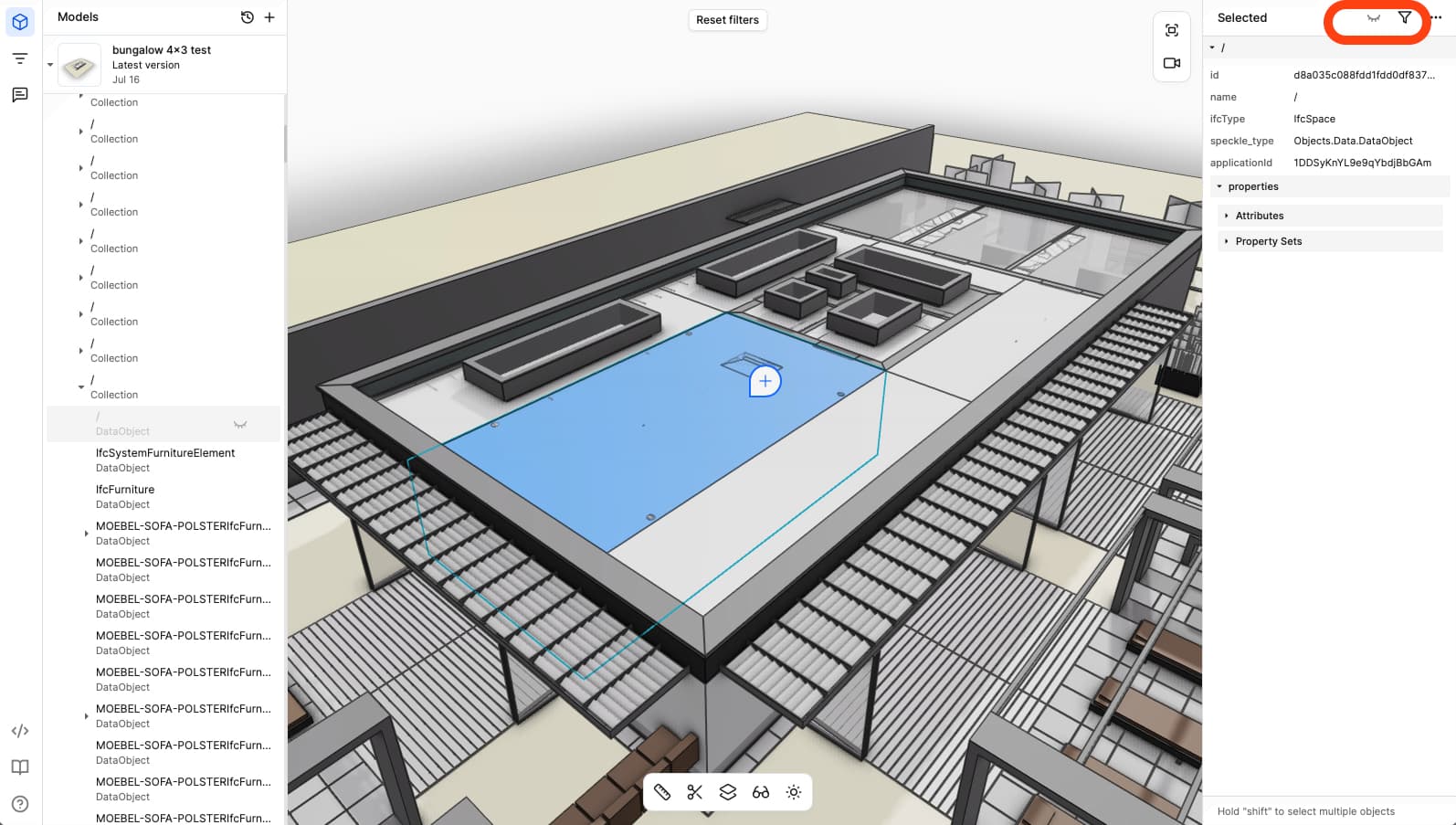
I have a Model (I think it was uploaded as IFC) where switching Visibilities works flawlessly - except for (3D) “IfcSpaces”.
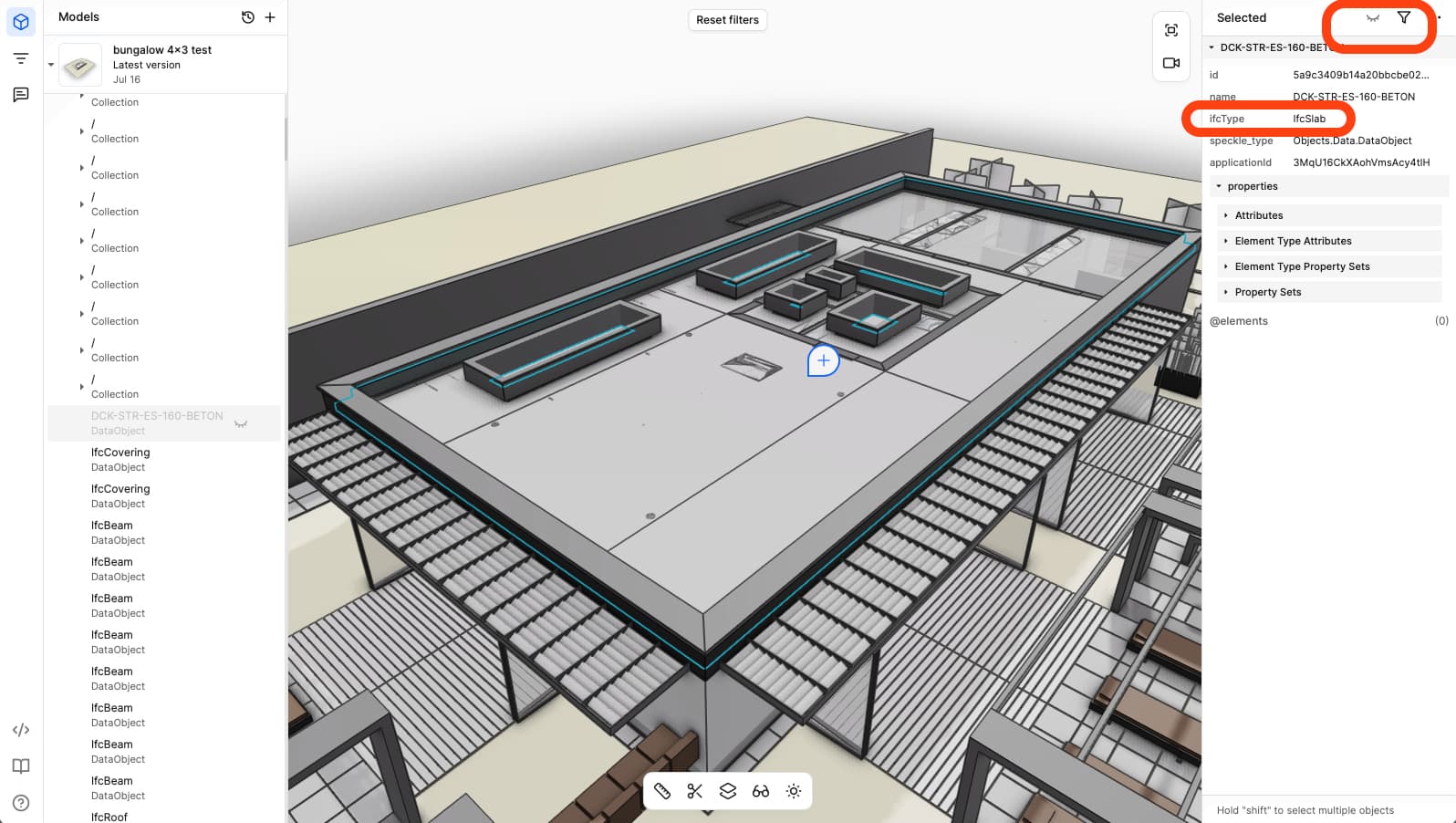
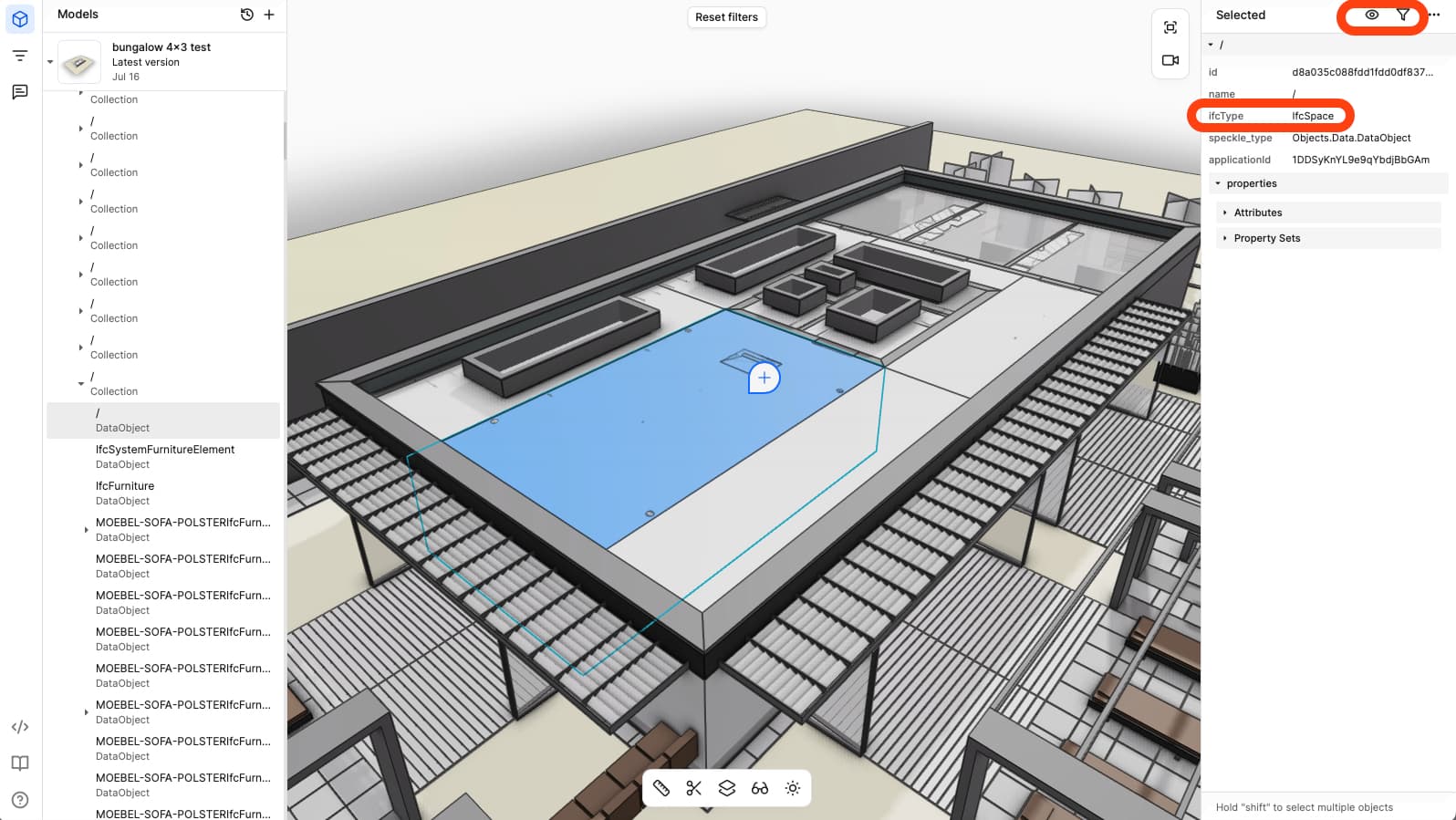
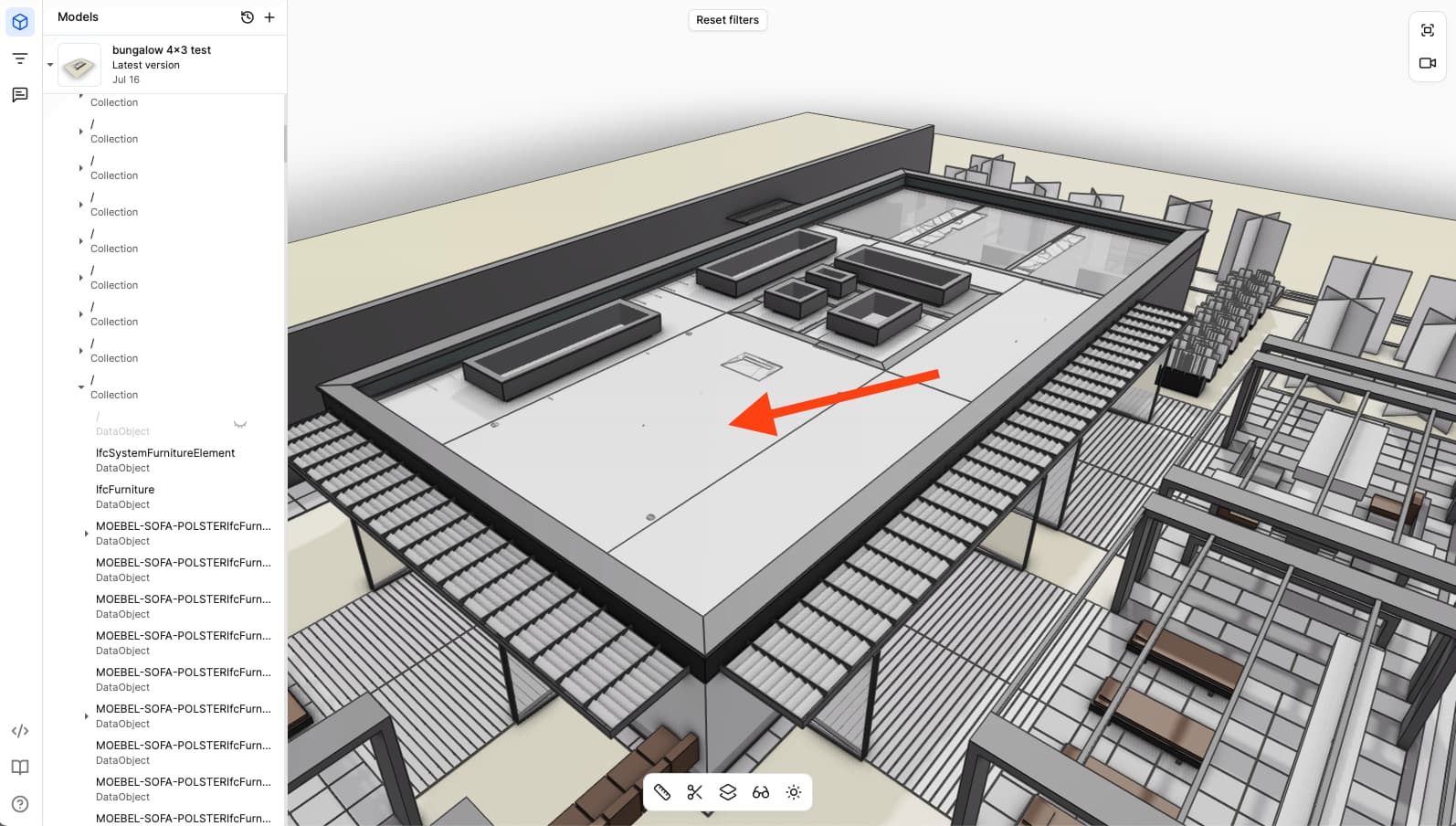
If I select these and set visibility OFF, Spaces stay visible !?
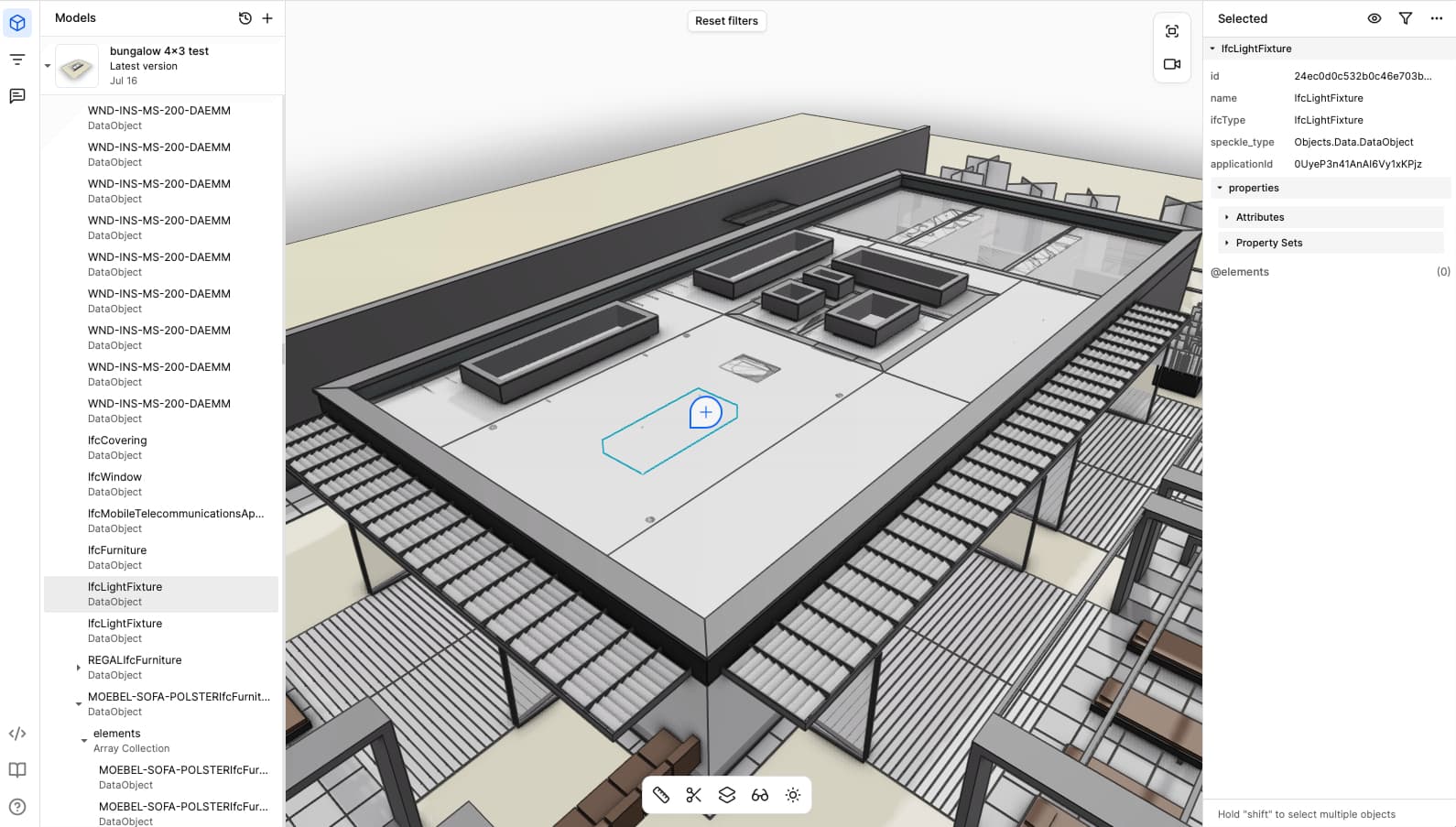
But strange, they are somehow “virtually” invisible though, as when I click on it it will not select that Space but will select occluded geometry behind instead.
Switching through render modes or such does not help to finally hide these Spaces.
(As you can see the Space is still visible. And from the Z-fighting artifacts at the top face of the Space you can estimate that there are objects like Columns or Furniture occluded inside that virtual Space appearance)
it’s good to know that it would usually work with Spaces.
I sent the Link via PM.
I assume it is related to the IFC Export quality of VW’s IFC 4x3 export.
This IFC came ok into all kind of IFC Viewers or most BIM CADs, but Speckle V2 as well as Bonsai aborted to load that crappy IFC.
I initially just tested uploading that IFC again, when Speckle V3 was released, and it was the first time it came into Speckle.
And so far, until I found that Spaces Visibility issue, the IFC looked totally ok.