I’m having trouble linking my Speckle account with the Grasshopper connector. Here is the issue:
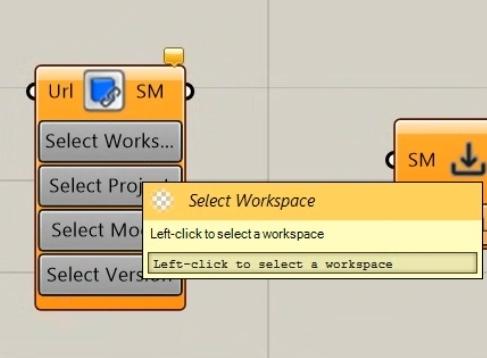
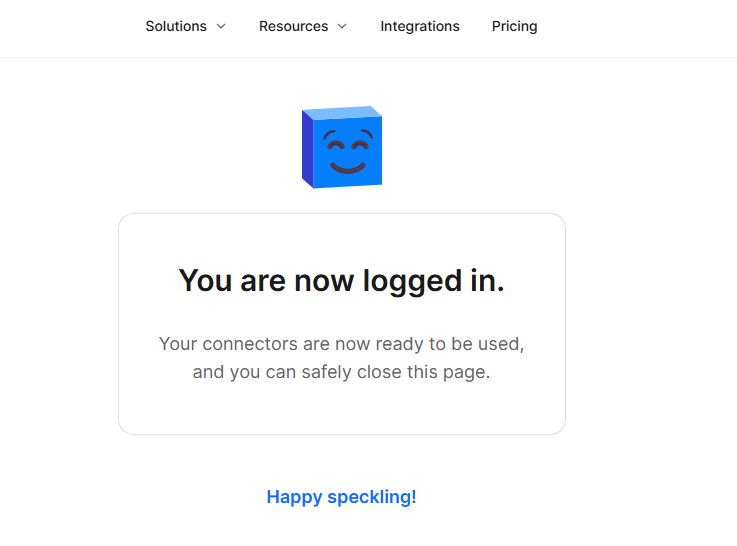
When I click the “Sign In” button in the Speckle connector within Grasshopper, it correctly opens my default browser. I can log in successfully on the web page, but the connector in Grasshopper doesn’t update—it stays in the “Sign In” state.
What I’ve tried so far:
Checked browser settings: Pop-ups are not blocked.
Disabled Firewall temporarily: The issue persists.
Restarted Rhino/Grasshopper.
Is there a specific port I should check, or a way to manually add the account/token to the Speckle Manager?
Understood - then the deprecated Speckle Manager is not considered a requirement.
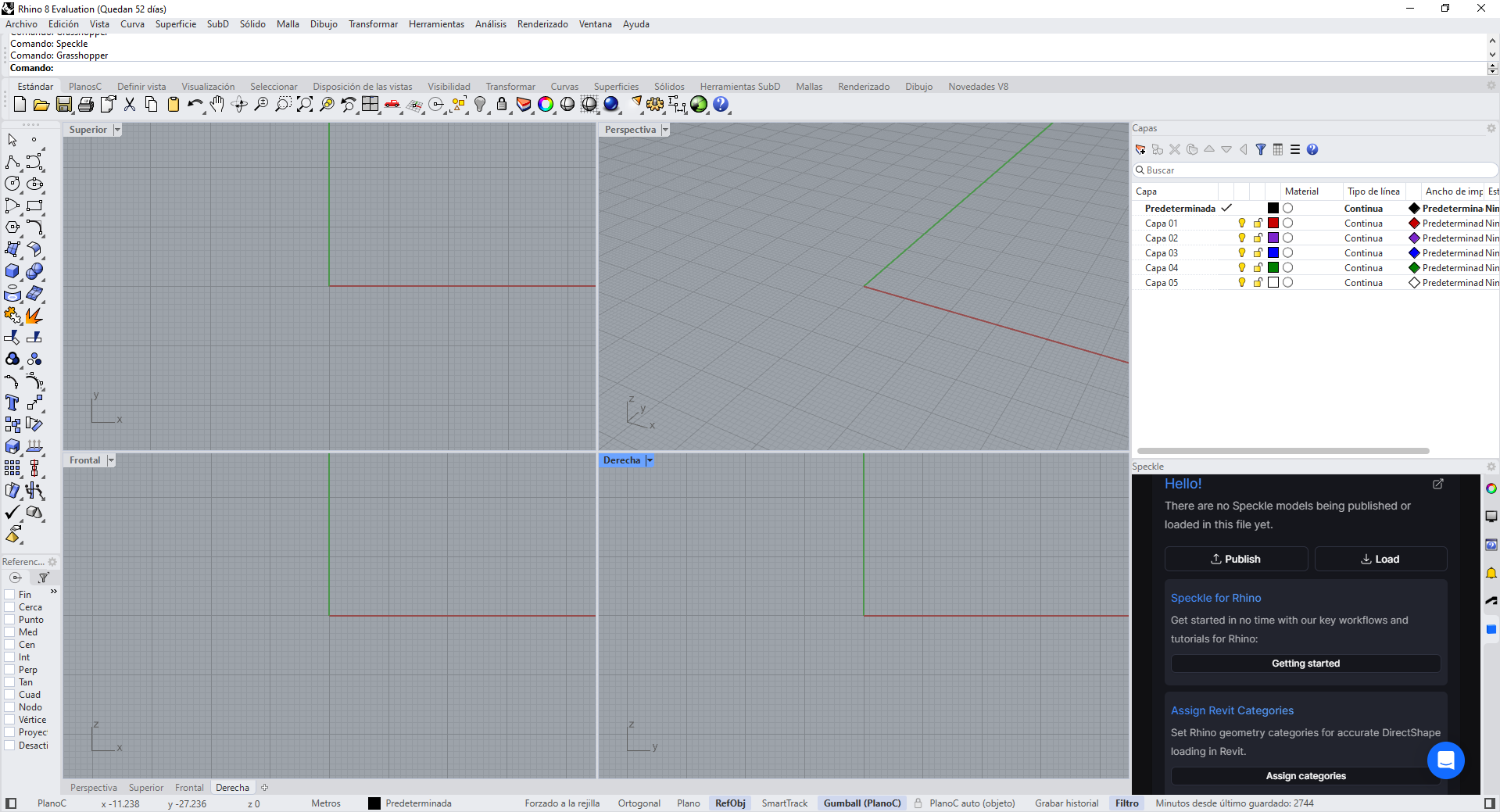
Could you try authenticating the Speckle connector in Rhino first?
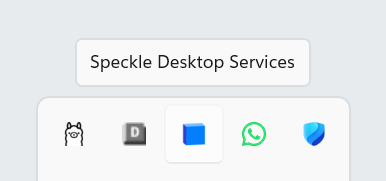
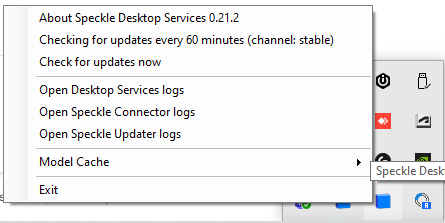
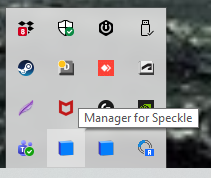
Failing that, can you check if Desktop Services is running? This is a helper application that should be in your system tray and is installed at the same time as the connector.
Yes - the call back from that window interfaces with the Speckle Desktop Service (basically the successor to Manager)
If it’s not running it wont receive the authentication callback
The suggestion to try authenticating with the Rhino Plugin as this also authenticates via the web but is able to receive the callback itself (as i understand it simply) because it has a web UI. So could be an alterntive to getting your sign-in going
Manager was how our v2 legacy connectors used to manage user accounts and monitor connector updates. These functions are now, for the most part, handled by Desktop Services
Which leads us back to the original question. Authentication in Grasshopper should be handled by DS based on already authenticated accounts. It’s not visible in the Rhino screenshot, but I assume you have done this in Rhino? I can’t find you in the user database, so you’re probably using a different email address there. I’ll send a DM