On this one specifically: editing the title and description of an existing issue should already be possible. It lives under the ··· menu on the issue, as “Edit issue…”. So either something is blocking it for you, or we’ve buried it too well — both are worth us knowing about, so I’d rather understand what you’re seeing than just add it to a list.
Could you share a bit more?
Do you see a ··· menu on the issue, and does “Edit issue…” appear in it?
If you can open the edit dialog, does the save button stay greyed out?
What’s your role on that project — can you edit, or are you on a viewer seat?
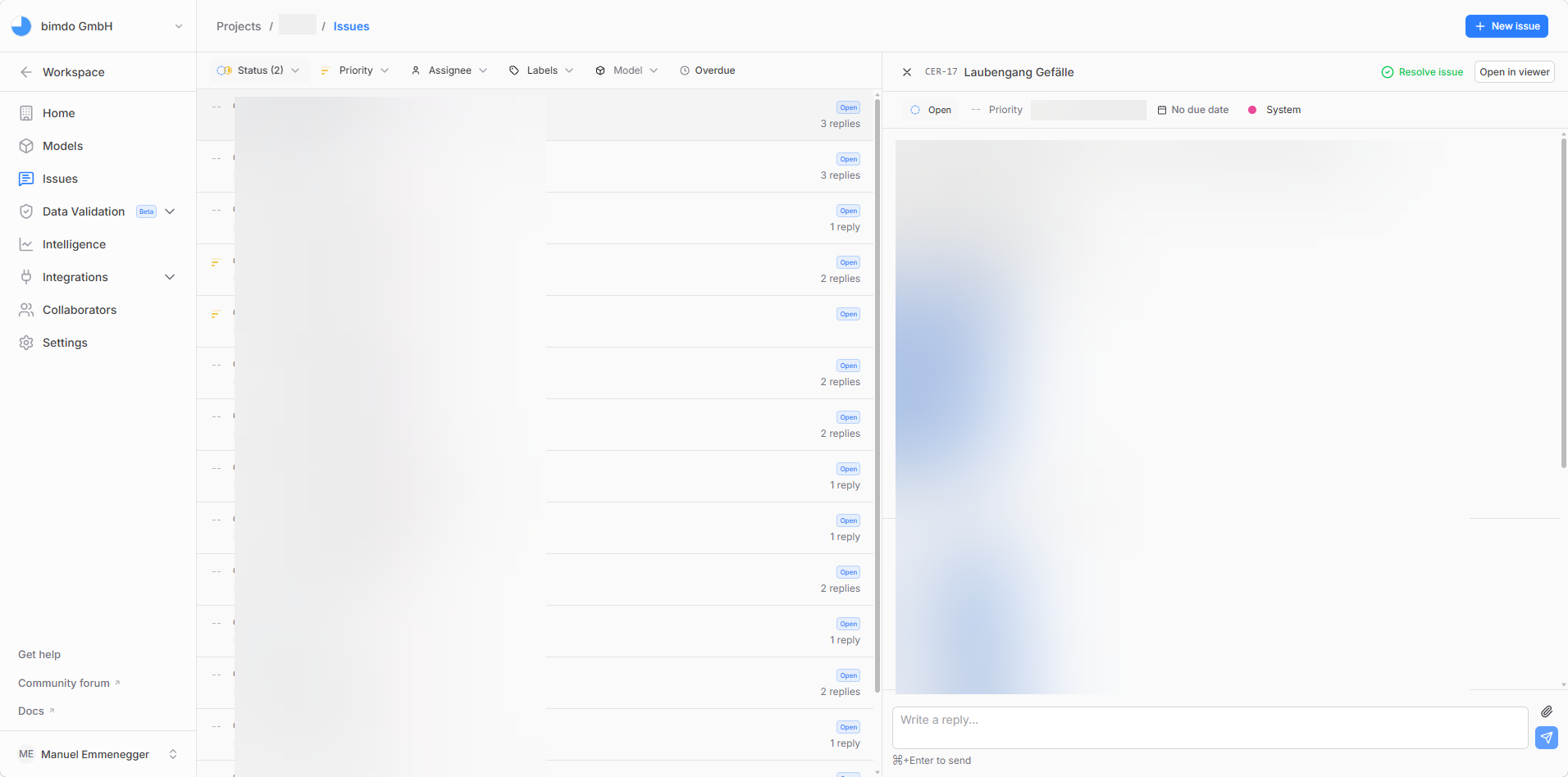
thanks @Manuel_Emmenegger, the screenshots made this a lot clearer, and they also showed me i’d pointed you at the wrong place.
editing does exist, but only in the 3D viewer. open the model, select the issue there, and the ··· menu has “Edit issue…” in it; title and description both come up in that.
where you were, the Issues page, there’s no such menu at all. title and description are read-only there, sitting right next to status, priority, assignee, due date and labels, which aren’t. so you weren’t missing it, and being admin was never the problem.
raised a ticket for the same affordance in the issues table. your original request stands, it just turned out to be about a different surface than i first assumed.