Hi everyone! 
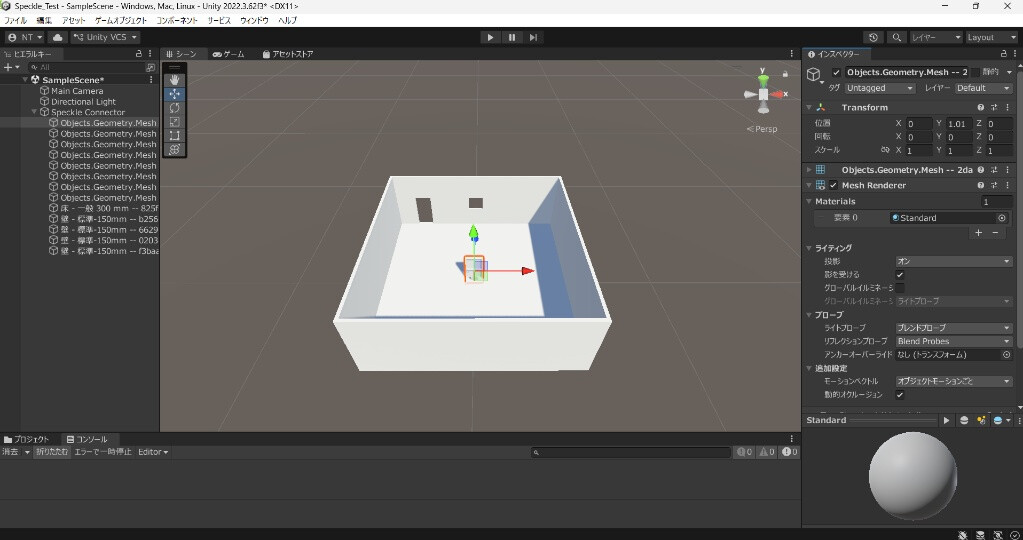
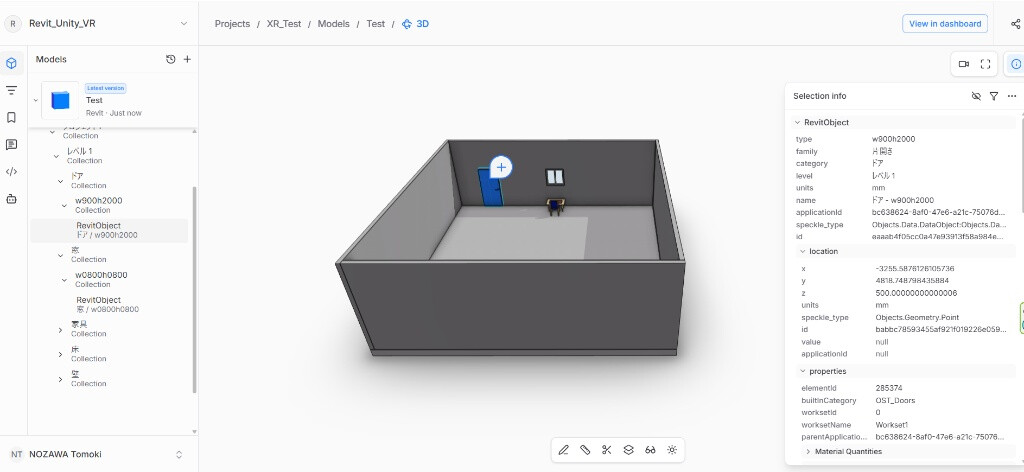
I’m currently working on a bidirectional BIM-VR system using Speckle to sync data between Revit and Unity. I’m facing an issue where Family Instances lose their location data and shift their coordinates when received in Unity.
My Environment:
・ Revit: 2027
・ Unity: 2022.3.62f3
・ Speckle RevitConnector: 3.23.2
・ Speckle Unity Connector: 2.20.0
Steps to Reproduce & The Issue:
- Send standard Family Instances (e.g., desks, windows) from Revit to Speckle.
- Receive them in Unity via the Speckle Connector.
The Issue:
Right at step 2, the coordinates of the instances are shifted. It seems that these objects are not being recognized as proper instances in Unity. Instead, they are being received purely as geometry/mesh data, dropping their attribute data (including absolute coordinates), which causes them to default to the origin point. Naturally, if I send them back to Revit from Unity, they are placed in the wrong locations.
Past Related Issue:
I found that a very similar bug was reported and seemingly fixed about 3 years ago here:
However, it appears this issue might have regressed or is not supported in the current version.
Context:
My ultimate goal is to update specific parameters and locations of native Revit elements using their applicationId (via Dynamo/API) to strictly avoid creating DirectShapes. However, if the base coordinates are lost the moment they enter Unity, it makes it impossible to calculate the correct delta for location updates.
Questions:
- Is this a known regression of the past issue, or a current limitation with how the Unity Connector handles Revit instances?
- Are there any workarounds, specific Connector settings, or API best practices to ensure instances retain their exact coordinates and attribute data when received in Unity?
(Note: Due to new user media limits, I have attached the Revit screenshot below, and will add the Unity and Web App screenshots in the replies.)
Any advice or insights would be greatly appreciated! Thanks in advance!
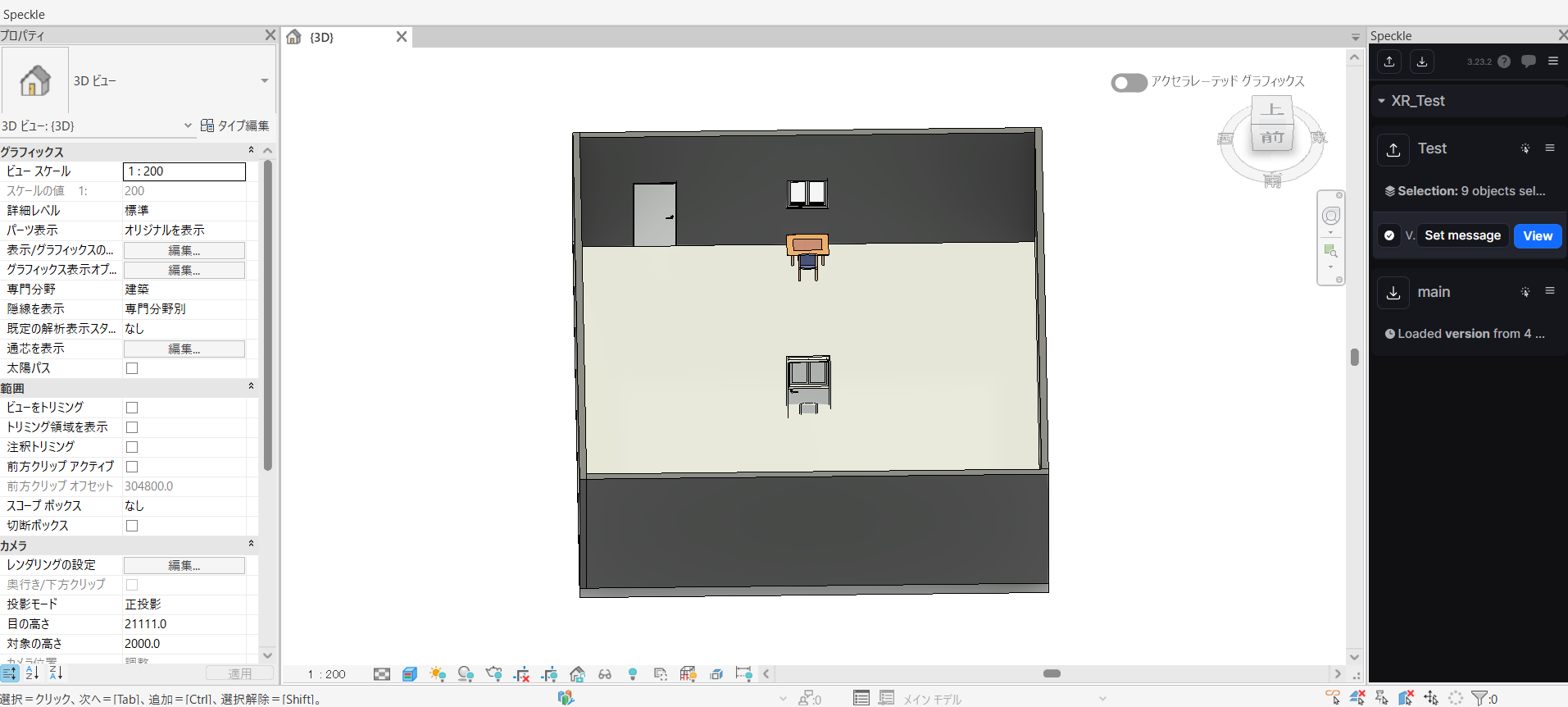
Image 1: Revit - The instance shifted from its original position after a round-trip, caused by the coordinate loss in Unity.