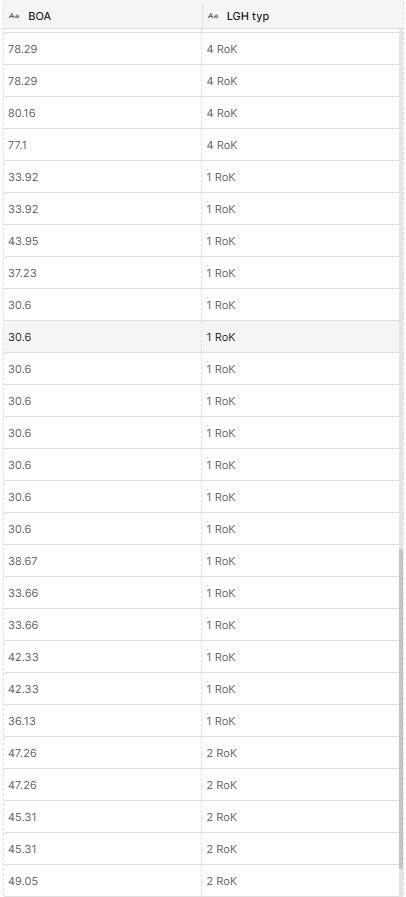
Started looking at dashboards now and I’m having some issues with the element table. Maybe i am missing something but i cannot affect the order of the properties i select for columns in any way. It seems the tags come in a predetermined order when i select them from the property list and it cannot be changed. The order the elements come in also seems to be random with no way to sort it like some of the other widgets.
So desired result would be for the type column to come first and elements sorted by name there, and using the value in the second column for tiebreakers. Does not seem i have control over that whatsoever right now?
Understood—we are looking at value sorting across many of the widgets; column sorting could be under the same review.
Can I ask a follow-up question: would you be happy to define the order in property selection config mode, or are you expecting to be able to drag-and-drop the order in table view mode?
Either would work, to be honest. No real preference. Defining it when picking out properties would eliminate the need to drag them around in the UI afterwards. Having the option to drag them around in the UI would also be nice, if there is some visual queue that might cause you to reconsider the order.
As long as one of option is there, the other one is pretty much just quality of life and can drop in priority.