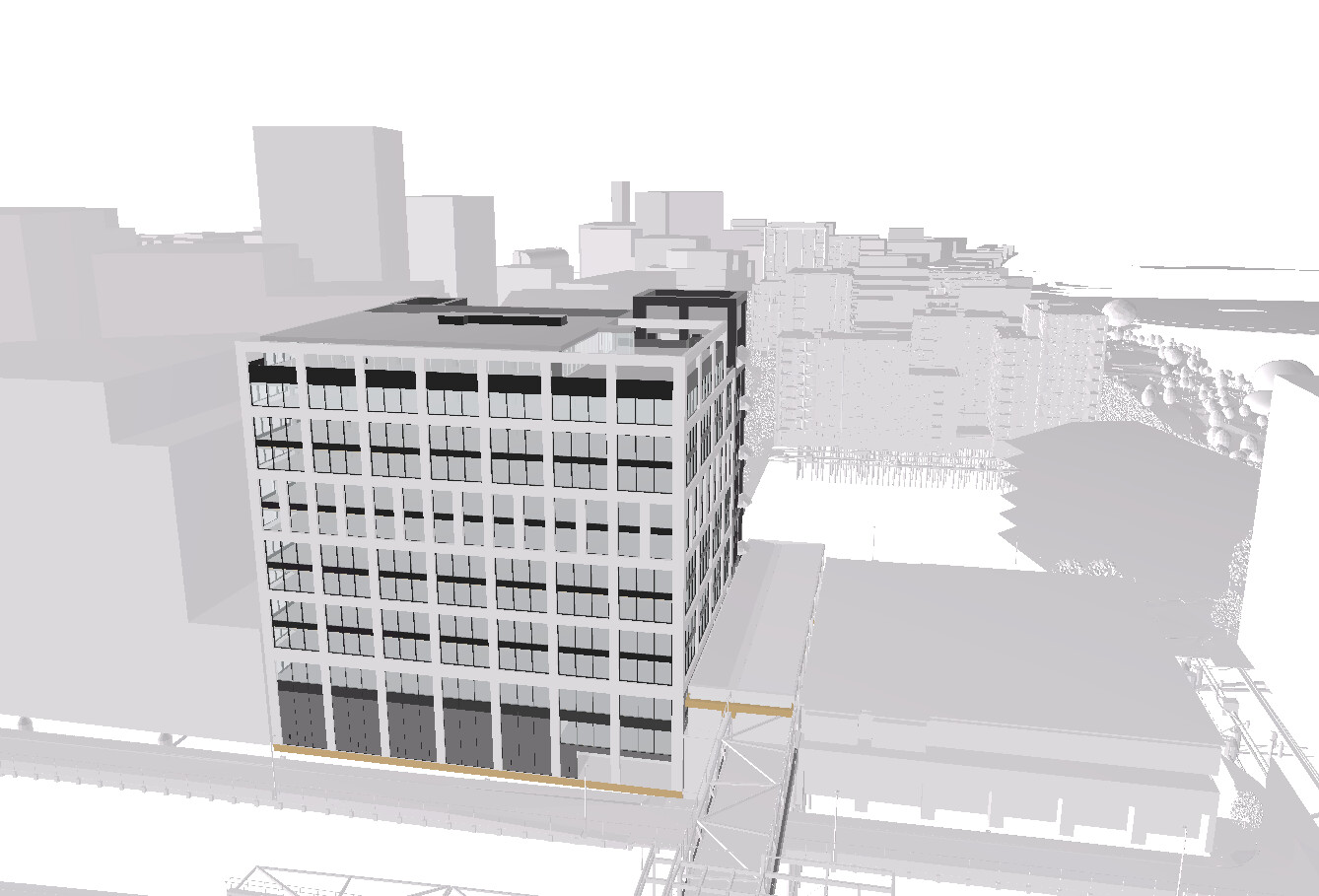
I’m getting my hands dirty with the new update and i noticed that the glasses / Display options button in the bottom bar of the viewer was replaced by the “save view” button.
This used to host some display options like edges on / off + thickness, clay modell material overrides etc. Sun / Shadows options also seem to be gone from the current UI. Any way to access that functionality in the current version?
That’s expected, not a regression. The 2026.9 release (Tuesday, September 2nd) was a major performance update for the viewer - 10x–100x faster for massive models - but it came at the cost of some of the older display controls in Viewer 2. The render pipeline isn’t optimised for that side of things yet.
They’re not gone for good, they’ll be back - just not in the near term.
Rather than guess at what to prioritise, it’d help to know:
Which of these you actually use - edges on/off, edge thickness, clay/material override, sun position, shadows
What you use them for - review, presentation, something else
Whether losing it blocks a workflow outright, or is just an inconvenience
That’s the detail that’ll shape what comes back first.
We used the show edges with the thinnest settings since it always made the models look cleaner/more crisp. The clay override was also useful for when the rhino modells had mismatched colors
We use these features in project presentations/ reviews / interactive meeting support when discussing proposals etc
This is just an inconvenience, does not block anything. Like i said before it just makes the modell look crisp and enhances detail clarity.
Since we are on this topic, here s an idea:
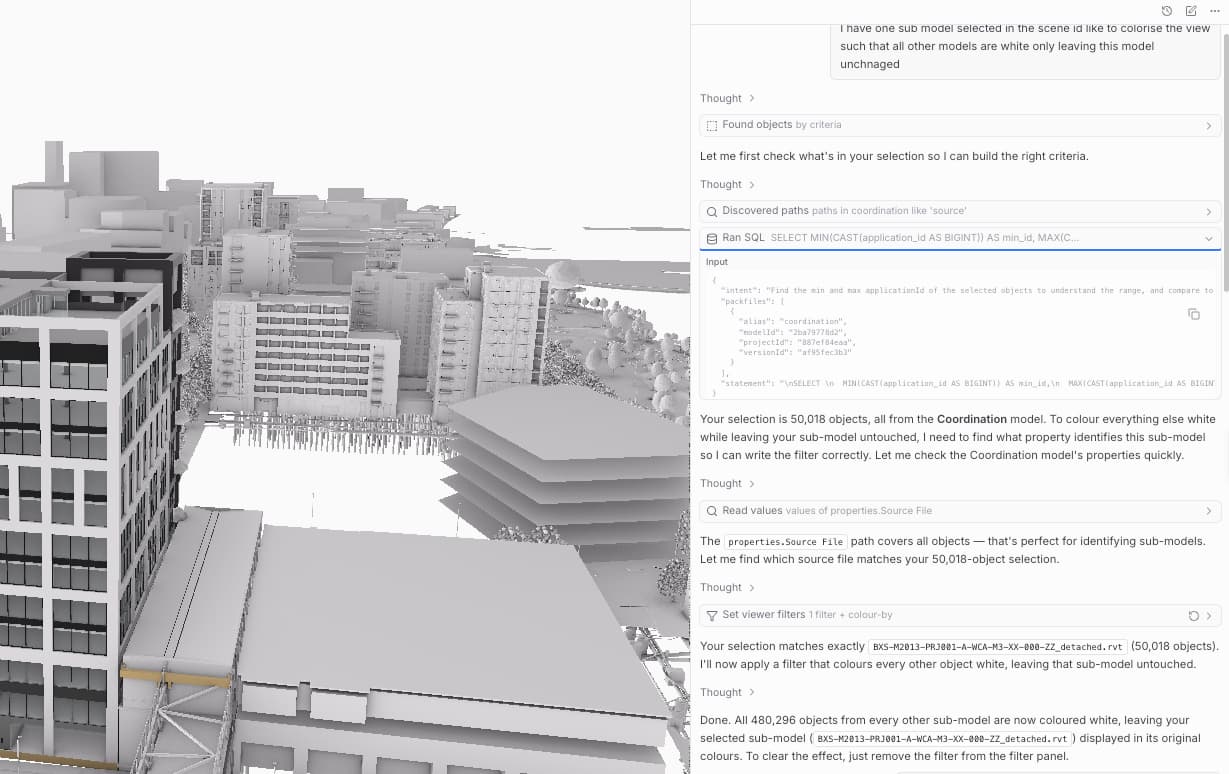
It would be cool to be able to set material/display overrides ( for example to white-render / gips) for each model when loading several into one viewer. We usually use several context and proposal modells displayed together show the whole area relevant to project and this would help us to easily highlight the modell currently being focused.