Context
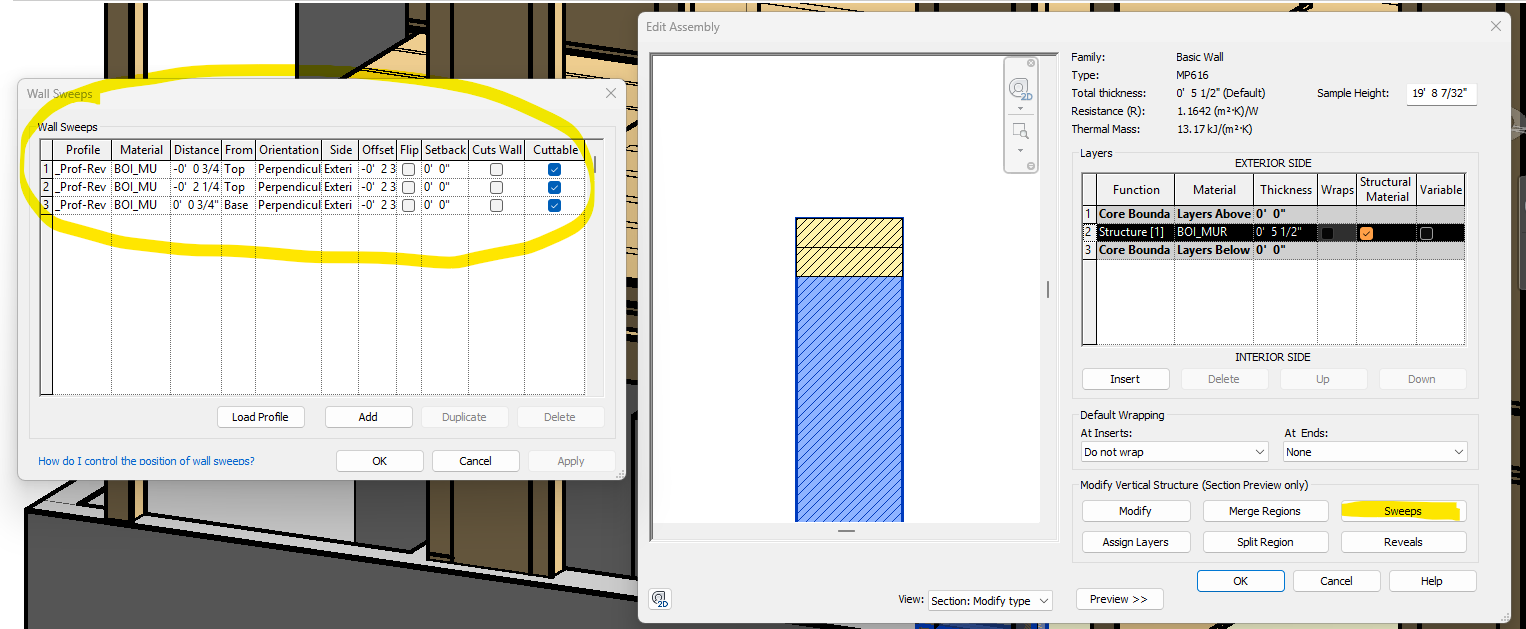
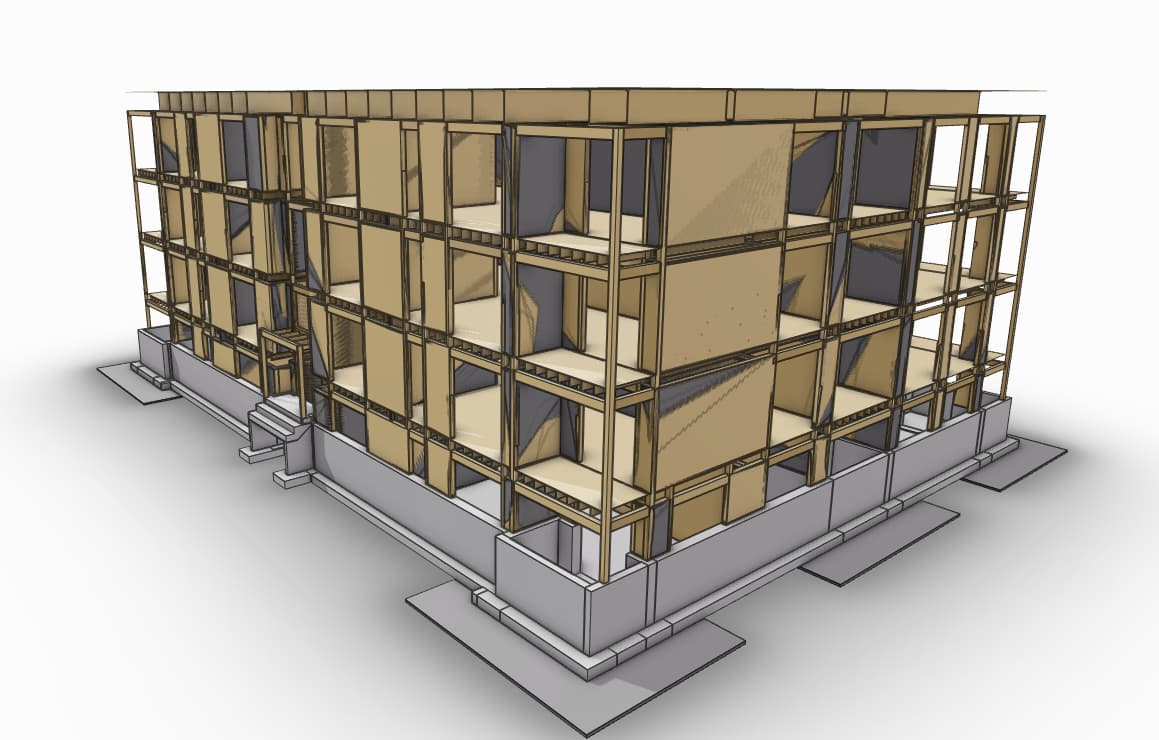
The issue involves visual artifacts occurring when model elements overlap. Specifically, the test case consists of a timber wall containing timber columns modeled within the same volume. While these elements overlap in 3D space, the visual result varies depending on the ingestion method used.
The Problem
There is a inconsistency in how the Speckle Viewer renders overlapping geometry based on how the data was uploaded.
See screen record :
ScreenRec_260109_79740.mp4 - Google Disque
- Test Case 1: Revit Connector (Success)
- Result: Works perfectly. No visual glitches or very minor. The viewer handles the overlapping geometry cleanly.
- Test Case 2: Autodesk Construction Cloud (ACC) Connector (Bug)
- Result: Severe visual “flashing” or “flickering” (Z-fighting) where elements overlap. The model becomes nearly unusable due to the intensity of the glitch.
- Test Case 3: Direct Upload (Bug)
- Result: Identical to the ACC Connector. The same visual glitch/flashing occurs for all overlapping elements.
Technical Observation
Since the Revit model version is identical in all three tests, the issue appears to be related to how the Speckle Revit Connector processes/flattens geometry versus how the ACC/Direct Upload services translate the same Revit file.
Is there a specific setting I should adjust to resolve this flickering?