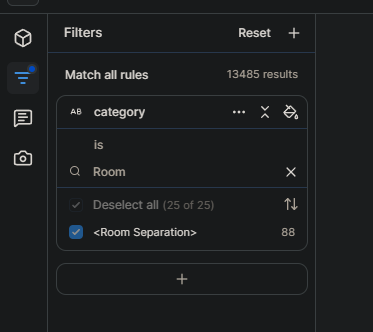
In the previous version of Speckle, I could easily and quickly access the rooms I had created in my Revit model and the various parameters I had defined for them. Using this approach, I was able to generate graphical reports from the Revit model in my BI dashboard through filters and tools.
However, in the new version, this process has become much more complicated, and I haven’t yet found an easy way to transfer the information assigned to elements within rooms to the BI dashboard.
I’d really appreciate it if anyone with experience in this area could share some guidance or solutions.
Yes, I checked it and understood the process.
However, I’ve encountered an issue in several different projects — after selecting the category from the Data tab and then choosing Rooms, the rest of the steps don’t proceed as shown in your shared video.