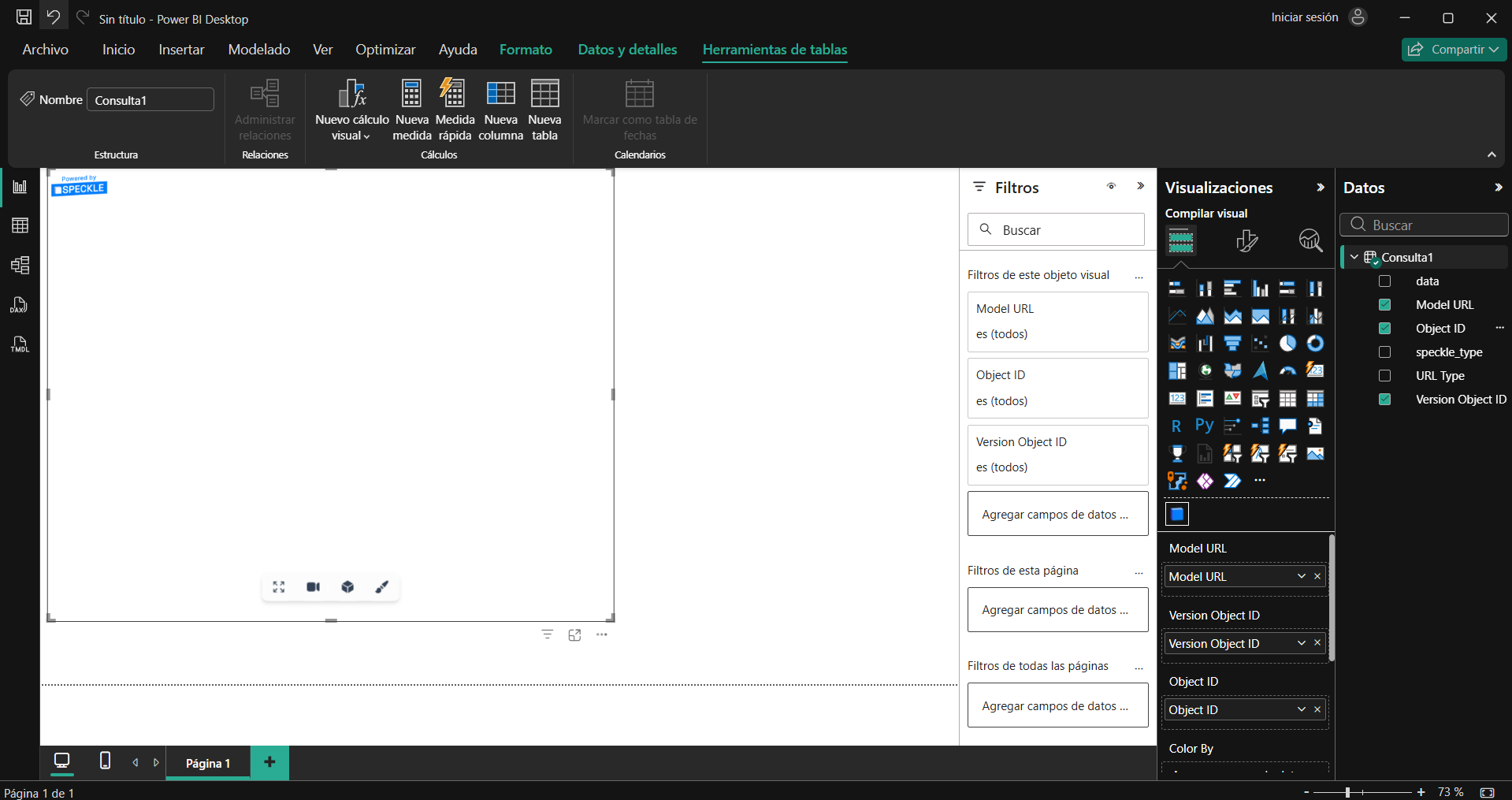
I have a question. I’ve already exported the Revit model to Speckle, and everything seems fine there since the 3D model appears. However, when I try to import it into Power BI, configure the viewer, and do everything else, the 3D model doesn’t appear; it just stays blank. It’s very strange because everything was working fine a week ago, and now nothing.
Hey @Alex_Giovani ,
You are using an old version of our Power BI connector and visual. Please download the latest version from: Connectors | Speckle
1 Like
@Alex_Giovani exactly as @gokermu mentioned: if you want to visualize the information in Power BI, you only need to update the Power BI Connector.
I had the same issue with RVT 2021. In that case, I only changed the Power BI Connector to version V3, and everything worked normally.
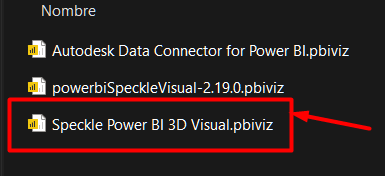
Note that with V3 you need to load the new visualizer (image attached).
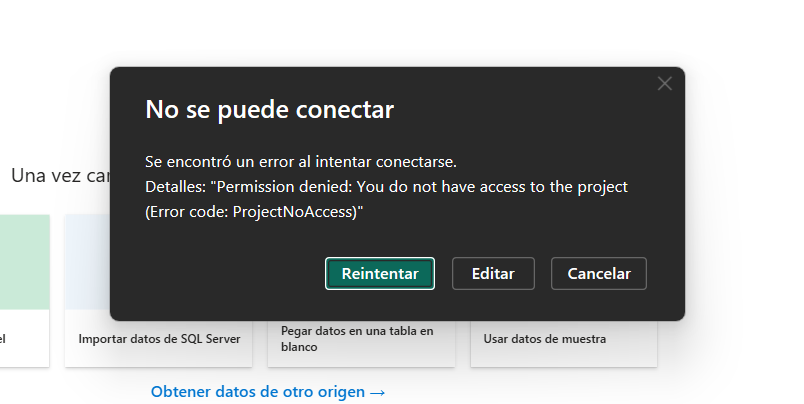
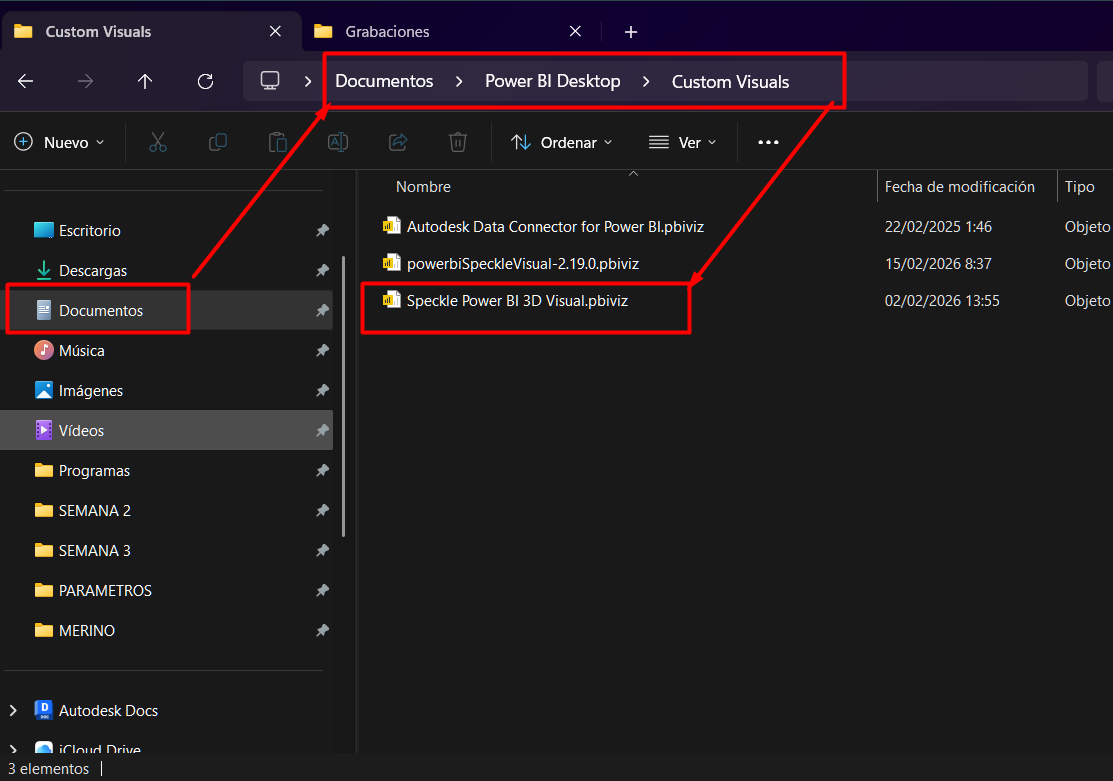
Thank you for your response. I have indeed updated all the connectors. Where can I download the new viewer?
This topic was automatically closed after 180 days. New replies are no longer allowed.