Speckle Viewer not working on PowerBI public web dashboard

Hi everyone! Hope you are doing well

I’m having some issues trying to share a public dashboard from powerbi to the web.

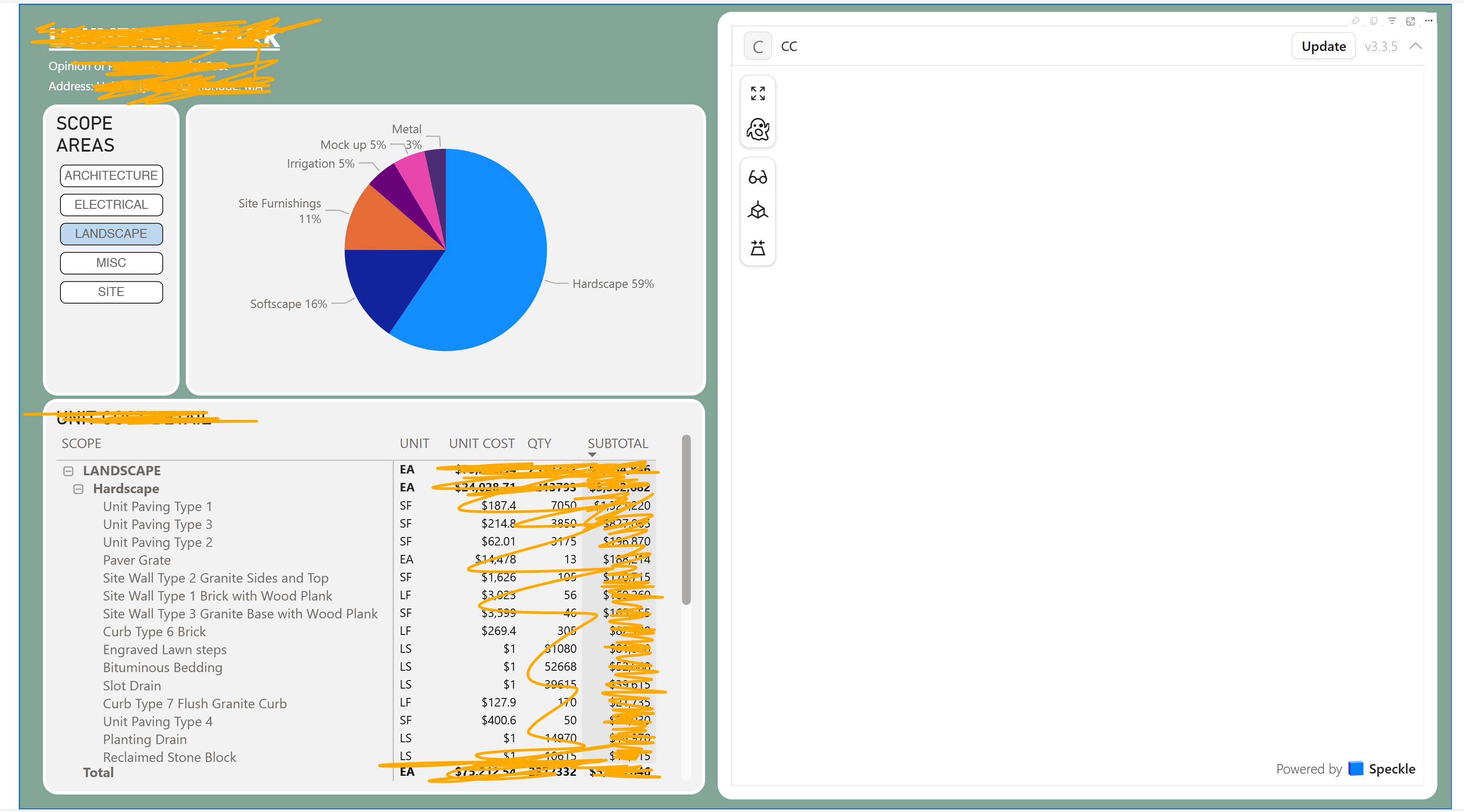
When i open PowerBI on the web, i can see the Speckler Viewer with the 3D model.

But when i publish that dashboard on the web, and i share the link to access that dashboard, the person who opens the dashboard can not see the 3D view.

I already edited the settings of the project on Speckle to Public, and also on PowerBI

Still can’t manage to make it work
Am i missing something?

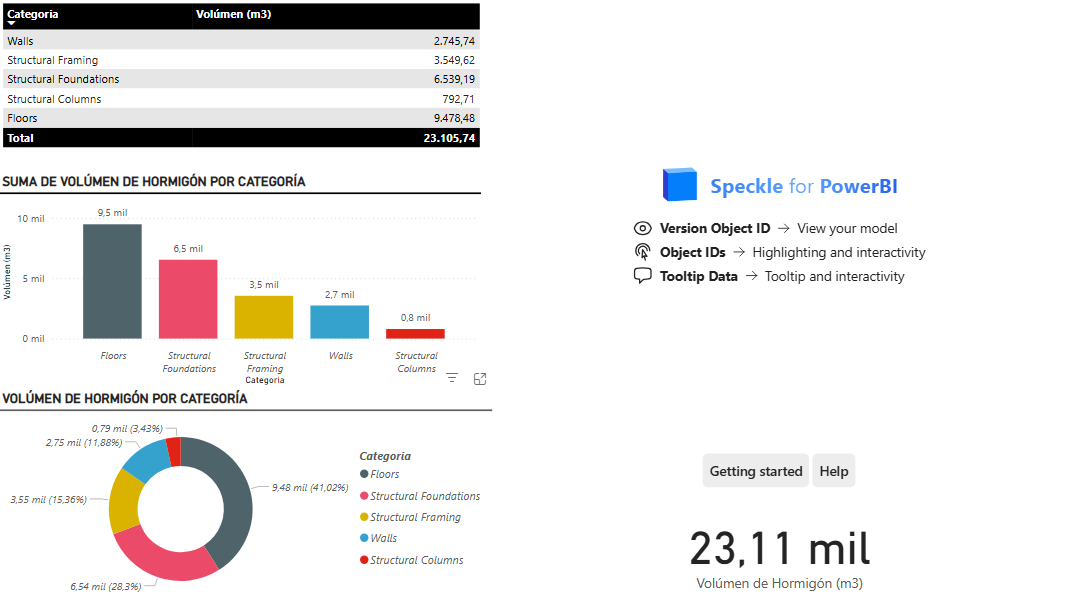
I’ll attach an image that shows on the right side of the dashboard that the speckle viewer is not showing anything once i publish it online.
Thank you!

Hey,

This was actually solved in our latest releases, which version of Power BI Visual that you are using?

Hi @dogukan !

Thank you for your quick answer!

I actually updated the PBI visual to the last version as you told me, and it works perfectly now :partying_face:

Hope you have a great day!

2 Likes

Heyy! i am trying to publish as well–its not working for me on powerbi online:

Hey @mrinalini_Verma ,

Have you upgraded to the latest Power BI connector and visual as suggested by @dogukan in previous post?

Yes..
If I am sharing it with other folks, do they also need to download speckle visual to be able to view this?

after updating the speckle connector on desktop, it still shows older version in the online PowerBI..

Can you please try and open the transform data and refresh from there. The visual now works?

This topic was automatically closed after 180 days. New replies are no longer allowed.