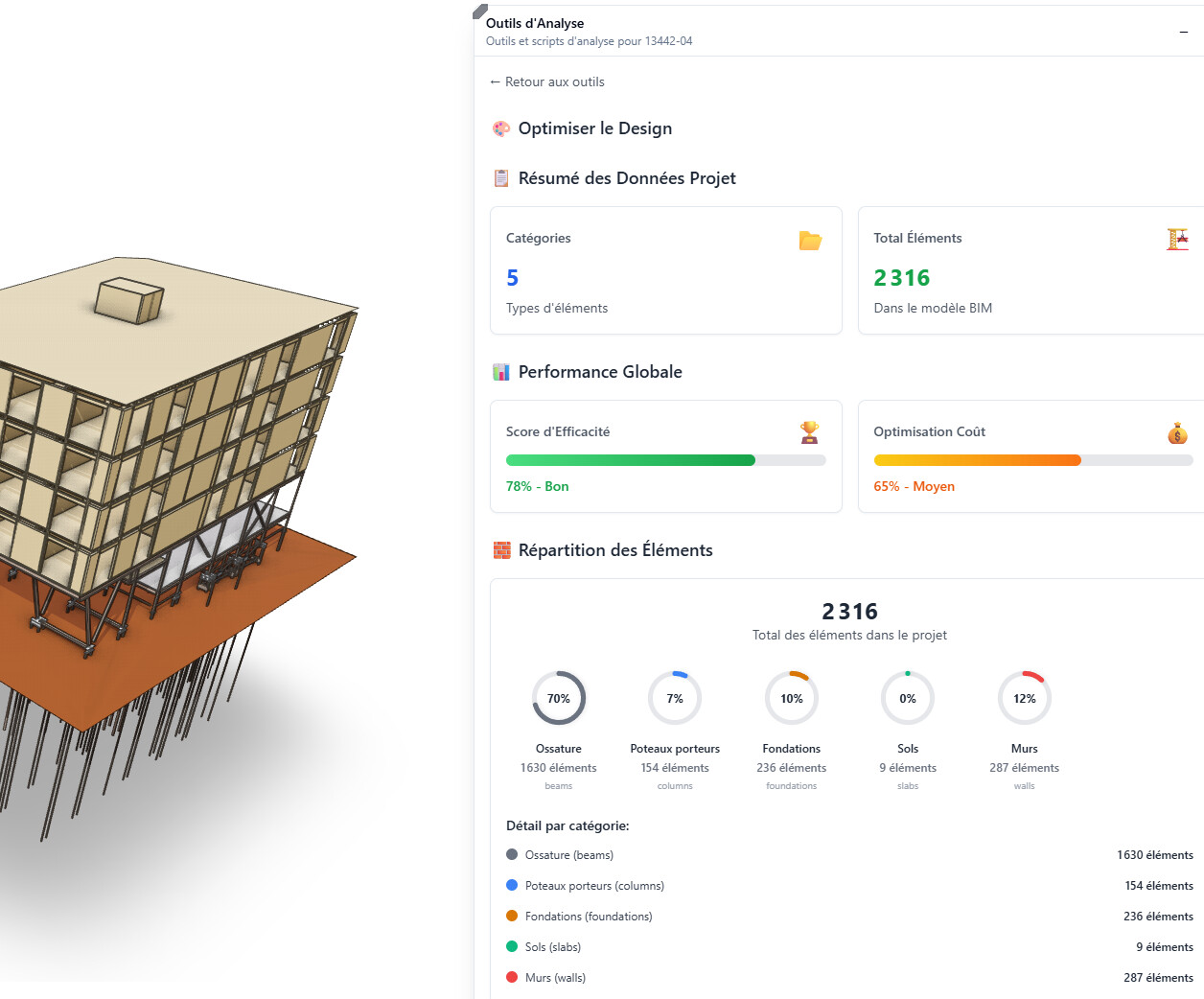
Scaling LLM + Speckle Data Integration

Hi everyone, :waving_hand:

I’ve seen several posts here about LLM integration with Speckle data, which motivated me to experiment as well—so credits and thanks to everyone who has shared so far on community !! I wanted to briefly share what I’ve achieved and ask for advice on next steps.

I built a basic LLM that queries a custom “Speckle Database” (JSON/TXT files extracted daily from Speckle). Since project data changes a lot during design phases, refreshing the database is important to keep answers accurate. The quality of results depends heavily on the quality and granularity of the JSON.
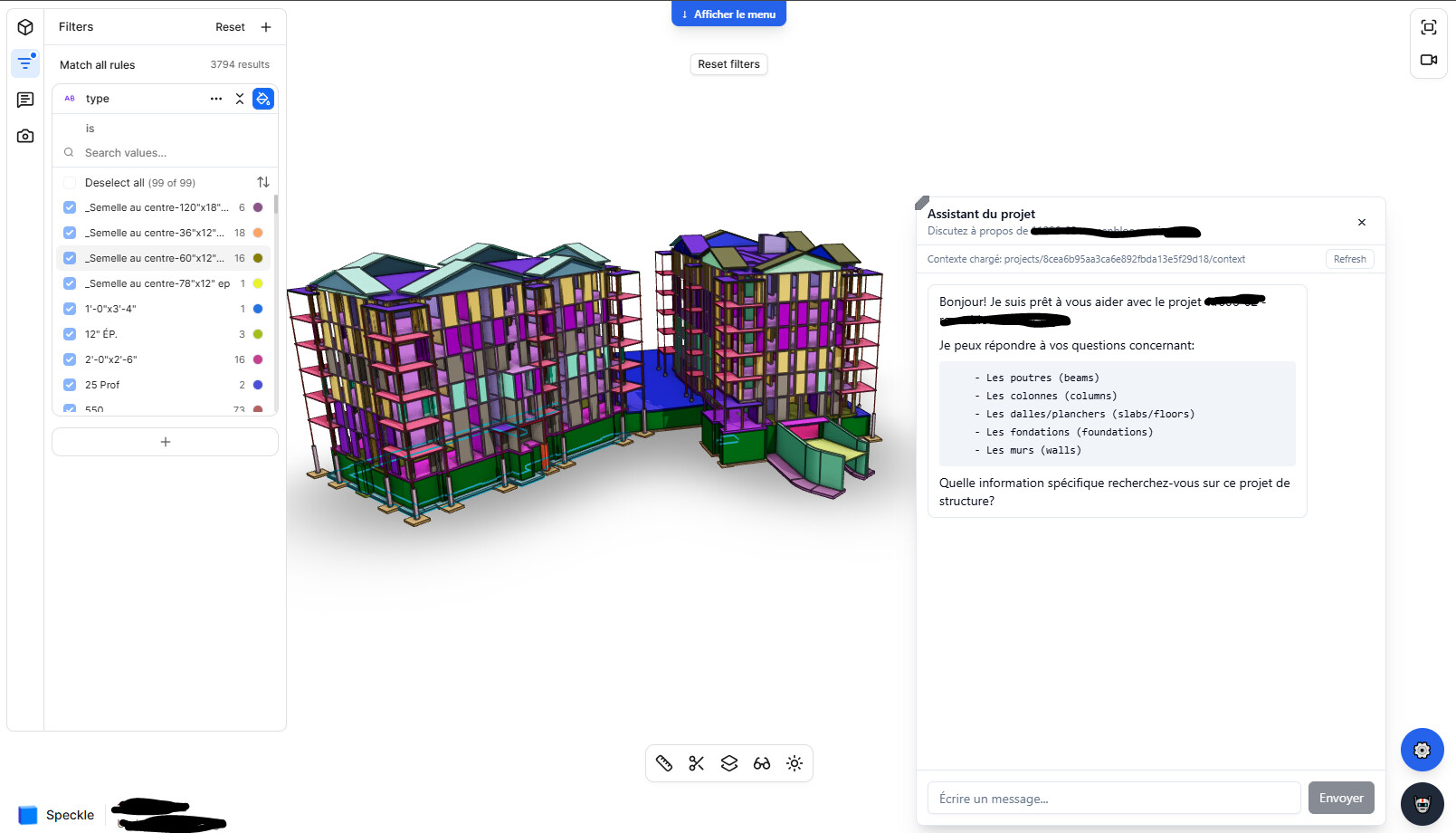
Everything started by following this Speckle YouTube tutorial, I separated data into multiple smaller JSON files. A small script detects which JSON to open based on the user prompt, so only the relevant data is passed to the LLM. This optimization dropped costs from ~$1 per prompt to ~$0.04. (Depending what model I use, still not sure wich one I prefer for this task).

Example: to get the total price of steel, only the steel material objects (with cost parameters) are loaded—no need to pass the entire model. This approach works across connectors (e.g. Revit, Etabs) with the same structure, making it fairly universal.

Right now, it works quite well, though very complex queries still hit limitations. Where I’m getting a bit lost is in the next step: I keep seeing mentions of AI agents, vector databases, n8n, PandasAI, LangChain, etc. Should I stop using GraphQL ? Has anyone here experimented with scaling their workflow using these tools—or found other approaches to take this to the next level?

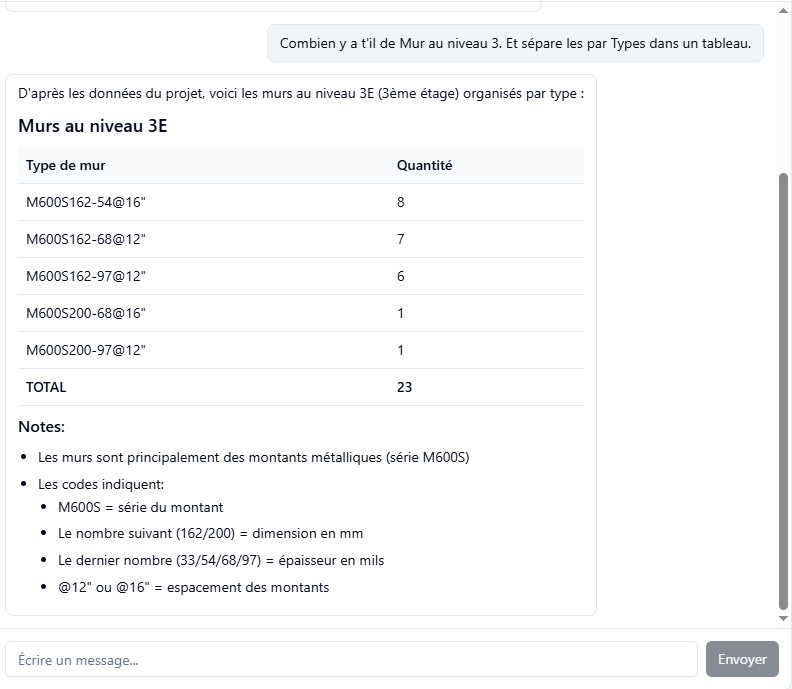
Exemple I get right now : In french
Since I’m doing all of this on the official Speckle server (not a self-hosted build), should I expect any limitations in terms of scalability, API usage, or access down the line?

We are considering deploying this tool internally with a Speckle Business license, and I would like to confirm whether this is the right choice.
Any recommendations or experiences would be greatly appreciated!

Thanks,
Gabriel S.

7 Likes

Wow, this is sweet! How do you integrate the agent in the frontend itself? I think that might be something we could inadvertently break down the line - or is it that you’re wrapping the viewer page in your own frontend?

Graphql is completely perpendicular to all the other things you list there. It’s how you get data from the speckle server, it’s our official API, we’re using it internally so it’s not going to go away anytime soon.

You seem to have cut through a lot of the noise, so if it works - it works :smiley:

Again, not really. You’re hitting the same api as we do, and we don’t have any plans to charge for api calls in the near/far future.

Again, sweet stuff! Some other specklers might jump on this thread and ask questions.

Nice work @Gab! I’m curious from a user perspective: What are some examples where it has felt like a good experience? How do you see you all applying it to your internal processes?

Hey @Gab, looks super cool!

On this context, GraphQL is your data source layer - so short answer, don’t stop using it. Agents like PandasAI or LangChain actually work on top of GraphQL, and not as a replacement.

What you can do instead of manually chunking the JSONs is to use one of those agents to call small functions (e.g. filtering, summing, grouping) instead of reasoning purely in text. This could also help on hitting the complex query limitations.

By the way, which model are you using for this? GPT models typically have smaller context windows, so you might want to experiment with something like Gemini 1.5 Pro (1M context window) for highly structured queries.

Keep us updated :slight_smile:

Thank you so much for your answers! :star_struck:

@dimitrie
The frontend just uses an iframe for the model viewer, while the LLM chat and tools are separate via API calls to Supabase/AWS. A GraphQL script pulls all Workspace projects and checks available models (Revit, Etabs, SAFE, SAP). Users then pick a project/model to prompt — the only way I found to give colleagues a more user-friendly interface.

And ok ! These AI tools basically add a layer to boost LLM context, but data still comes from GraphQL. Got it. I’ll need to research more to fully understand them. Good to know Speckle API calls stay the same so we can keep moving forward ! :grinning_face:


@benjavo
The most useful prompts so far are for engineers who want quick quantity takeoffs without opening PowerBI, Revit Schedules, ACC, etc. (I started this before the Speckle Intelligence announcement, so we’ll see which approach makes sense). After extracting a quantity, you can ask more specific questions — still something I need to test with the team to see which prompts work and which don’t.

Examples:

Prompt 1: Extract all pile head types and associated pile types, with diameters and above-ground heights in Sector A.

Prompt 2: All piles in Sector A were installed at 5’-0" instead of the 6" specified. This adds bending stresses — suggest permanent reinforcement solutions.

With the same database, we can play around with the LLM and it can create custom tables based on our performance criteria. It’s not exactly the same topic, but somewhat related.


@dogukan
Thanks for clarifying! That makes sense — I’ll explore using an agent on top of GraphQL instead of just handling JSON manually. New models keep coming out and I keep switching! Right now I’m on anthropic/claude-sonnet-4.5. Same conclusion as you: GPT feels meh — it chunks context poorly and max reasoning is slow and clunky. Haven’t tried Gemini 1.5 Pro yet, but I’ll test it.