Rhino to Revit geometry issue

Hi,

We are having issues with geometry published in Rhino 8 and Loaded in Revit 2025, Speckle 3.15.0. We have multiple of these in different dimensions, most did appear to work ok, but some did not. Below is an example of the same model.

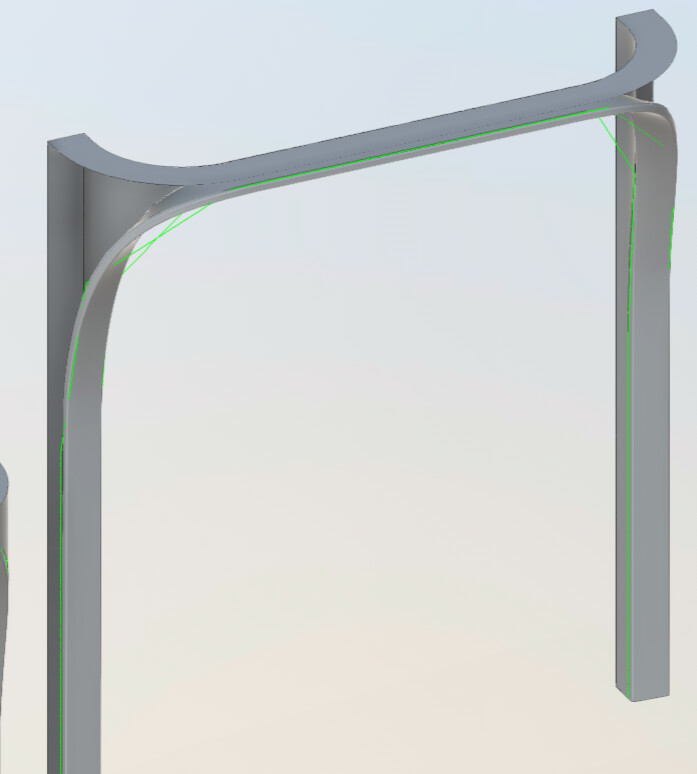
First it appears right in Revit

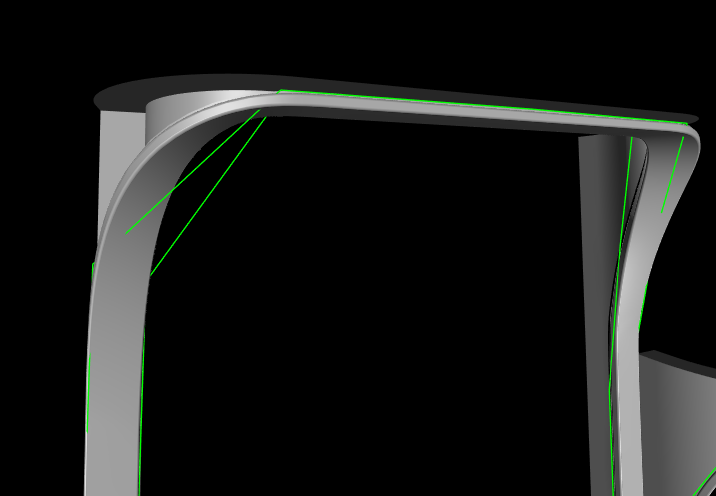
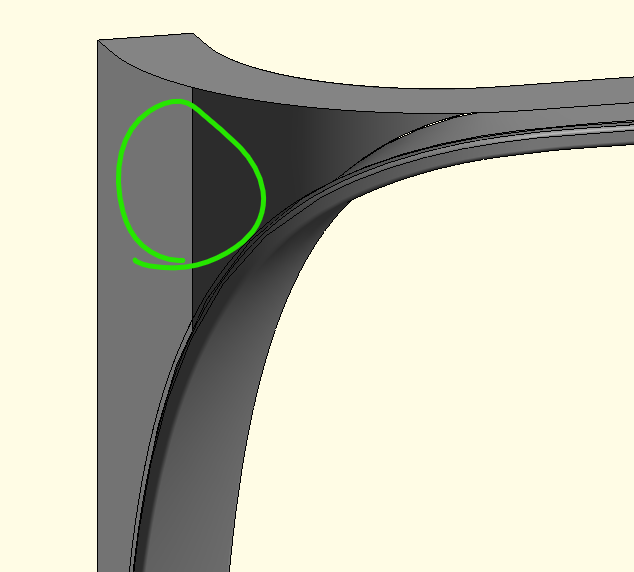
But depending on the camera movement one of the faces disappear:

Also, when loaded in Navisworks (from Revit) the surface is missing.

Same in ACC, from Revit, the surface is missing.

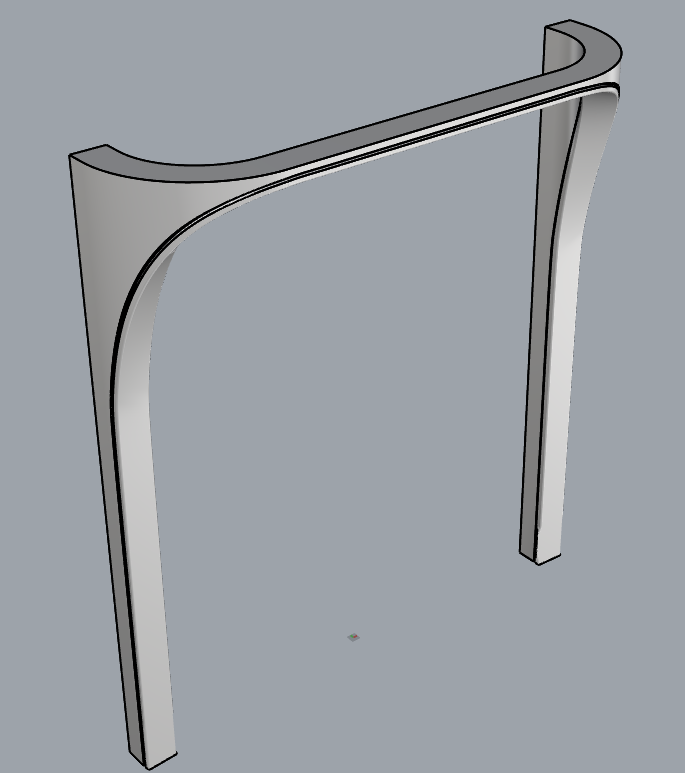
And this is how it looks in Rhino

Is there something we can do either Rhino/Revit/Speckle to make it work?

Thanks

Hi @brunomc,

Can you please share with us the geometry to take a look? You can use my email and send it there. Thank you!

1 Like

Hey @brunomc ,

This is a Revit limitation. You need to rebuild your geometry in Rhino with greater tolerances Revit can handle. While Rhino can handle very complex shapes, Revit can’t. So simplifying geometry is what’s required to make it work.
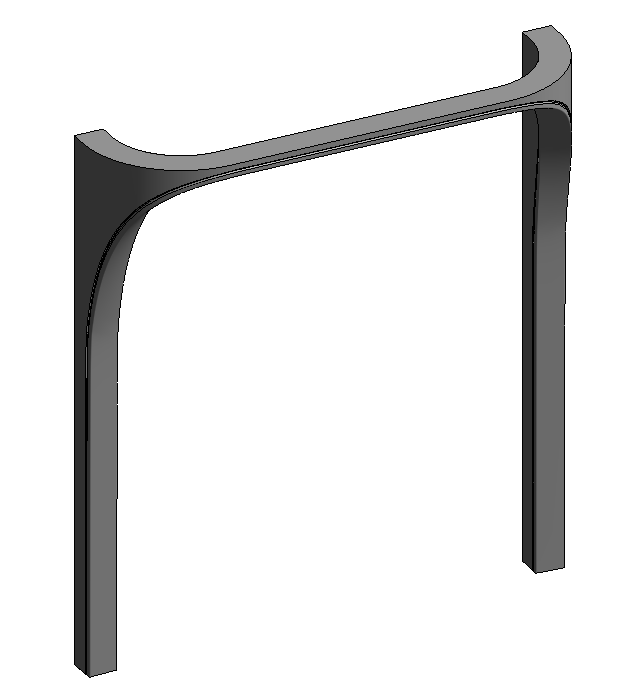
Hey Bilal,

Would there be a way to simplify it during the translation from Speckle to Revit such as a detail level switch?

Thanks,

Hey @brunomc ,

We can’t. It’s a complex mathematical problem and Speckle does not have a geometry kernel. It needs to be adjusted in the authoring application.