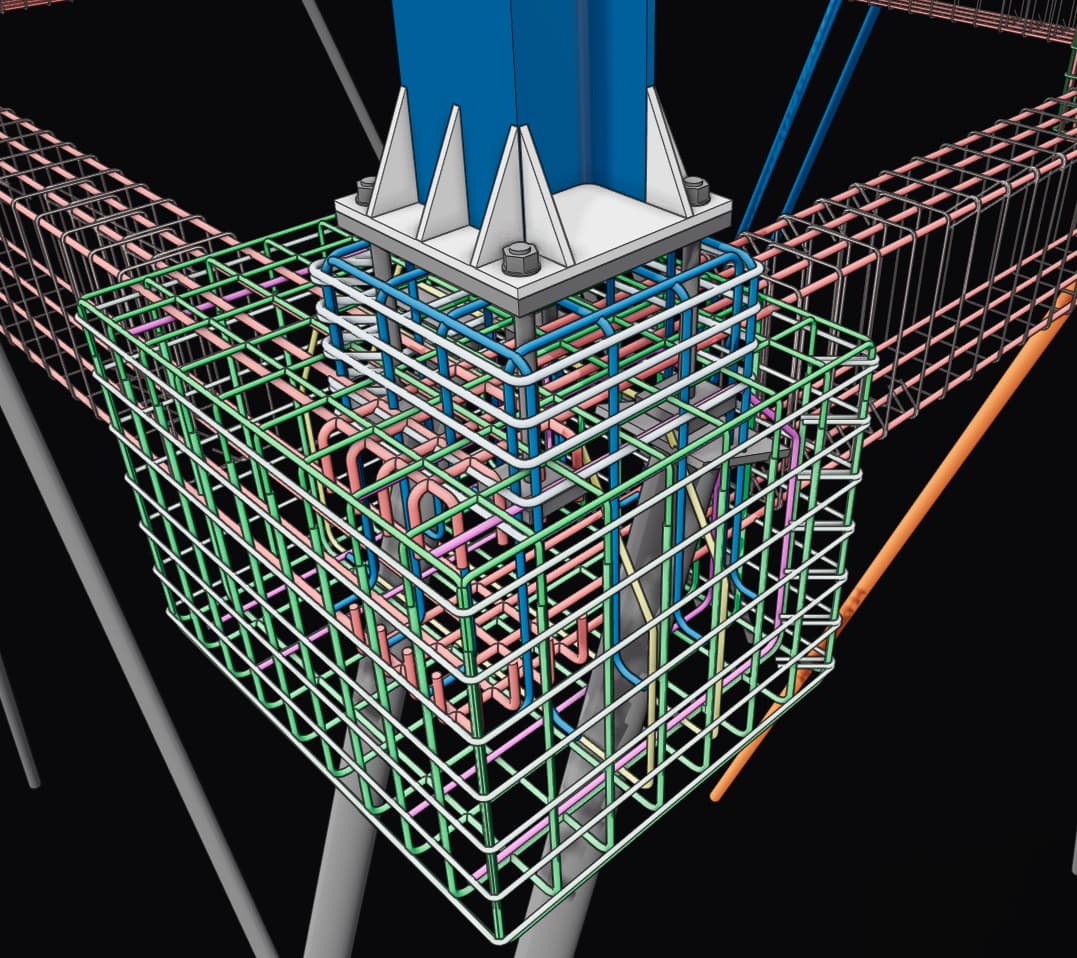
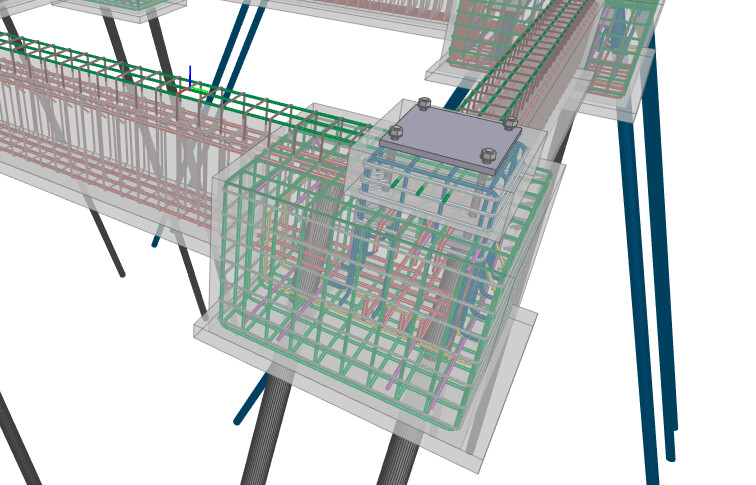
Revit - Rebar not displaying volumetrically

Hello,

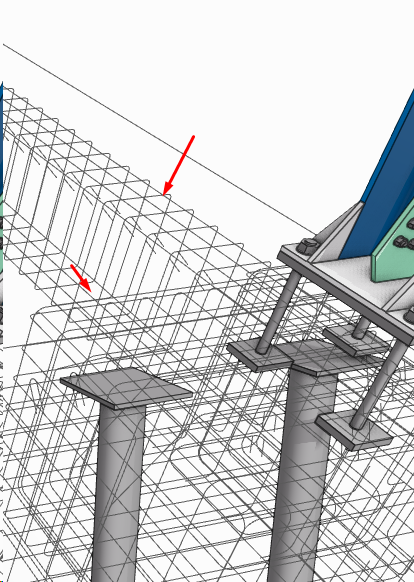
I’m not able to display the rebar volumetrically — I changed the Detail Level to Fine but it still exports as lines only.

Detail Level: Medium and Fine
Send Rebars as Volumetric: “check”

Revit Connector: speckle.revit.installer-3.20.1 and 3.20.2

Some notes:

  • speckle.revit.installer-3.20.1

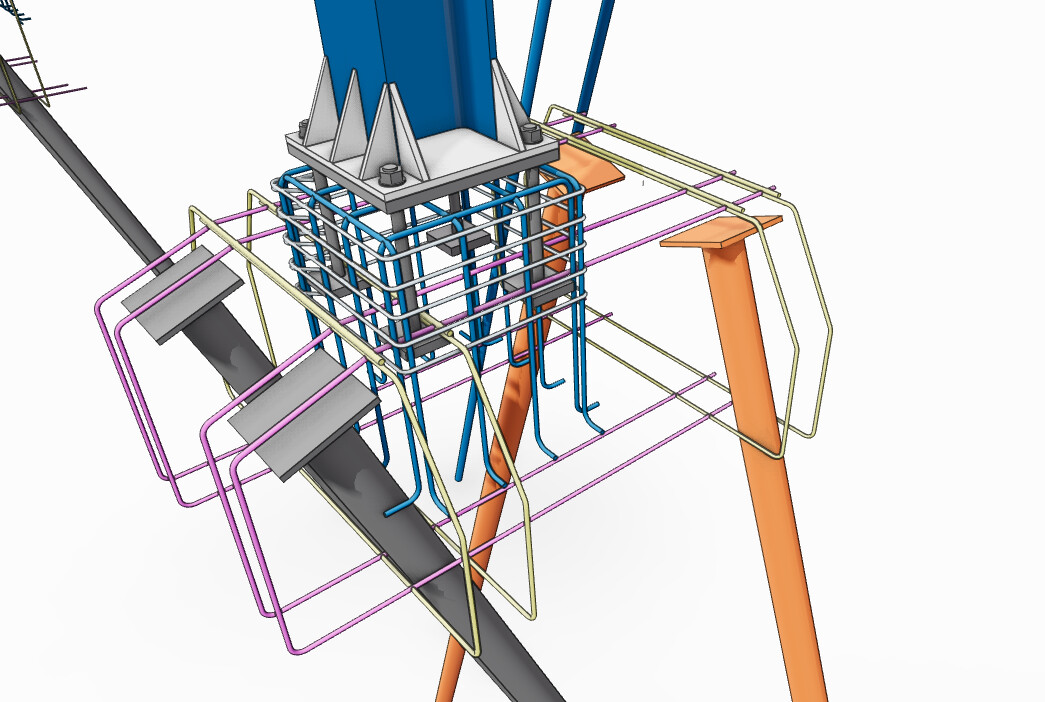
I am able to export some rebar elements with volume:

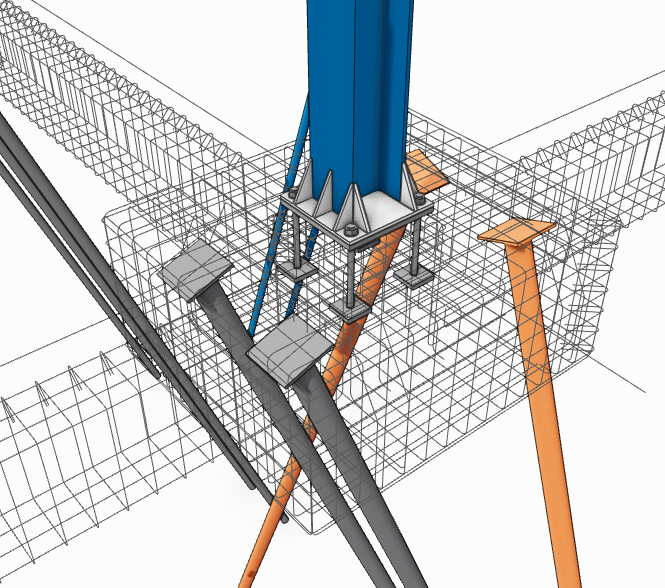
However, when I try to export all rebar elements, they are no longer volumetric:

  • speckle.revit.installer-3.20.2

I am unable to export any rebar elements.

Hey @amagro,

Are all rebar elements coming from the main rvt doc / model? In other words, no linked model(s)?

Hello @bjoern,

Yes, all rebars are native Revit elements, with no linked models.

And what publish mode are you using? Selection / Views or Categories? When you refer to the detail level(s), are these the settings on the connector or the Revit detail level settings? Rebar is a bit of a tricky one by nature of the API hence all the questions :sweat_smile:

I am publishing via Selection, and using the Detail Level setting on the connector.

In the past, I did not have any issues exporting rebar elements via Selection with Medium Detail Level.

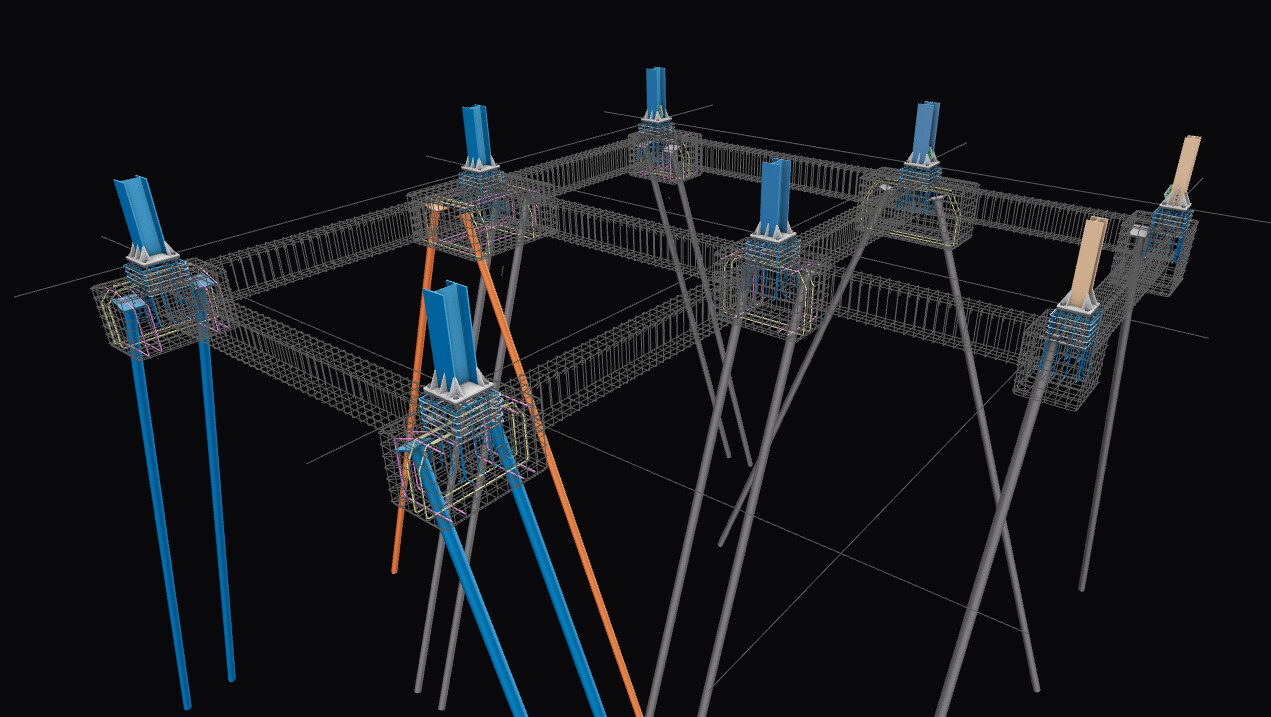
I don’t know what you guys have been cooking up, but the dark background is absolutely stunning!

4 Likes

And what is the detail level of the active view from which you are making the selection (in Revit, not the connector setting)?

If it is set to fine and the rebar is displayed volumetrically in the active viewport, I’d need to dig a bit deeper. I’ll send you a DM with a link to GDrive folder to put the file for debugging if you don’t mind?

Cheers,
Björn

PS thanks for the viewer feedback! cc @alex :cool_spockle:

1 Like

The detail level in Revit is also Fine :confused:
(I already replied your DM)

Will have a look and let you know. Thanks for flagging!

1 Like

Hey @amagro,

I cannot reproduce and all rebars are coming through correctly.

Can you try:

  • publish via view
  • ensure both view and ui detail leves are set to fine
  • send rebars as volumetric is set to true

Which version of revit are you using?

Hello @bjoern

Thanks for your reply.
But unfortunaly I’m not getting volumetric rebars.

Already tried:

- Selection: Views

  • Detail Level: Fine (UI and Revit)
  • Send Rebars As Volumetric: “check”

- Selection: Selection

  • Detail Level: Fine (UI and Revit)
  • Send Rebars As Volumetric: “check”

Revit 2026.4
Speckle Connector: 3.20.2

Edit:

I can get all volumetric rebar if I exported IFC directly in Revit:

Hey @amagro ,

I can’t reproduce the issue. Can you please try publishing the same model after reopening the model. I think some caching is causing this issue if you didn’t have the setting enabled in the first try.