Problems with new gen connectors using Blender

I have just switched to the next gen connectors and have 3 problems that I wonder if you could help me with

  1. Mesh custom properties from Blender are no longer sent to Speckle and I wonder how I can do this? This is the way I send data.
  2. Mesh colors from Blender is no longer imported by Revit, see https://app.speckle.systems/projects/8055d7971c/models/09de2b1a17
  3. I get no custom properties when I import objects to Blender
1 Like

Hey @MaxT ,

Good to see you back.

This is going to be added soon.

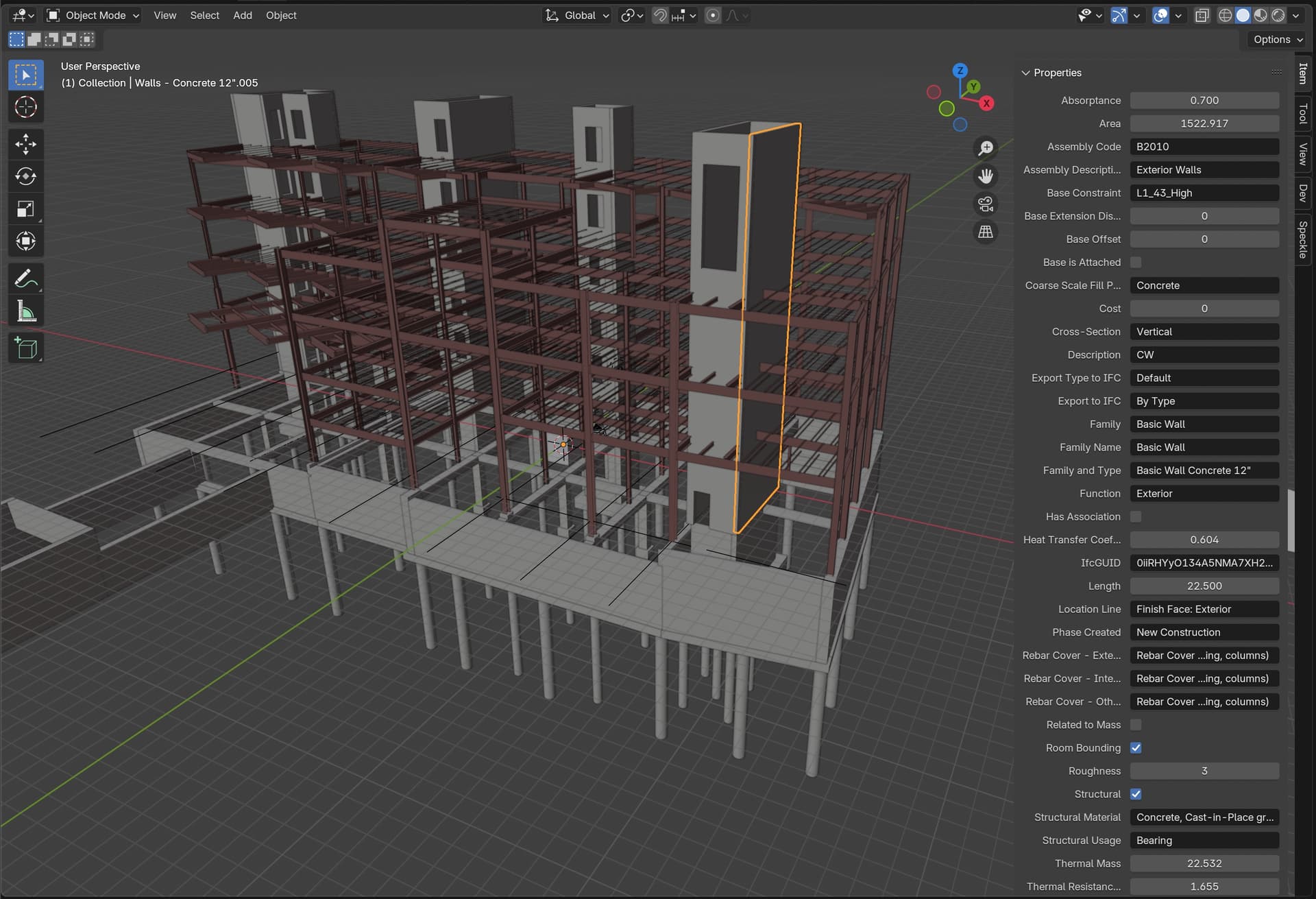
There is a PR open for this. Here’s a sneak peek:

Are those Blender materials or vertex colors?

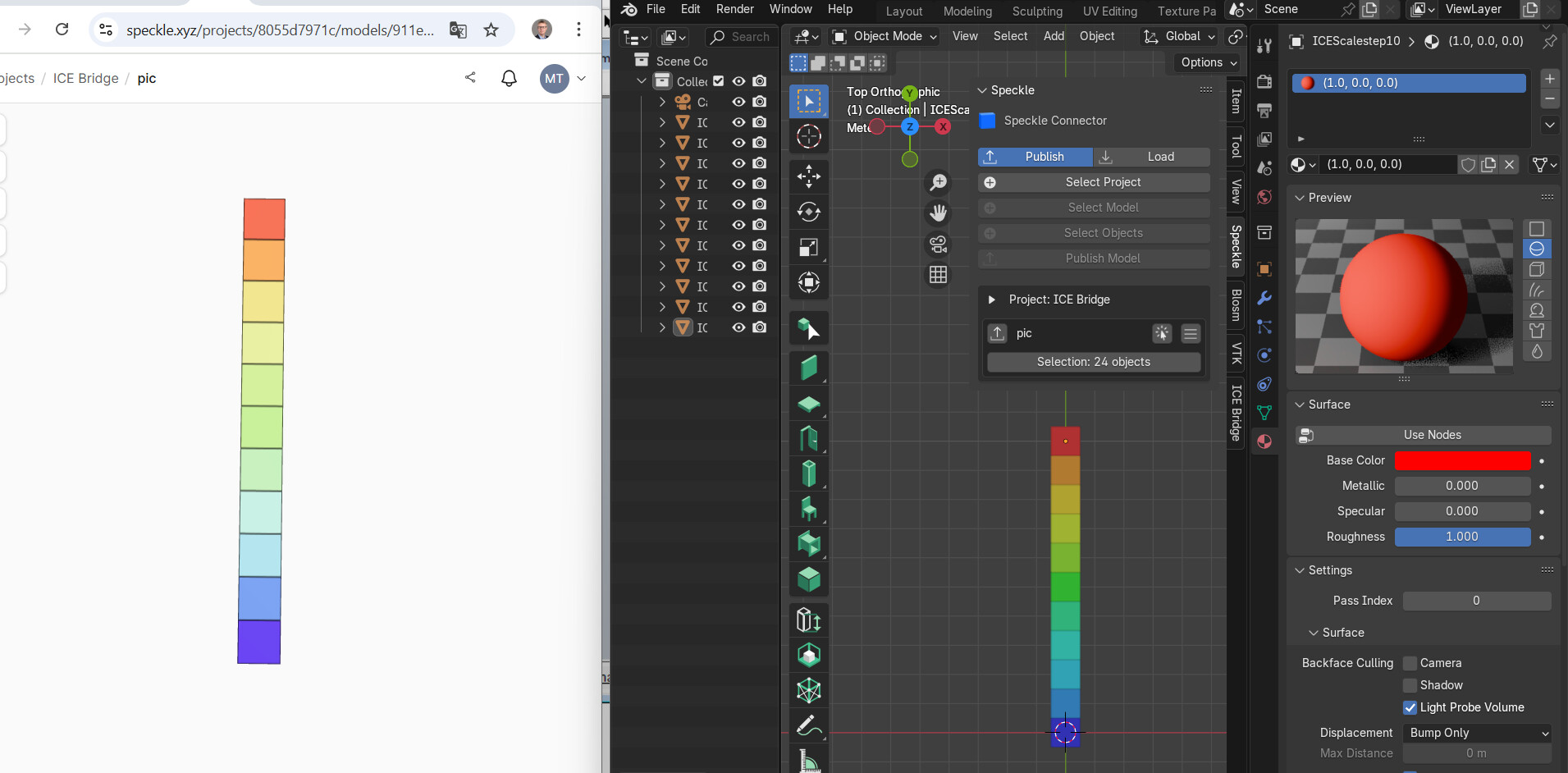
Thanks a lot @gokermu , I am really looing forward to have custom properties back in Speckle. Regarding colors, Blender->Speckle works fine but not Blender->Revit. In ArchiCAD I get no geometry at all. These are the settings (Speckle stream to the left)


Attached Blender file
untitled.blend (1.1 MB)

Thanks for sharing the file. I’ll look into what’s going on and get back to you with an update.

Hey @MaxT ,

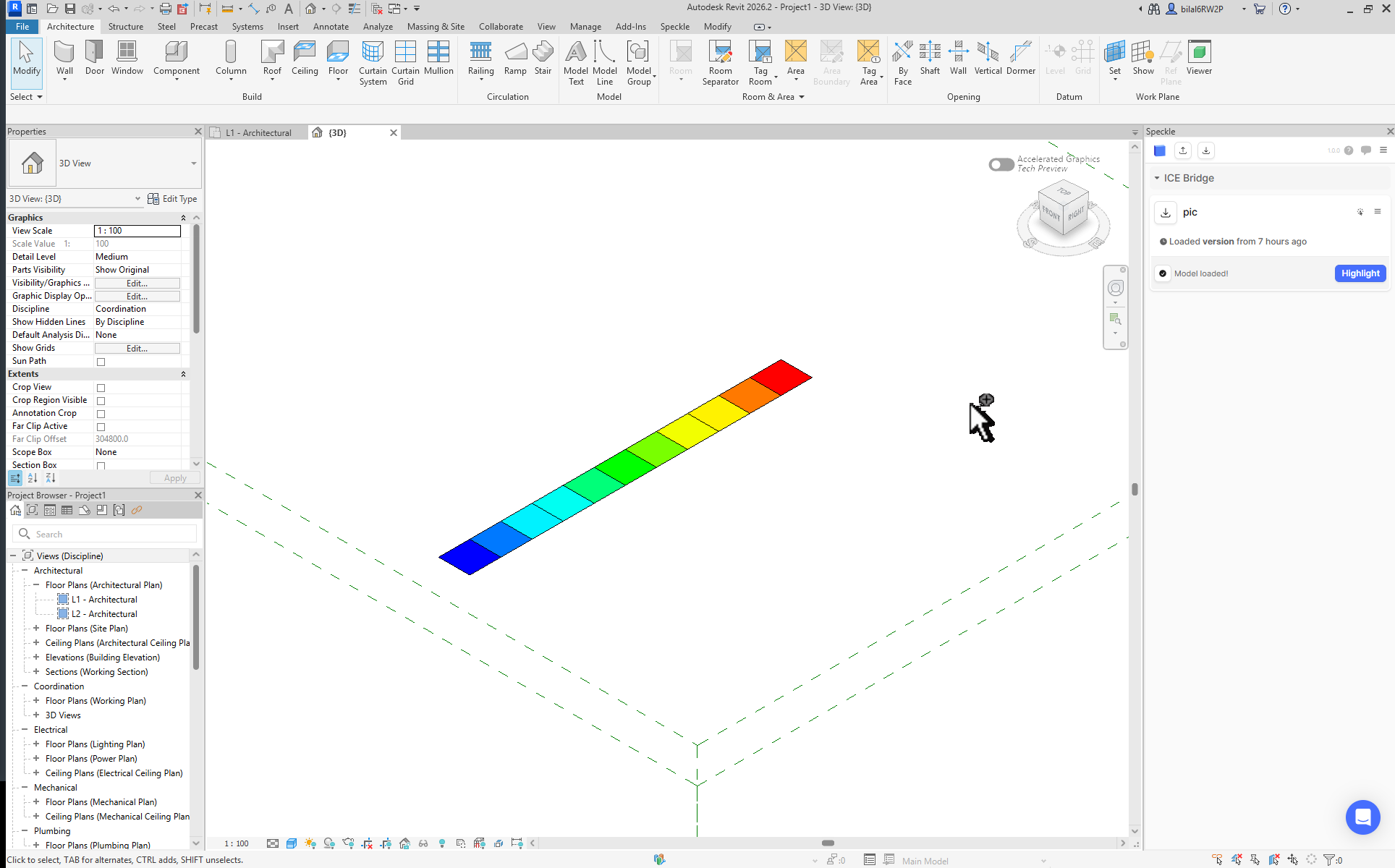
I just tried loading your published model in Revit and it seems to work fine. Are you using legacy Revit connector by any chance? You can access to current Revit connectors from app.speckle.systems/connectors
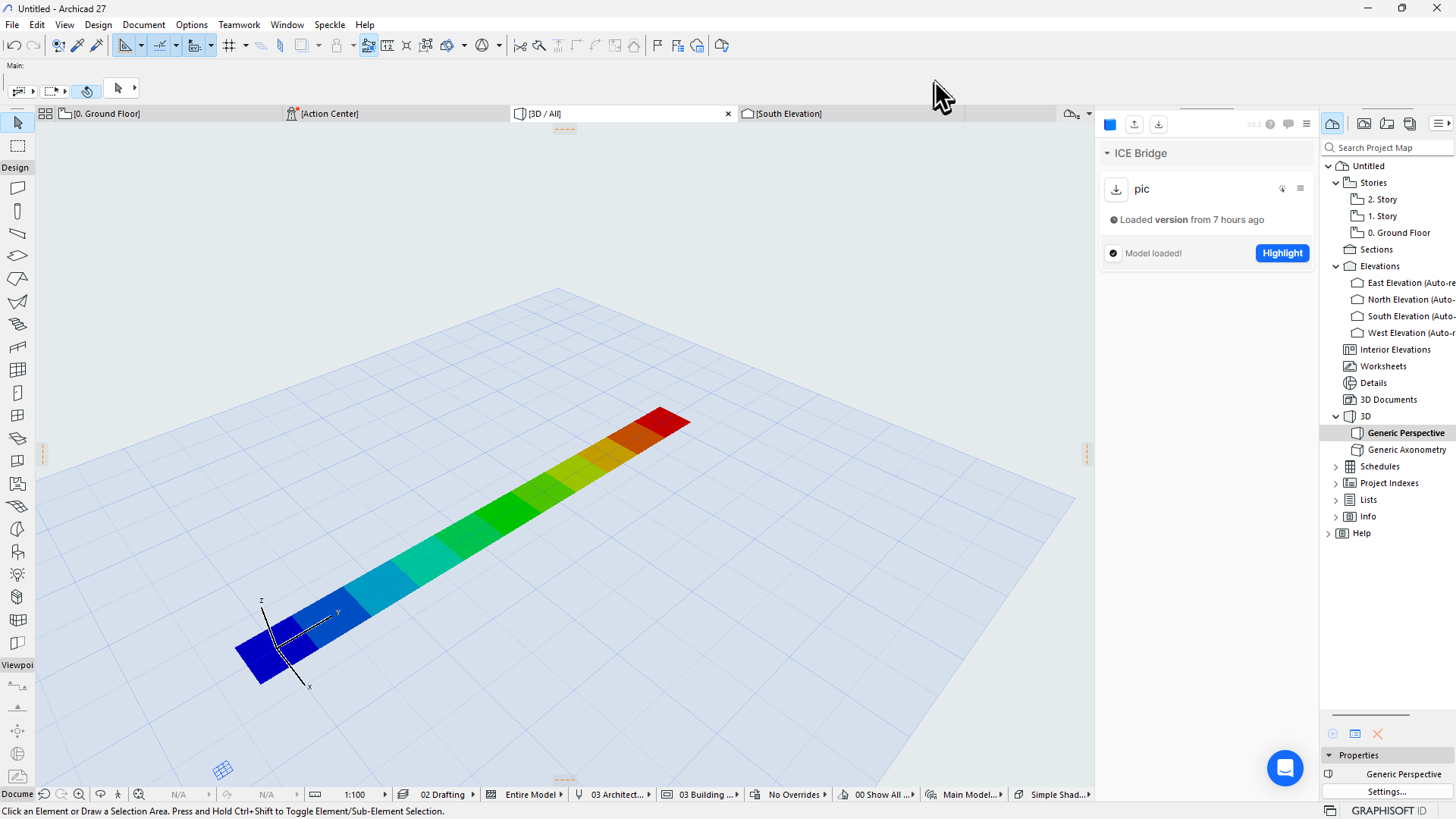
PS. Just tried loading in Archicad too. It seems to work there as well.

Thanks a lot for the trouble. I am a complete idiot and did not change the visibility setings in Revit. Now it looks great.

2 Likes

This topic was automatically closed after 180 days. New replies are no longer allowed.