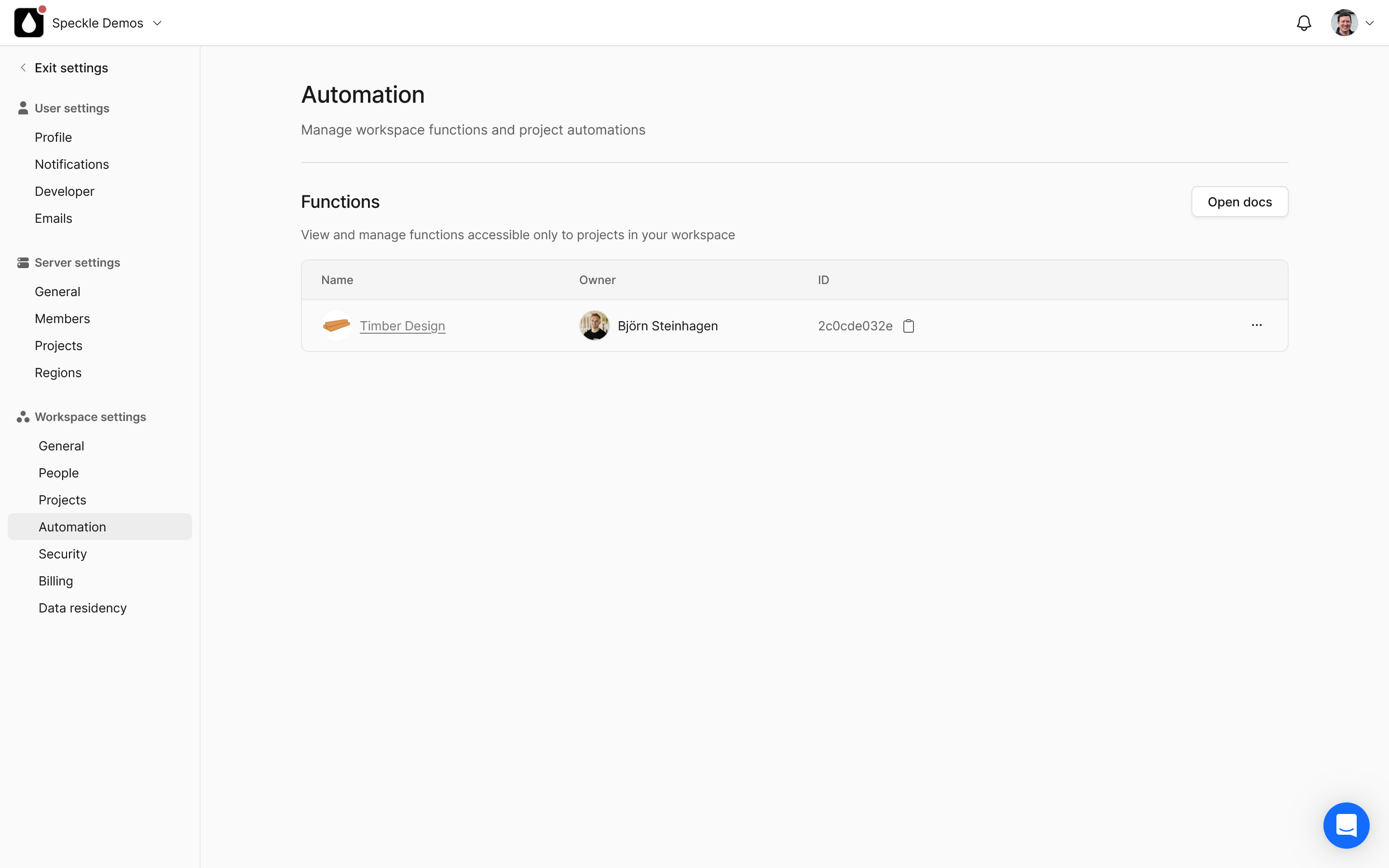
Here you will see all private functions for your workspace and can regenerate function tokens for functions you own. This capability is useful to many of you for different reasons:
You can now set up monorepos where all your functions live and are deployed together
You can configure existing repos to deploy functions
(If you’re especially savvy) You can now, technically, use non-github source control platforms! But more support coming for that soon™️- please reach out if this is immediately useful to you.
Hey, yes, you’re right. If you want a new function to end up in an existing repo, you still have to make it the first time the old way. This is a bit of awkwardness that we will be addressing soon.
Once it’s created, though, it’s the same process as moving existing ones:
Go to the workspace Automations settings
Grab the function id
Regenerate the function token
Set both as the required values in your desired github repo, and configure the specklesystems/speckle-automate-github-composite-action github action with them