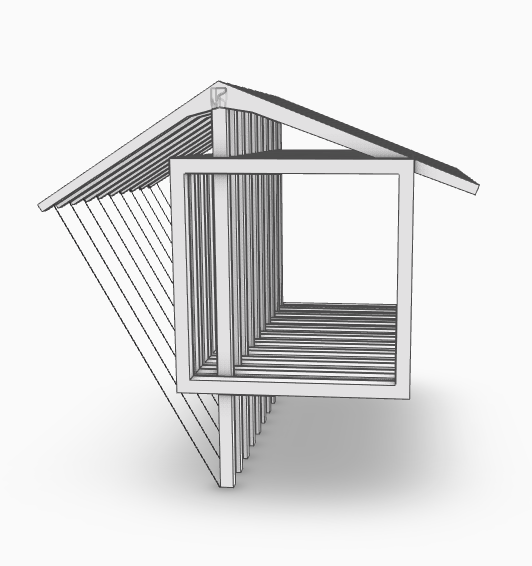
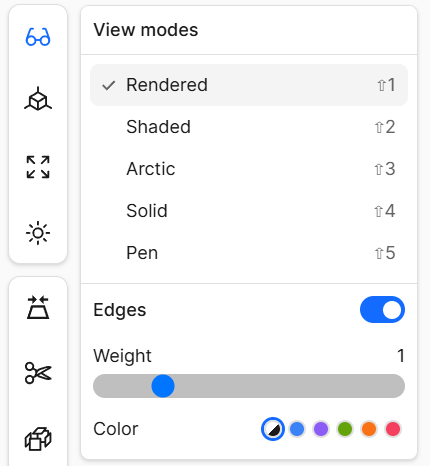
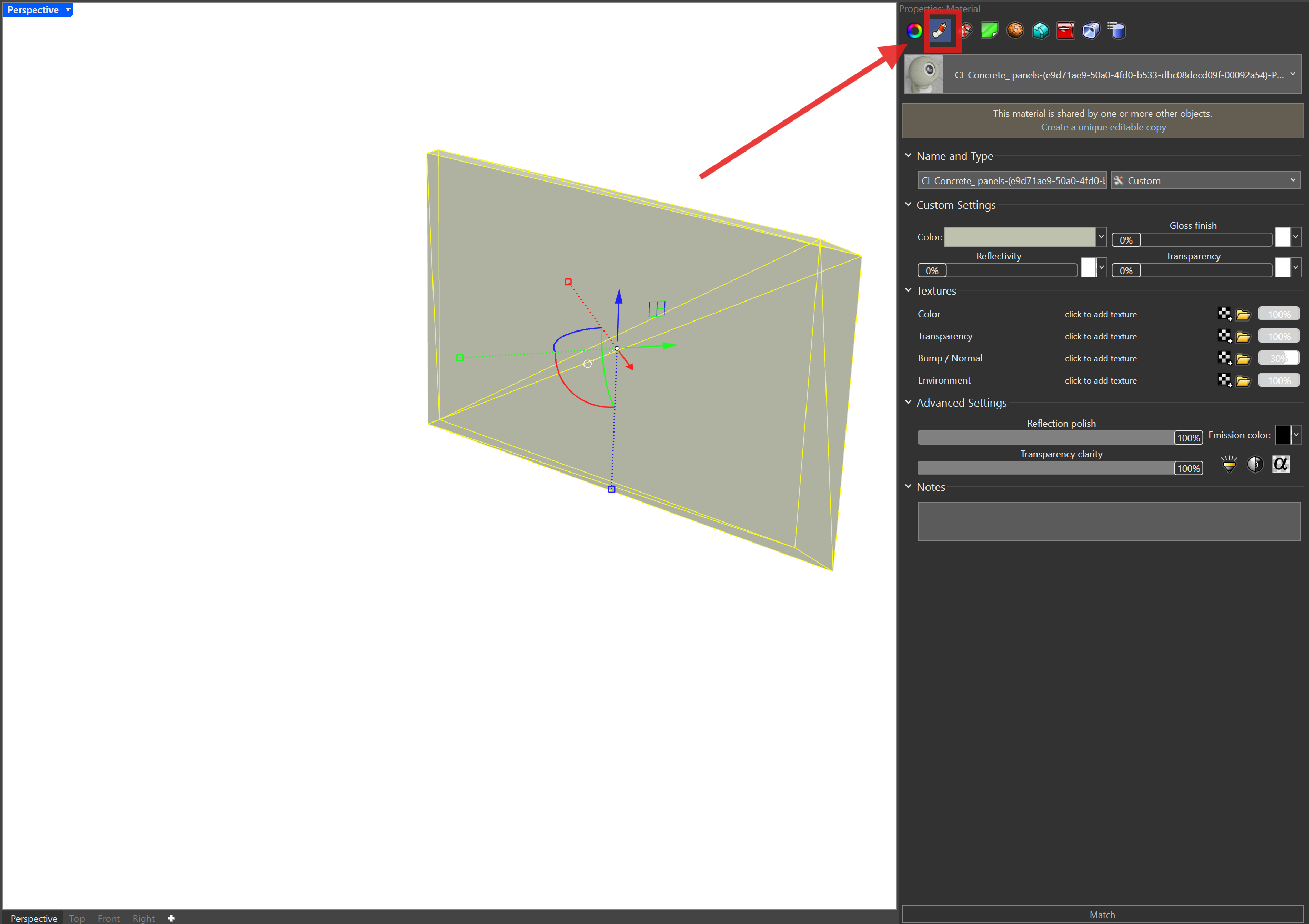
What I want to look like this in Speckle:
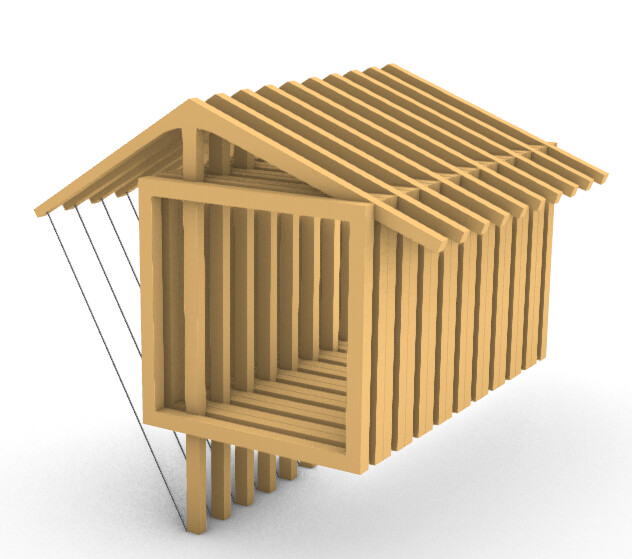
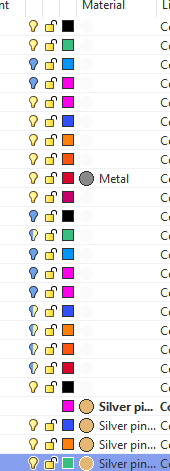
Shows up like this in the Speckle Viewer now:
Hey @katherine.c,
Thanks for reporting this. A couple of questions from my side to understand the issue a bit better:
If the above hasn’t helped, would you be able to send me the Rhino model so that I can investigate further?
I think I’ve resolved it in the end, the object had to be set so that the material was set by layer.
It’s a bit confusing, because I’d expect what I see in the Render view of Rhino to match what I see in Speckle.
A couple of other points:
Thanks!
Hello @katherine.c,
I’m Jack and a designer at Speckle.
I was interested to hear about your request regarding a “share link”. In what context do you think you would you find that option the most helpful?
You mention that it should store the view mode that is applied, but are there any other properties that should also be captured when sharing?
Best,
Jack
Hi @katherine.c , materials should be transferred if it is set ‘by object’ or ‘by material’ - the only case we are not currently supporting explicitly is ‘by parent’. If your material was previously set by object, then this sounds like a bug!
This topic was automatically closed after 180 days. New replies are no longer allowed.