Hi Speckle team,
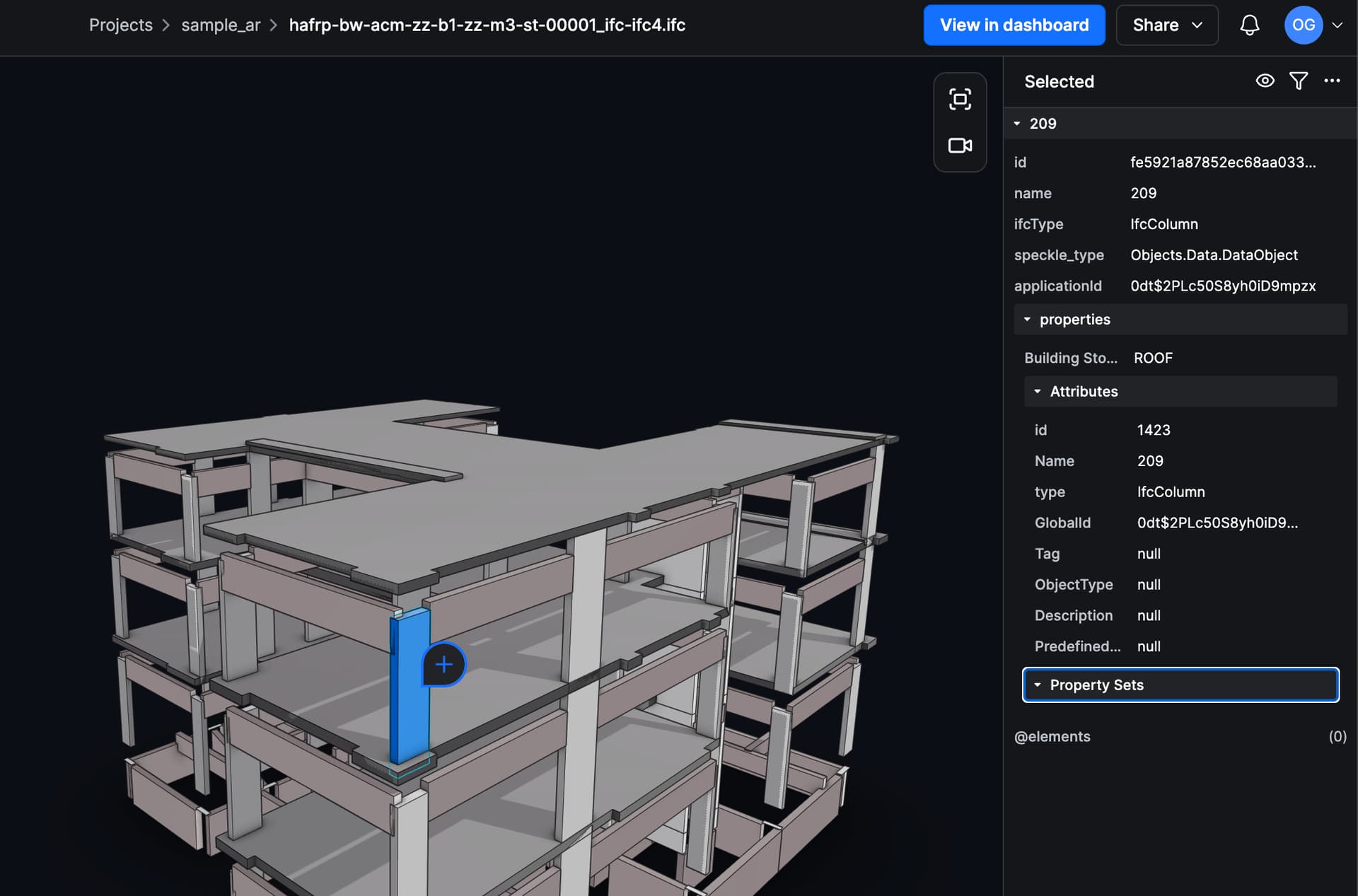
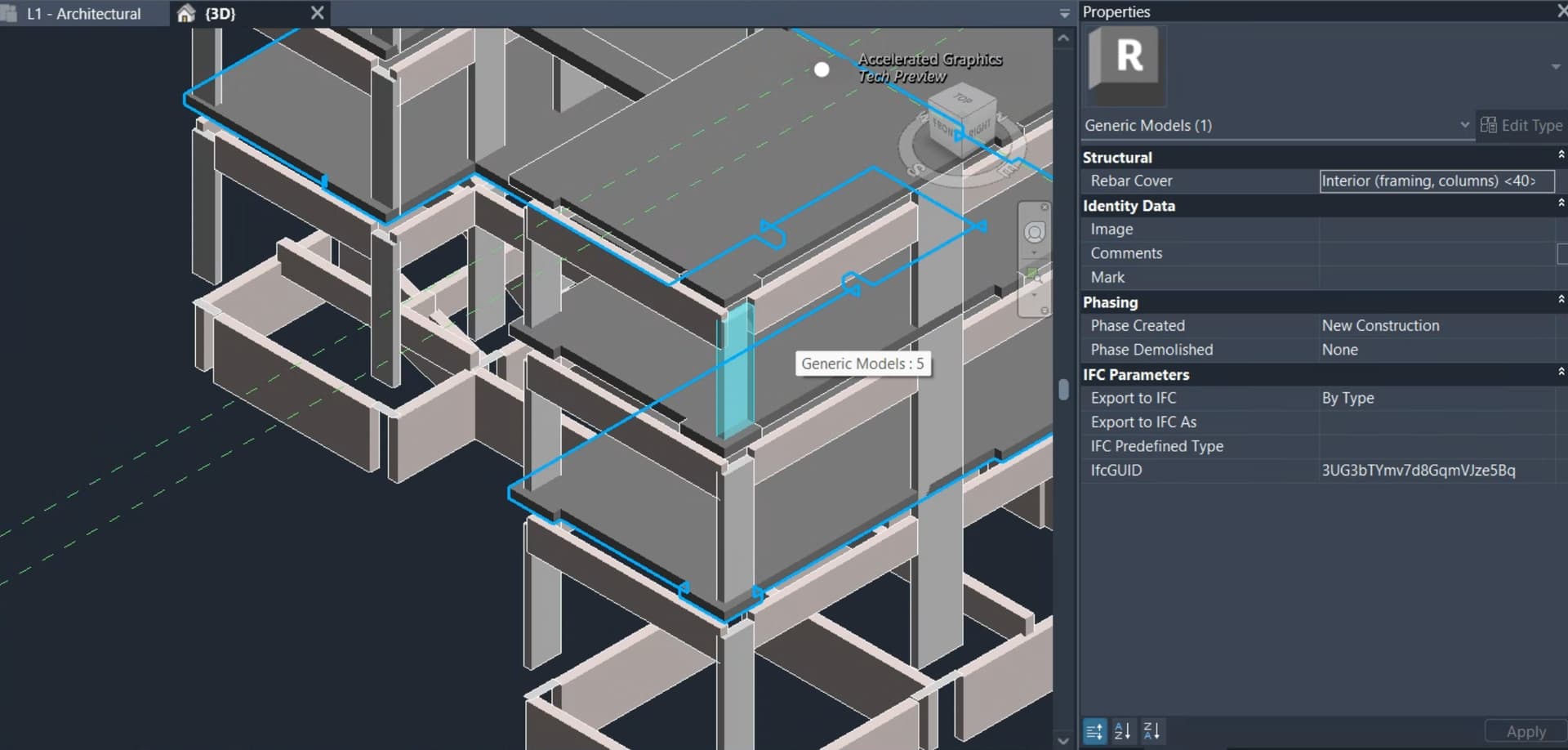
I’m running into an issue where IFC files imported to Speckle appear correctly in the Speckle web viewer, but I can’t pull/receive the same model into Revit or Rhino. However, sending native models via the connectors works fine, for example Revit to Speckle works normally.
What works:
Revit connector → Send to Speckle works. The model uploads and versions are created normally.
The issue seems to happen specifically when the model originates from an IFC import.
What fails:
IFC → Speckle import: the model appears in the Speckle viewer.
Receive in Revit: fails with an exception.
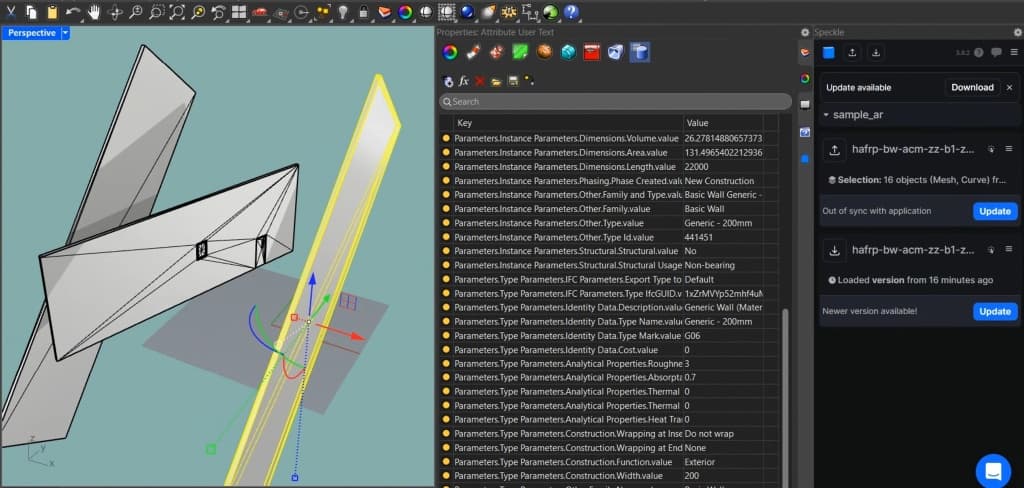
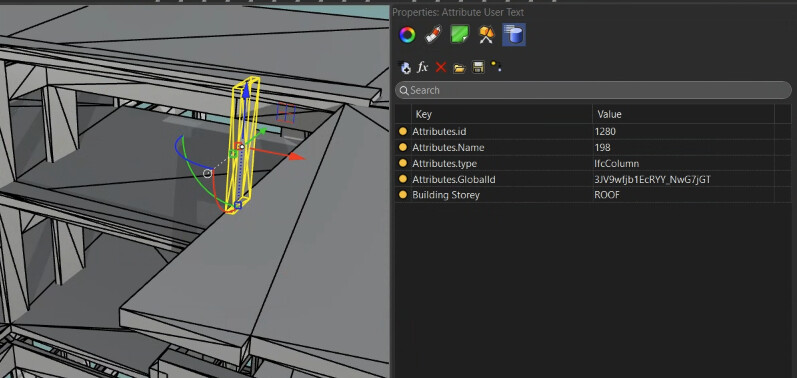
Receive in Rhino: fails with “did not convert to any native geometry”.
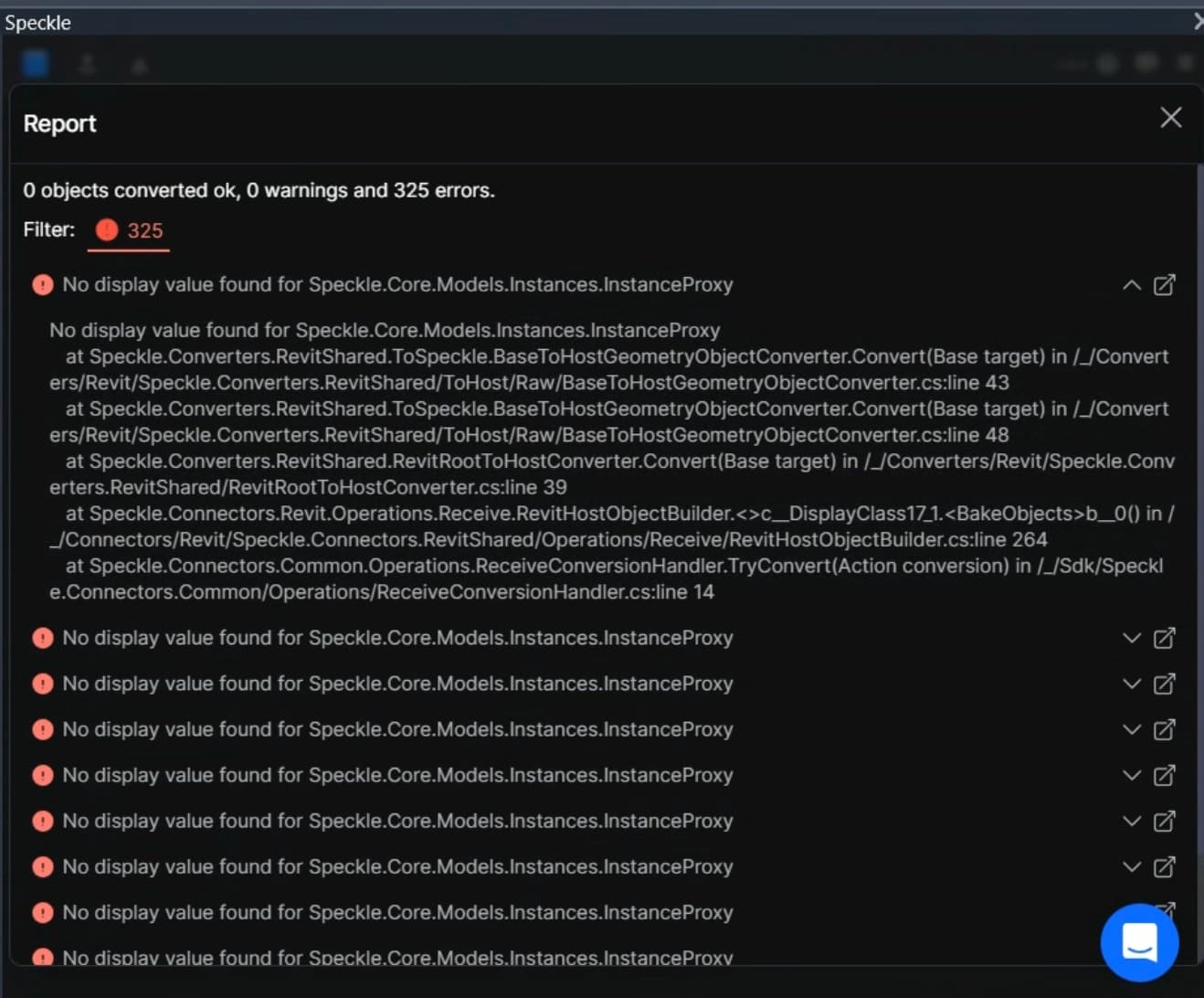
Revit receive error:
No display value found for Speckle.Core.Models.Instances.InstanceProxy
at Speckle.Converters.RevitShared.ToSpeckle.BaseToHostGeometryObjectConverter.Convert(Base target) in /*/Converters/Revit/Speckle.Converters.RevitShared/ToHost/Raw/BaseToHostGeometryObjectConverter.cs:line 43

at Speckle.Converters.RevitShared.ToSpeckle.BaseToHostGeometryObjectConverter.Convert(Base target) in /<em>/Converters/Revit/Speckle.Converters.RevitShared/ToHost/Raw/BaseToHostGeometryObjectConverter.cs:line 48
at Speckle.Converters.RevitShared.RevitRootToHostConverter.Convert(Base target) in /</em>/Converters/Revit/Speckle.Converters.RevitShared/RevitRootToHostConverter.cs:line 39
at Speckle.Connectors.Revit.Operations.Receive.RevitHostObjectBuilder.<>c__DisplayClass17_1.<BakeObjects>b__0() in /*/Connectors/Revit/Speckle.Connectors.RevitShared/Operations/Receive/RevitHostObjectBuilder.cs:line 264
at Speckle.Connectors.Common.Operations.ReceiveConversionHandler.TryConvert(Action conversion) in /_/Sdk/Speckle.Connectors.Common/Operations/ReceiveConversionHandler.cs:line 14
Rhino receive error:
Object did not convert to any native geometry
at Speckle.Connectors.Rhino.Operations.Receive.RhinoHostObjectBuilder.<>c__DisplayClass12_1.<Build>b__5() in /<em>/Connectors/Rhino/Speckle.Connectors.RhinoShared/Operations/Receive/RhinoHostObjectBuilder.cs:line 192
at Speckle.Connectors.Common.Operations.ReceiveConversionHandler.TryConvert(Action conversion) in /</em>/Sdk/Speckle.Connectors.Common/Operations/ReceiveConversionHandler.cs:line 14
My hypothesis:
It looks like the IFC import results in objects that render in the viewer but do not have a host-convertible geometry representation for Revit/Rhino receive.
Is this related to InstanceProxy objects lacking a display value such as mesh, brep, or curve on receive?
A few questions:
- Is this a known issue with IFC-imported streams when receiving into Revit or Rhino?
- Are there any recommended settings or import workflows to ensure the imported IFC produces geometry that the Revit/Rhino connectors can convert?
Thanks in advance.