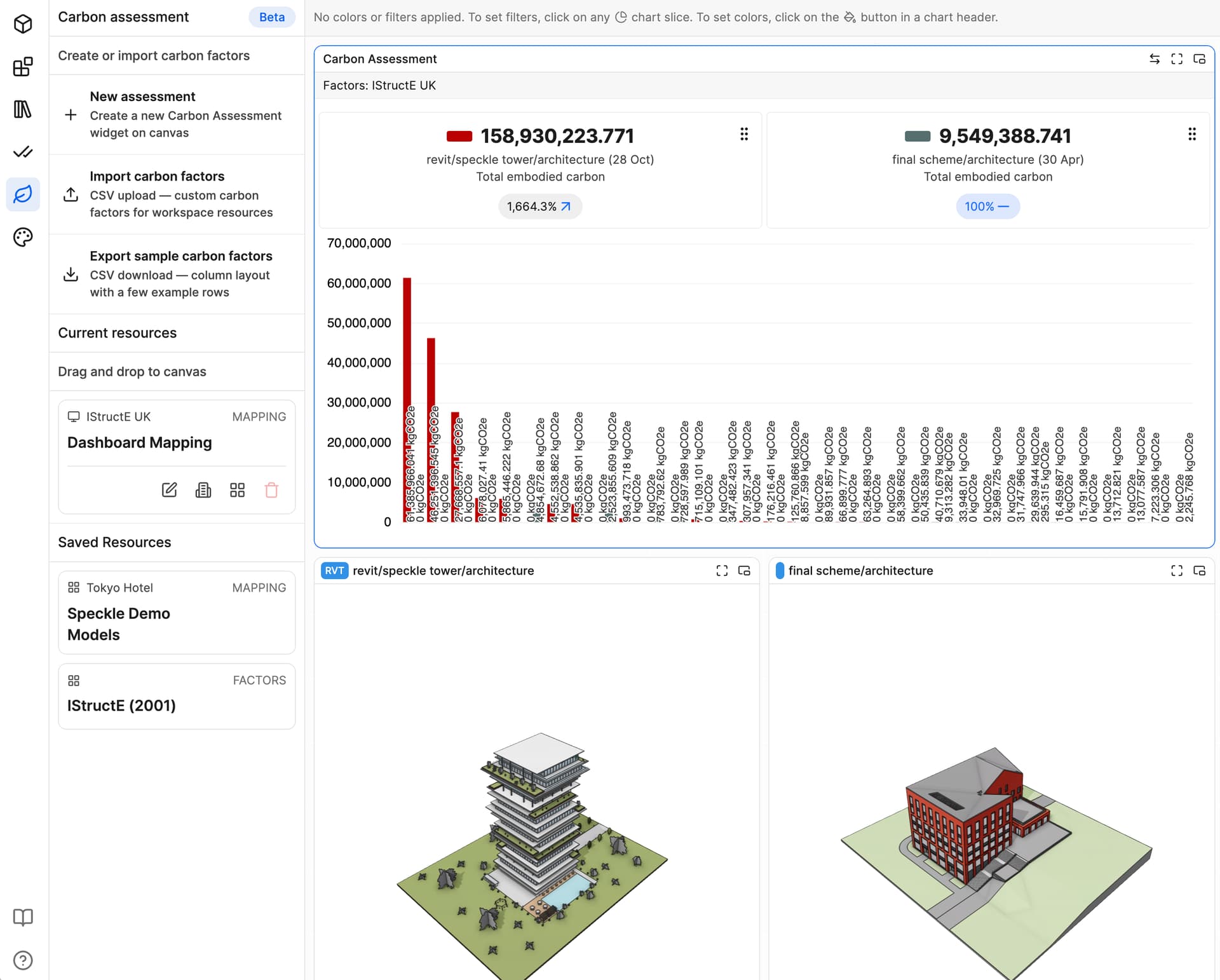
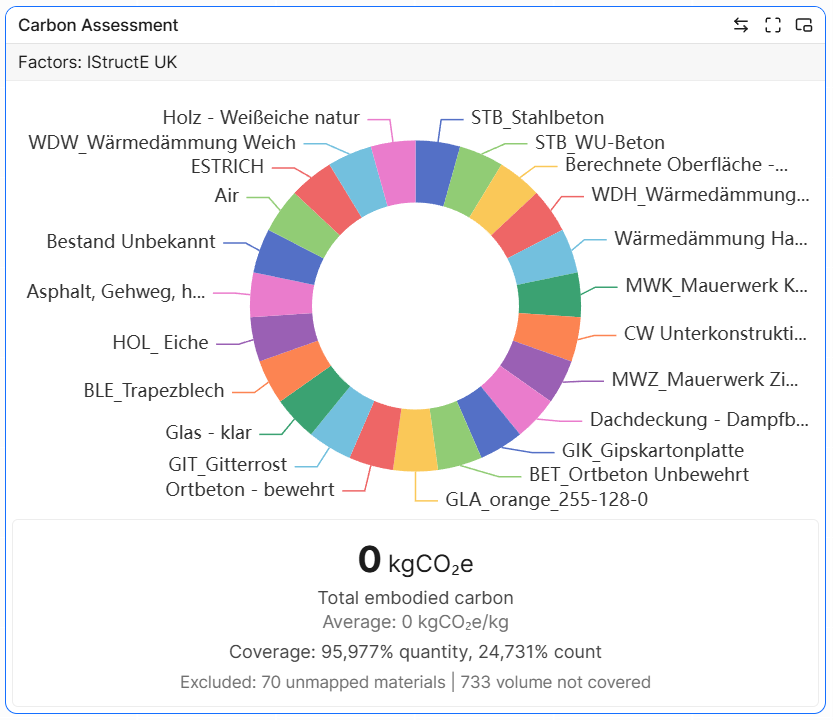
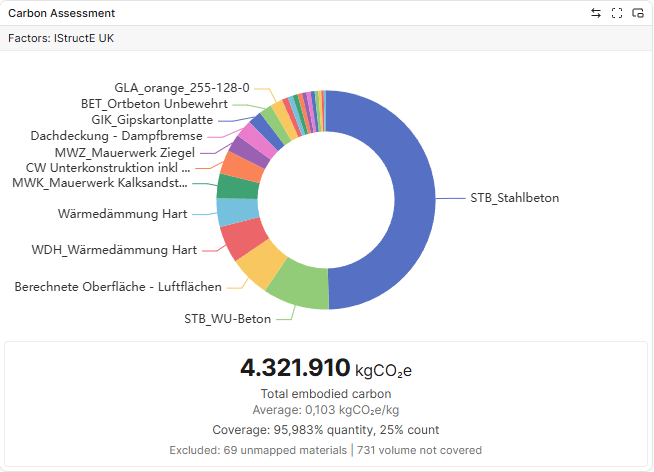
Custom carbon factor datasets are now supported in a beta form as a standalone Carbon Assessment
You can now:
- Upload your own datasets
- Map to your model classifications
- Store per workspace or project
- Switch between default and custom datasets for comparison
This was driven directly by requests from teams working with regional datasets, internal benchmarks, and other workflows.
If you’ve been blocked by the default factors until now, this should unblock you.
Interested to hear how people structure their datasets and mapping logic in practice.
Specifically, if you wish to take this further with LCAx, EPDs, etc.
We have also added the ability to compare two models
3 Likes
Nicely done, this is a big step forward. I have just begun piecing together a custom carbon factors database for our firm.
Any ideas on why the calculation won’t work? I’ve tried different factor systems and mappings, but the sum always stays at zero. I suspect it’s something to do with model units…?
1 Like
can you send me your factors file?
Sure! This is my first try at a custom factors file, so it has only three entries (for now). I tried mapping these to all materials in the model just to test if the csv works.
osa-carbon-factor-samples.csv (1.2 KB)
1 Like
@jonathon I just had a brainwave. So I started Revit up again, this time the localized english version, and exported the same model with the same export settings as a new version. And tadaaaa, suddenly it works:
So this seems to be a localization issue indeed.
We’ve had this problem in the past with exports to Revizto - certain PSets and Parameter names do get translated according to the Revit-specific language you’re working in.
1 Like
Apologies @hwollersheim I took some leave and didnt check this for you - I’ll see what we can do to handle this better.
1 Like
Looking at the factors file you shared earlier, I think there may be a formatting issue in the CSV itself, as some of the values appear to be shifted into the wrong columns during import.
That said, the broader point is interesting. Today, the Carbon tool expects factors in a fairly simple schema (for example, a carbon intensity value in kgCO₂e/m³), whereas OSA may use different structures, units, and lifecycle breakdowns.
We’re interested in understanding those formats better, as there may be value in supporting import and normalization of external carbon factor schemas rather than requiring users to manually reshape everything into the format Speckle currently expects.
If you have documentation or representative OSA datasets that you’d recommend, we’d be keen to take a look.
1 Like
We’re actually pretty early in the process of developing our own standards for carbon assessments. One thing I can tell you is that there are typically different unit standards for different building components. For example, concrete walls will always be measured in cubic meters, structural columns can either be measured in running meters or cubic meters, depending on whether they’re precast or cast-in-place, drywall is typically measured in square meters and doors are mostly counted in number per door type (a steel or aluminium door will have a very different GWP than a wooden door).
On the other side of the equation, publicly available EPD datasets offer carbon factors using their own unit types. So it might be that our quantity surveying team always counts doors by number, but the carbon factor from the EPD is in kgCO2e/m². Now, which unit do you use for the calculation? From an architects or construction company’s point of view, I think it will be necessary to have the flexibility to declare these units yourself in the mapping file. Maybe make it rule based? E.g. “For columns, take the length, for concrete walls, take the volume, for doors take (width multiplied by height)” and so on?
Not sure if this is a viable solution, just thinking out loud here…