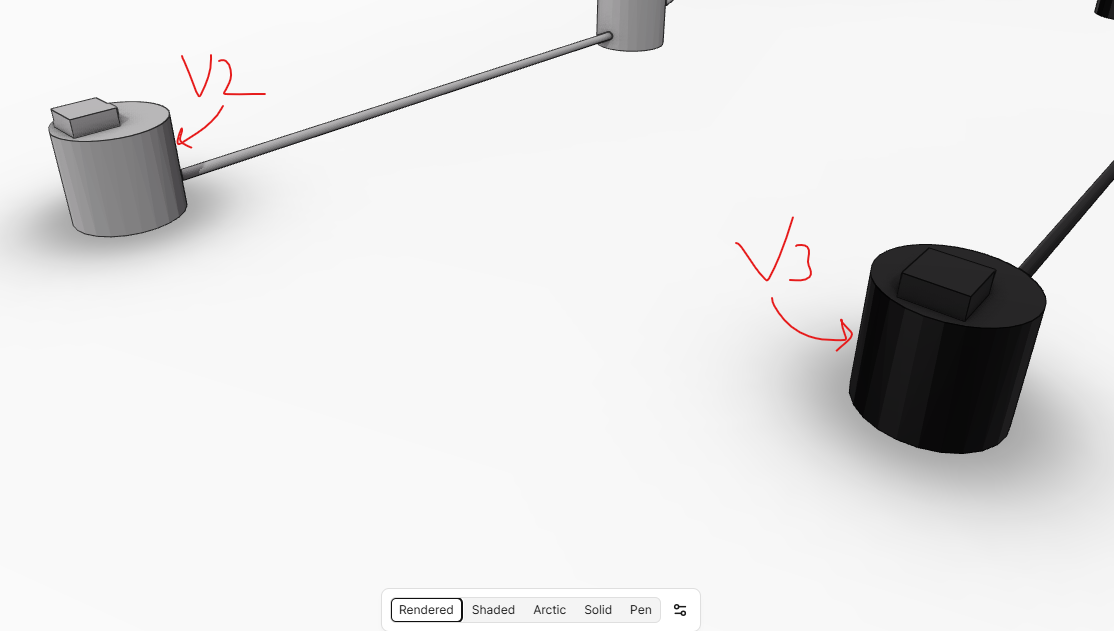
I’ve been looking at migrating some workflows we have from C3D to V3. and wanted to highlight a few things that ive noticed.
Properties
Generally looking more structured.
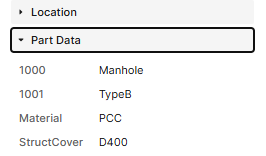
PartData
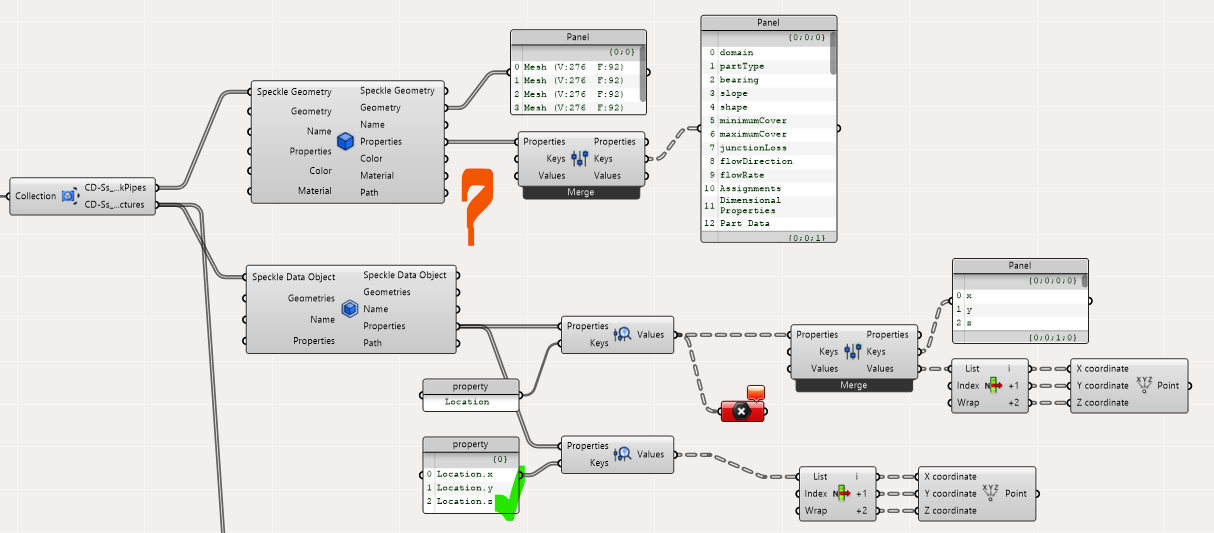
These are now shown displayed by their context which is much more readable than name used in V2
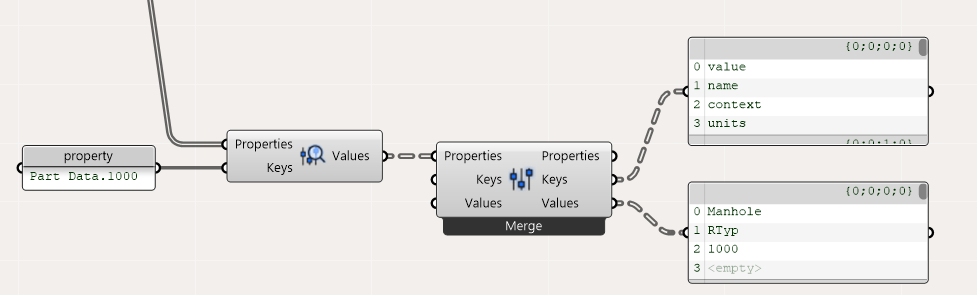
Custom part data
However we have added some custom Part Data properties across our pipe networks which we use for mapping. Although the data pulls through the context of that property doesn’t. Quite possible a C3D/ our implementation thing!
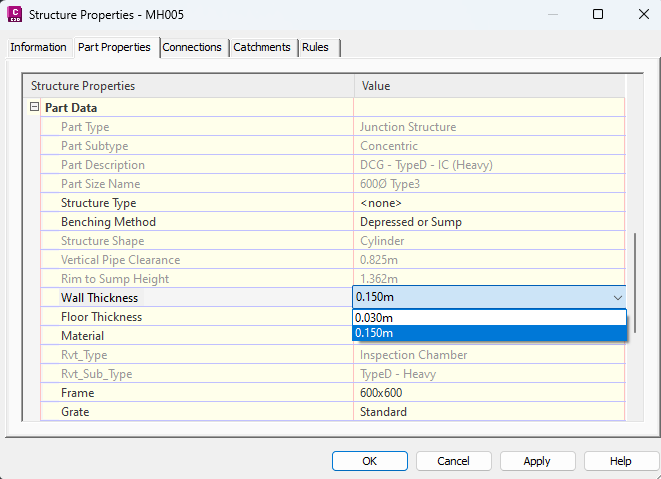
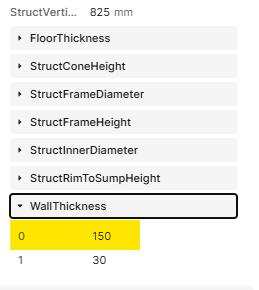
For certain properties on a part there are lists defined to select the property from. The full list appears to be pulled through as opposed to the item assigned to the element?
Ideally on the below it would just be the property WallThickness, value 150.
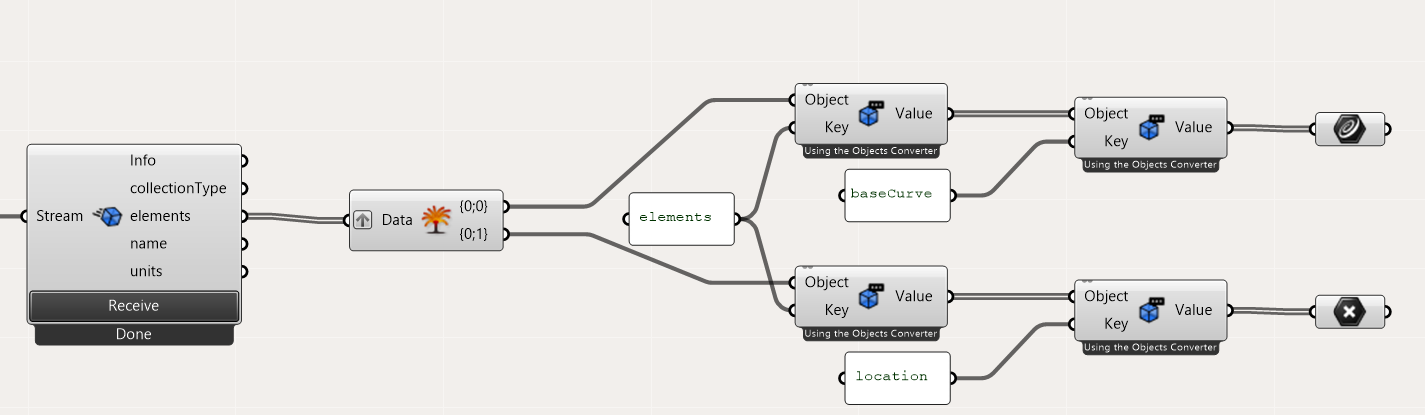
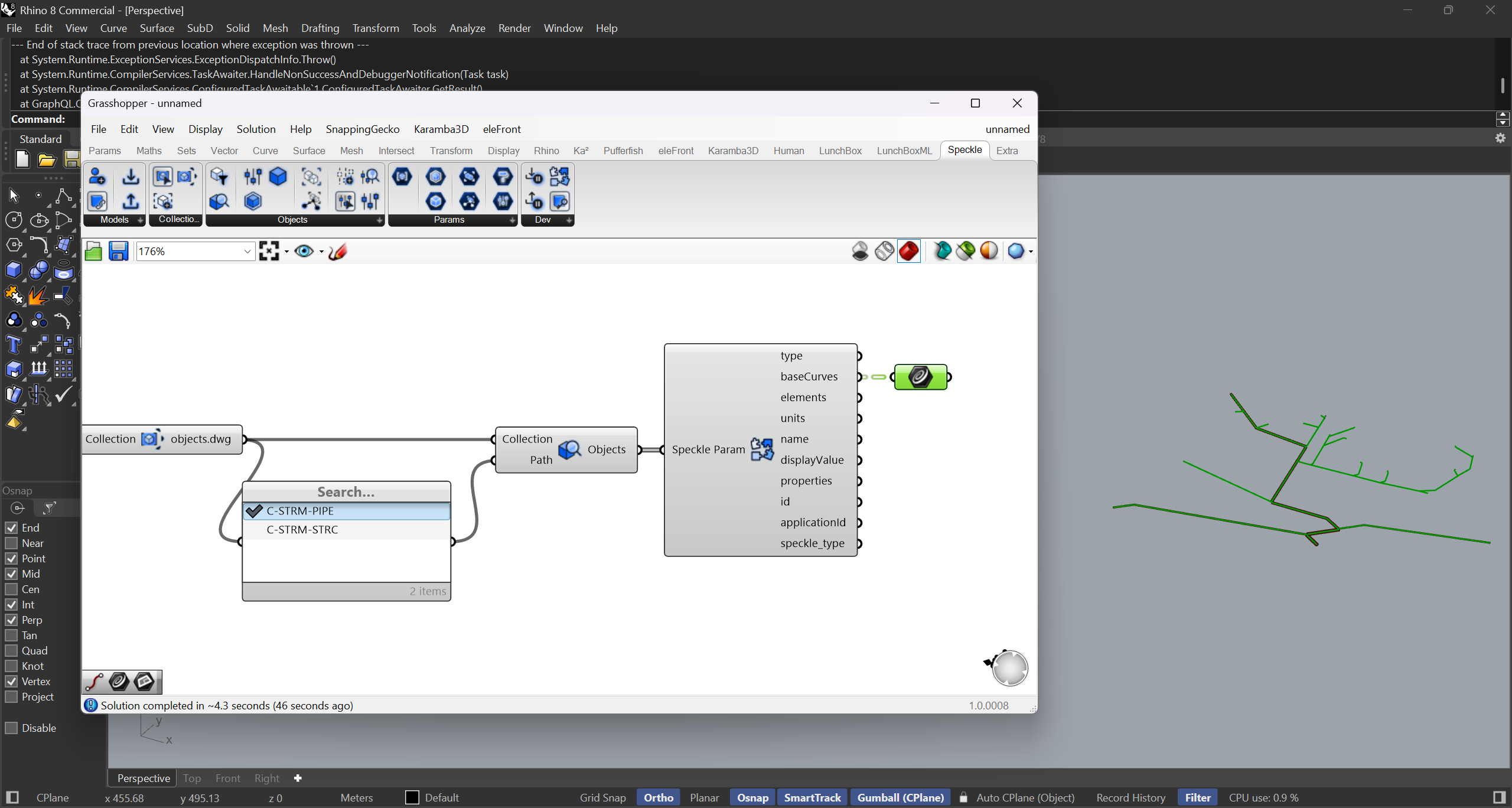
Accessing the underlying Geometry used to be fairly simple by getting the baseCurve from Pipes and location from Structures. These were then both cast to GH types line and point.
Hi @alex-d-richards , thanks for the detailed feedback! I did spend quite a bit of time reworking the legacy civil 3d object model into the Next-Gen format, so I’m glad that some properties are coming through more legibly.
I haven’t scoped the Grasshopper connector to work fully with Civil 3D data yet, and the base curve geometry is for now only retrievable via the ‘Deconstruct’ node (same with base curves of Revit objects). I’ll take a detailed look into corridors in GH and see if there’s anything fully inaccessible.
I’ll log an issue to fix the default material and extra part data values you’re seeing. If you could send me a sample model, it would help validate the fix!
Btw, I’ve recently written up a comprehensive set of docs for the new GH connector (here’s the section for the deconstruct node): Developer Nodes - Speckle Docs
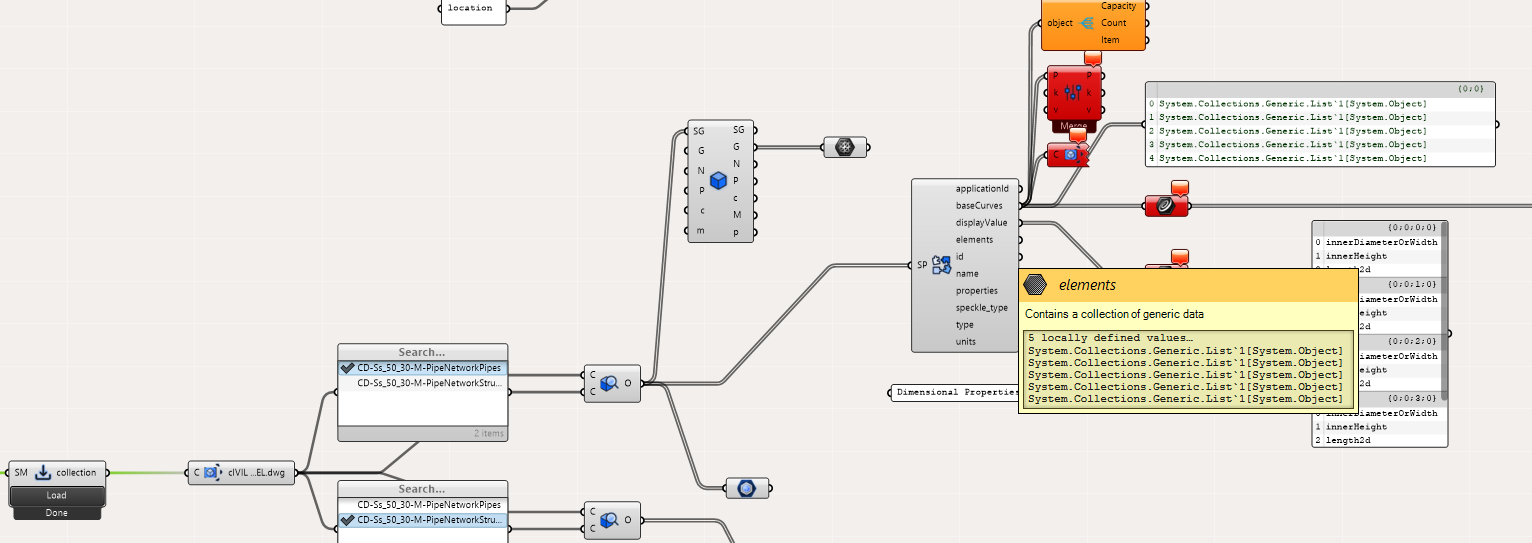
I had been running v3.6.1 and the deconstruct node you noted worked great for accessing the baseCurves and applicationId etc.
However ive just updated to the latest release 3.8.1 i think and there seems to be an error with the return types for baseCurves, displayValues, elements of Generic.List:
I will DM a test model, unfortunately i think i also need to send you our parts catalogue to test it with as the properties are pulled from this as opposed as being bound in the file.