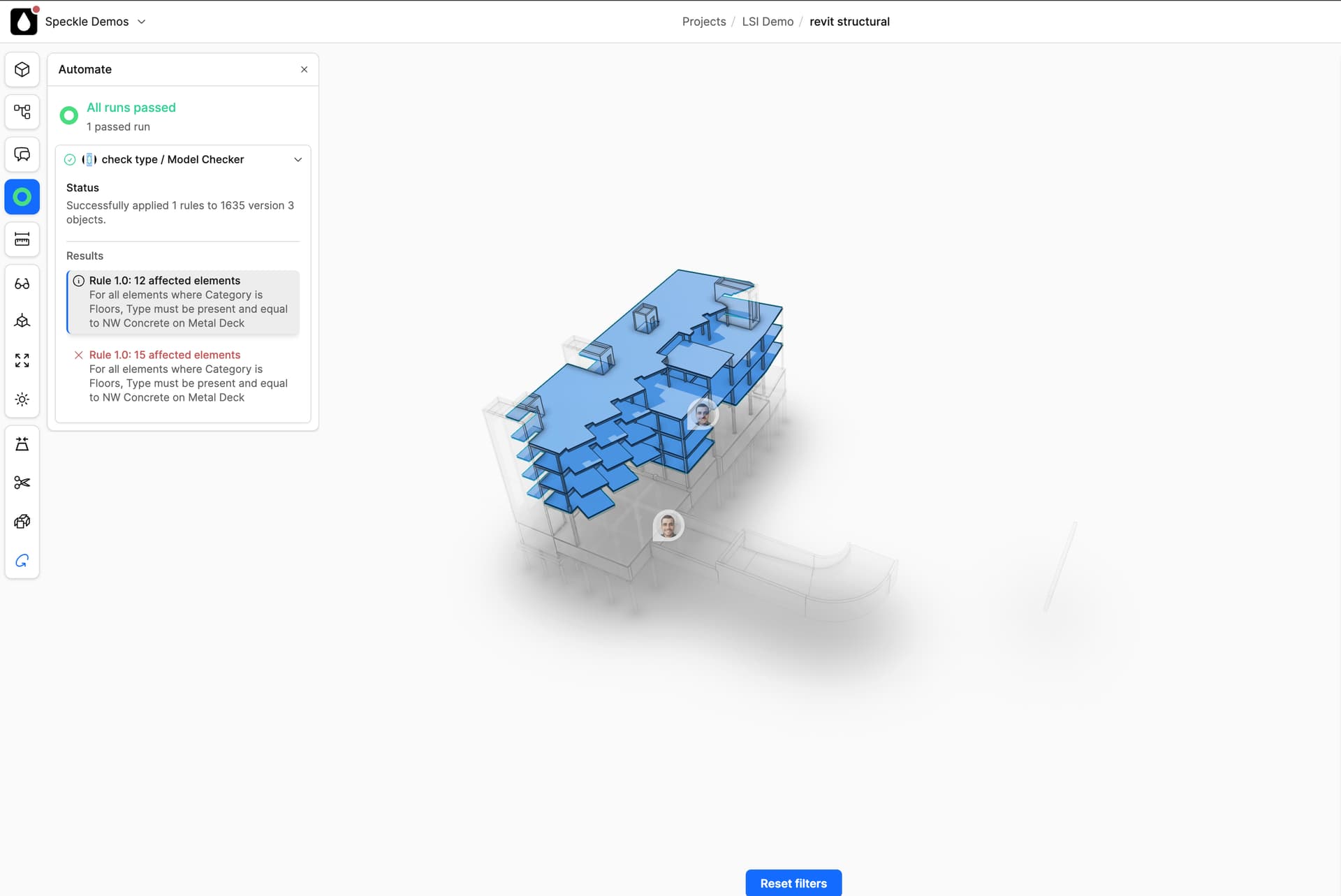
Does anyone can help me to visualize the model based on parameter value using automate
We create a parameter called “Status”
It has 4 scenarios [Blank value], Planned, In Progress & Completed
Model elements could be display with a colour based on parameter value “Status”
Commenting for better reach 
@SpeckleTeam Do we have any update for Visual override graphic update?
Hi Praveen, currently not easily with automate.
Here’s an example: https://app.speckle.systems/projects/3d472e1e83/models/1f9d0ff7f0@80417d15f0
You could hack the results object to contain 4 results, each targeting its set of objects - this will allow users to select your four stages.
Instead of rule 1, rule 2 etc. you could have “blank stage”, “planned” etc.
Currently I’m using the same way as suggested. But now I’m looking for solution to graphically showing those rules as below
To Do - Non visible
Planed - Visible
In Progress - Yellow
Delay - Red
Completed - Green